SIMPLICITY PLUS INSTALLATION MANUAL
Approved Document No: GLT.MAN-107 PAGE 23
Issue 3.16 Author: NRPJ Date: 21/09/2017
11. OTHER CONNECTIONS
11.1 REPEATER CONNECTION
The Simplicity has an RS485 connection for a serial repeater. The repeaters are display only (no control). A single repeater
can be powered from the 24V DC outputs on the panel’s Power Supply Unit (A or B). If 2 or more are to be connected,
then they must be powered from external 24V power supplies. The panel supports up to 4 repeaters.
Connections
See Section 21 for the serial repeater connections.
11.2 SERIAL PRINTER CONNECTION
The Simplicity has an RS232 Serial output that transmits panel events as they occur. It can connect to the Zeta TCP/IP
Interface (Ask distributor for more details), or a serial printer. The recommended printer is an Epson LQ300 II+. The serial
port on the Simplicity is configured to this printer’s default settings. See also Section 21.
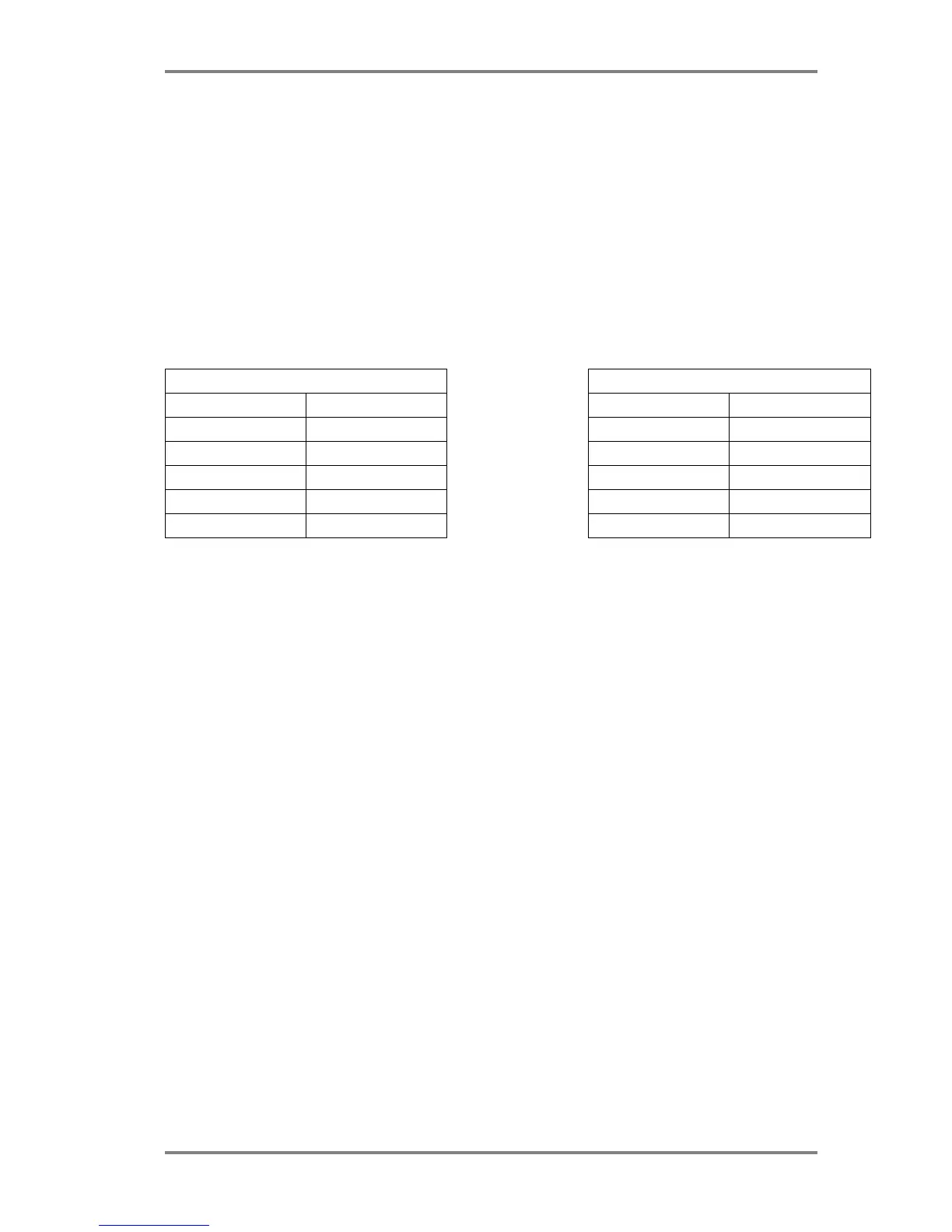
CONNECTIONS SERIAL PORT SETTINGS
SIMPLICITY 25 PIN D CONNECTOR SETTING VALUE
TX Pin 3 (RX) Baud Rate 19200
RX Pin 2 (TX) Data Bits 8
GND Pin 7 (GND) Stop bits 1
CTS Pin 4 (RTS) Parity NO
DSR Pin 20 (DTR) Flow Control Hardware



 To Next Page