Hardware Installation and PC Setup
20 6212-I3 4-Port Router User’s Guide 6212-A2-ZB83-20
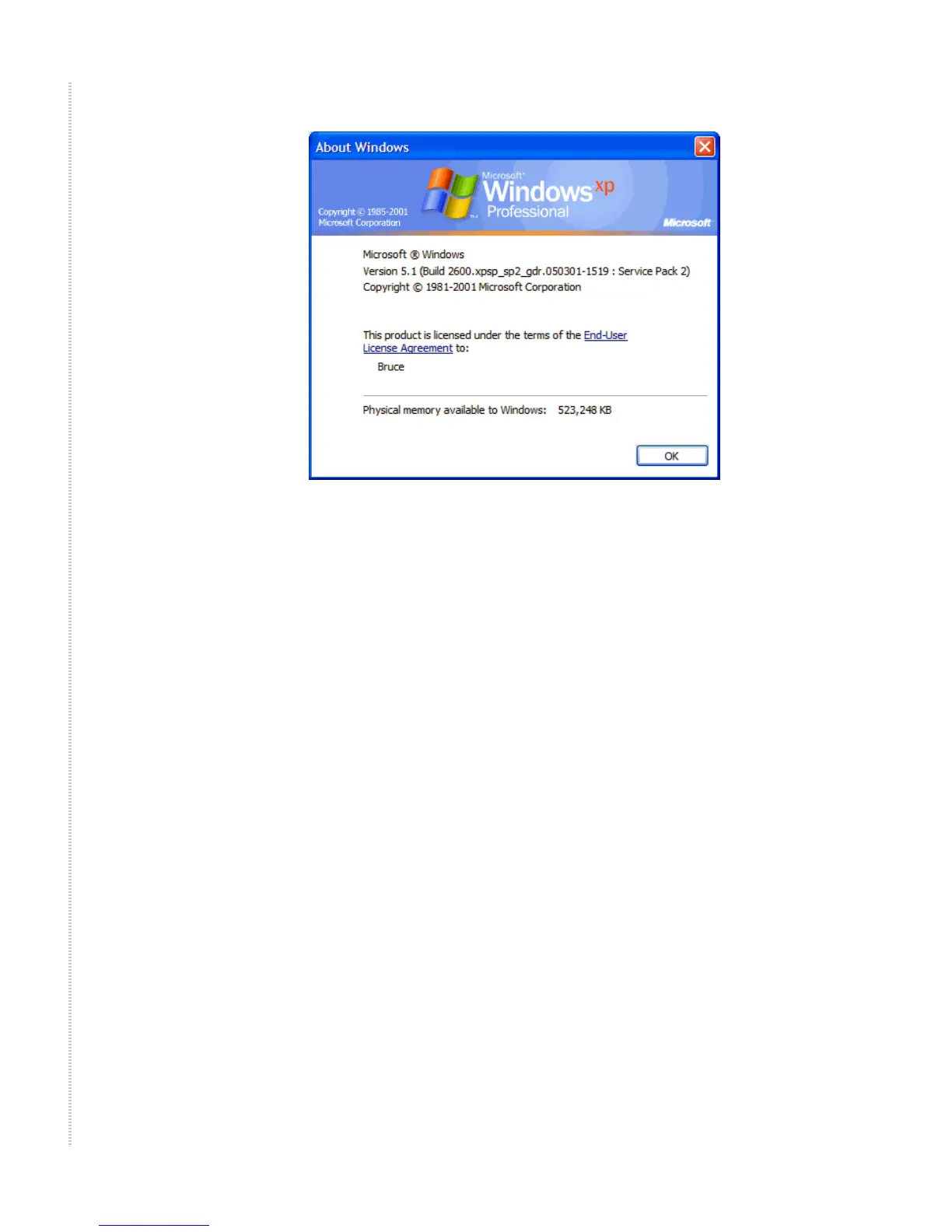
Figure 5: Windows Version
Windows XP
1 In the Windows task bar, click on the Start button, and then click on
Control Panel.
2 Double-click on the Network Connections icon.
3 In the LAN or High-Speed Internet window, right-click on the icon
corresponding to your network interface card (NIC), and select
Properties. (Often this icon is labeled Local Area Connection). The Local
Area Connection dialog box displays with a list of currently installed
network items.
4 Ensure that the check box to the left of the item labeled Internet Protocol
(TCP/IP) is checked, and click on Properties.



 To Next Page