Advanced Setup
48 6212-I3 4-Port Router User’s Guide 6212-A2-ZB83-20
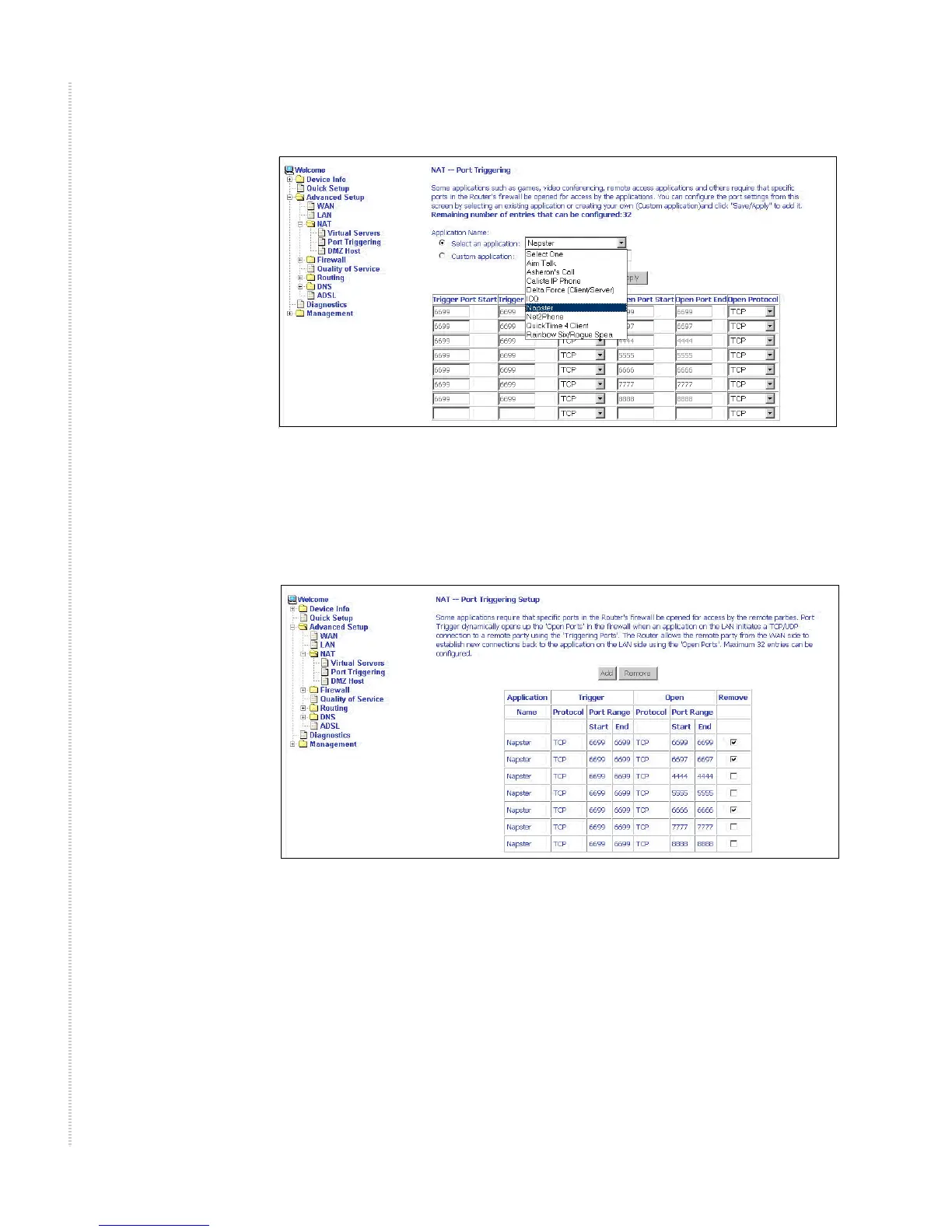
Figure 42: Port Triggering Add Page
On this screen you can view and delete applications. Click in the check box
under Remove and click on the Remove button to delete selected applications.
Figure 43: Port Triggering List
DMZ Host
You can define the IP address of the DMZ Host on this screen. Enter the IP
address and click on Save/Apply.



 To Next Page