Firewall
6212-A2-ZB83-20 6212-I3 4-Port Router User’s Guide
49
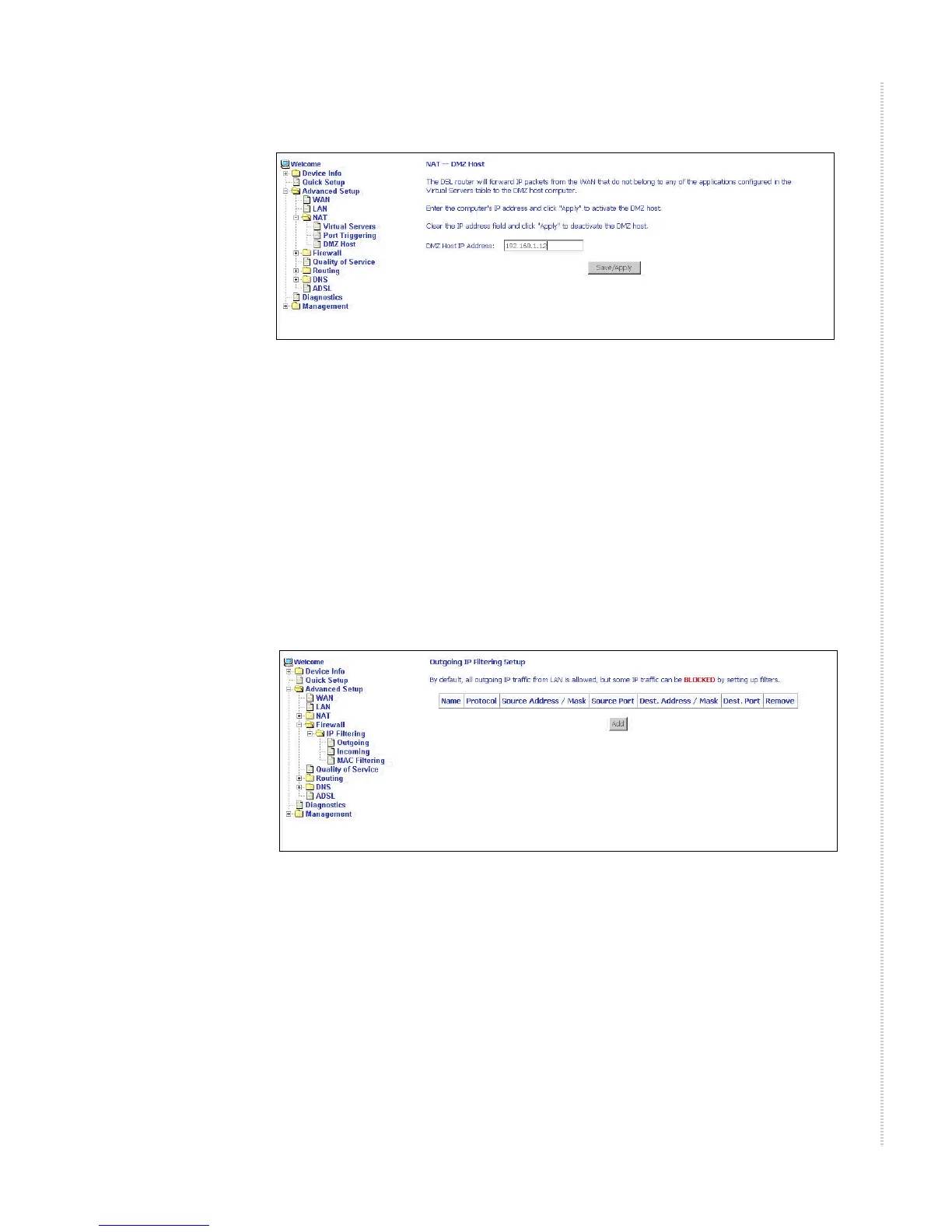
Figure 44: DMZ Host Setup
Firewall
For security reasons, firewall options can be configured only from the LAN
side of the router.
IP Filtering – Outgoing
The outgoing filter will block the traffic from the LAN side to the WAN side.
Click on Add to create filters.
Figure 45: IP Filtering – Outgoing Filter Setup
Input the filter name, source information (from the LAN side), and
Destination information (from the WAN side). Then click on Save/Apply.



 To Next Page