WAN
6212-A2-ZB83-20 6212-I3 4-Port Router User’s Guide
43
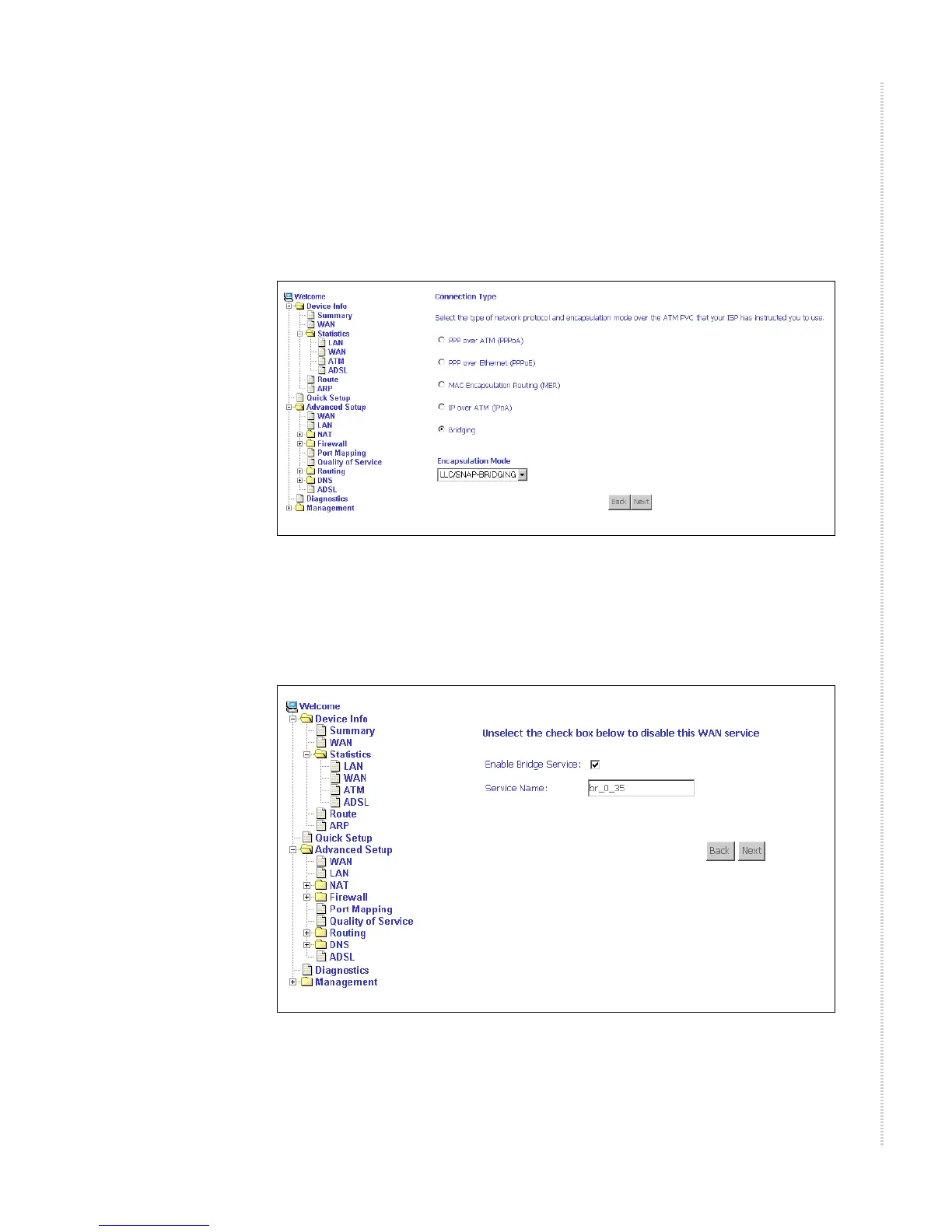
Connection Type Screen
1 Select the type of network protocol and encapsulation mode over the
ATM PVC that your ISP has instructed you to use, then click on Next
button.
Figure 33: Connection Type Screen
2 Select a connection type and click on Next. In this example, the Bridge
Service screen appears.
Figure 34: Bridge Service Screen
3 Enter or select the parameters presented for the service type, and click on
Next. The WAN Setup - Summary screen appears.



 To Next Page