Advanced Setup
56 6212-I3 4-Port Router User’s Guide 6212-A2-ZB83-20
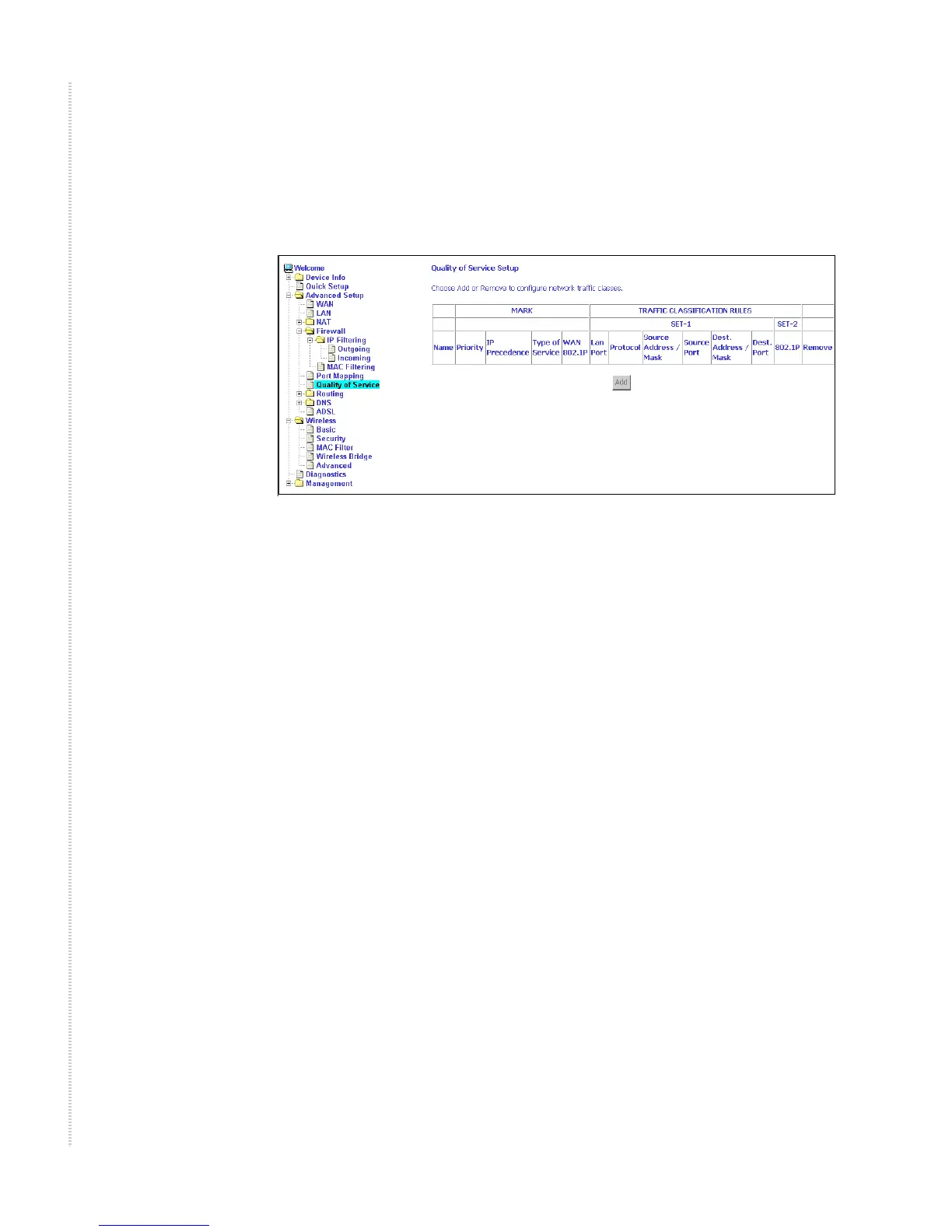
Quality of Service
You can configure the Quality of Service to apply different priorities to traffic
on the router.
Figure 59: Quality of Service Setup
Click on Add and the Add Network Traffic Class Rule screen appears. To add
a rule:
1 Give a name to this traffic class.
2 Assign a priority level-low, medium, and high-to this traffic class.
3 Select an IP precedence from the range of 0–7.
4 Enter an IP Type of Service from the following selections-
— Normal Service
— Minimize Cost
— Maximize Reliability
— Maximize Throughput
— Minimize Delay
5 Last, enter the traffic conditions for the class such as the protocol (TCP /
UDP, TCP, UDP, or ICMP) to be used.
6 Click on Save / Apply to save the settings.



 To Next Page