6212-A2-ZB83-20 6212-I3 4-Port Router User’s Guide 35
4
QUICK SETUP
Quick Setup with Auto-Connect Enabled
Auto-connect will automatically detect the first usable PVC and automatically
detect PPPoE, PPPoA, and Bridge Protocol (with DHCP Server available). To
use auto-connect:
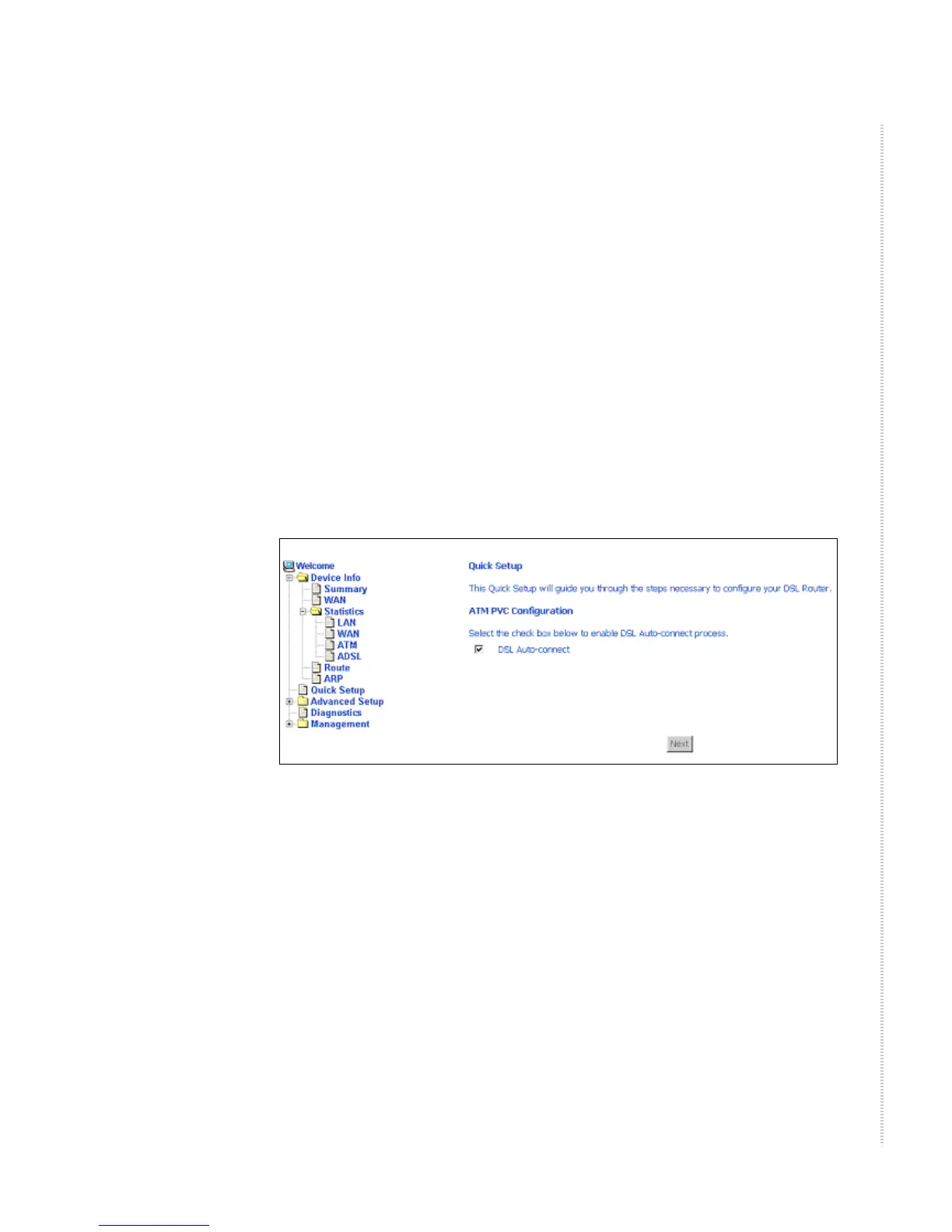
1 Select Quick Setup. The Quick Setup initial screen appears.
Figure 22: Quick Setup Initial Screen
2 Select DSL Auto-Connect, then click on Next. The progress information
screen appears.



 To Next Page