Management
74 6212-I3 4-Port Router User’s Guide 6212-A2-ZB83-20
TR-069 Client
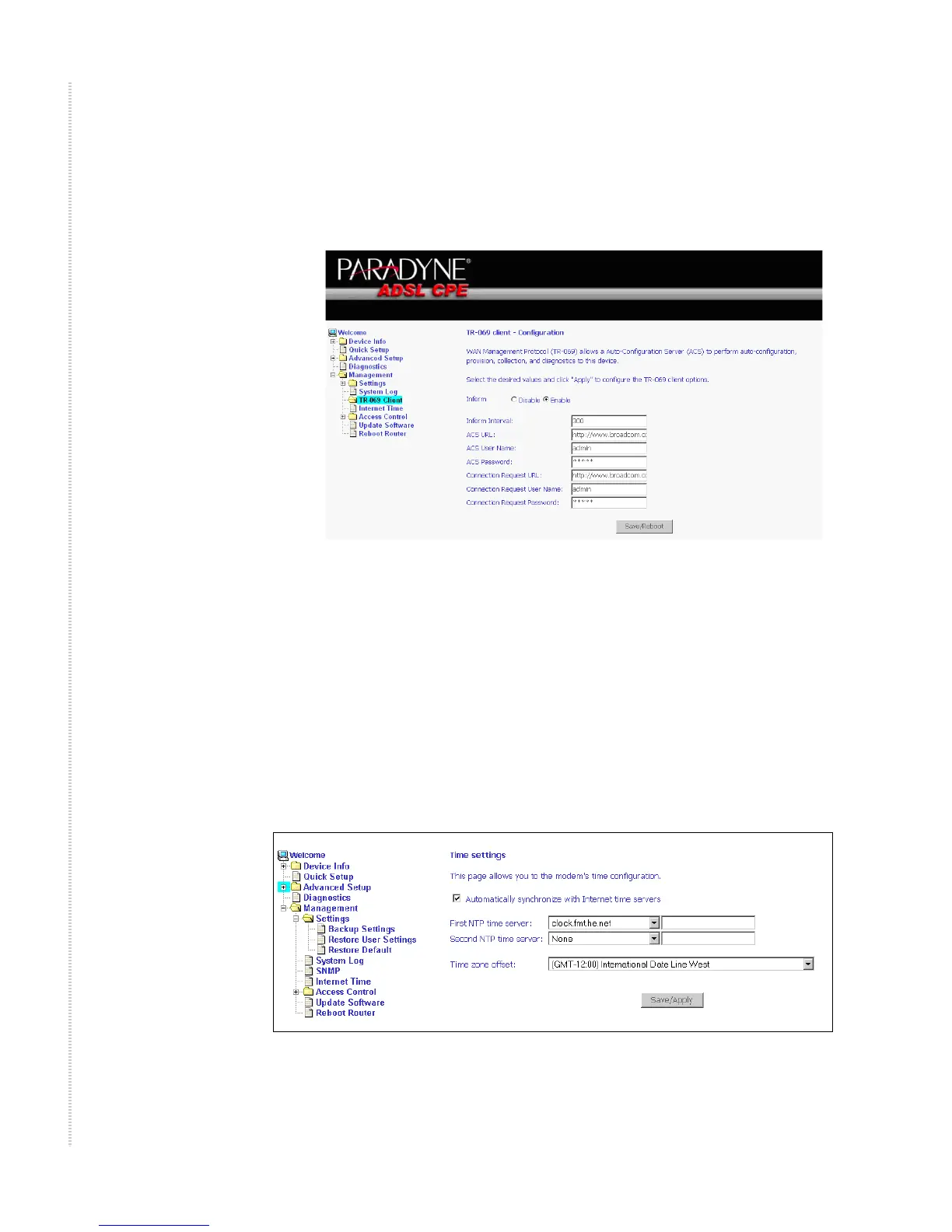
The router includes a TR-069 client which is a WAN management protocol.
Default values are already filled in. If you wish to enable this protocol, then
select Enable and fill in the text boxes according to your configuration. You
must click on the Save/Reboot button for the change to take place. Firmware
versions that support TR-069 do not support SNMP.
Internet Time
Use the Internet Time screen to specify whether the router uses Simple
Network Time Protocol (SNTP) to obtain the time of day from NTP servers
on the Internet.
To set up the router to obtain time from an NTP server:
1 Select “Automatically synchronize with Internet time servers”. The SNTP
fields appear.
Figure 86: Internet Time Screen
2 Select NTP servers.



 To Next Page