Quick Setup
36 6212-I3 4-Port Router User’s Guide 6212-A2-ZB83-20
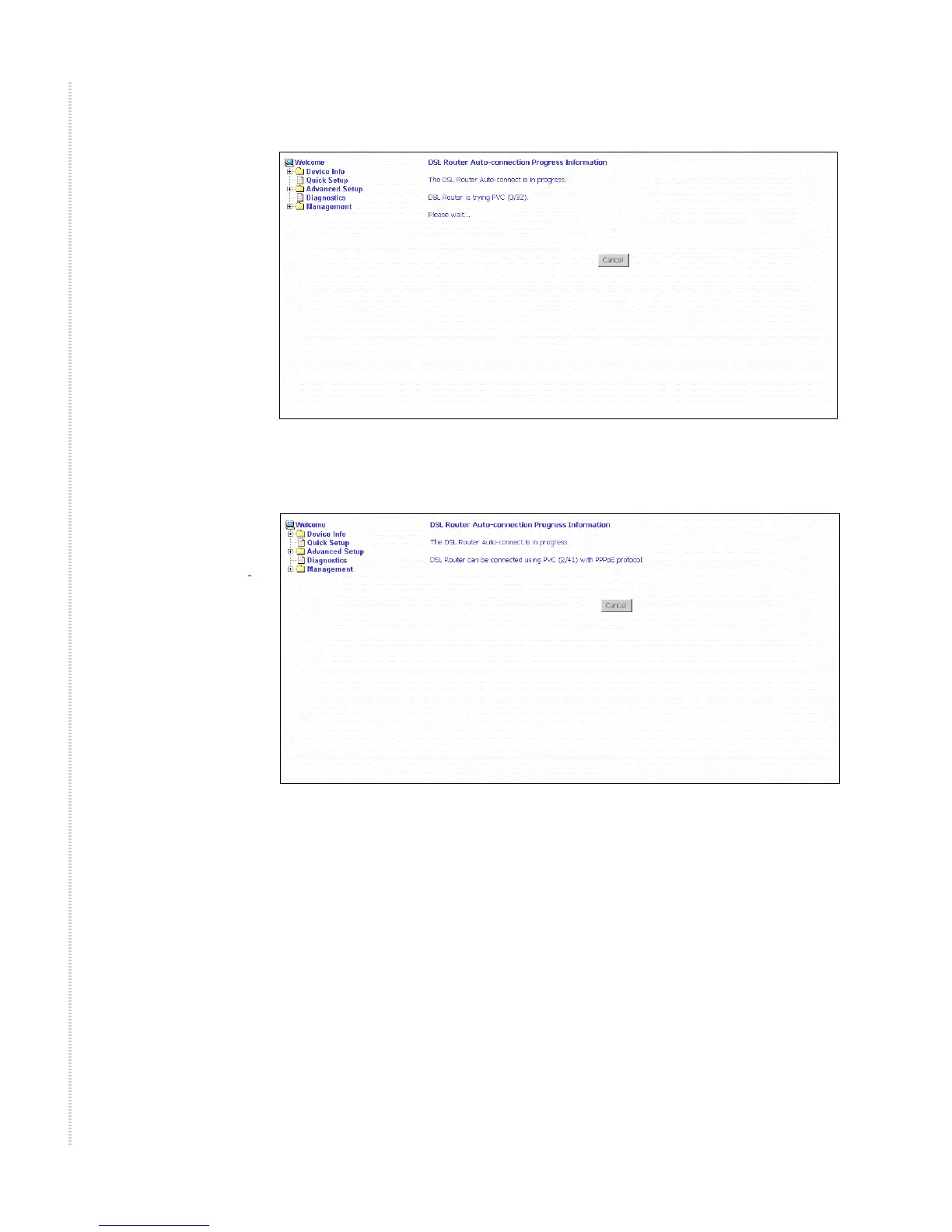
Figure 23: Detecting Available PVC
Figure 24: Detecting available PVC – Available PVC Detected
Quick Setup with Auto-Connect Disabled
1 Select Quick Setup. The Quick Setup initial screen appears.
2 Verify that DSL Auto-Connect is not selected. Entry boxes for VPI and
VCI appear when DSL Auto-Connect is not selected.
3 Specify VPI and VCI as directed by your ISP.



 To Next Page