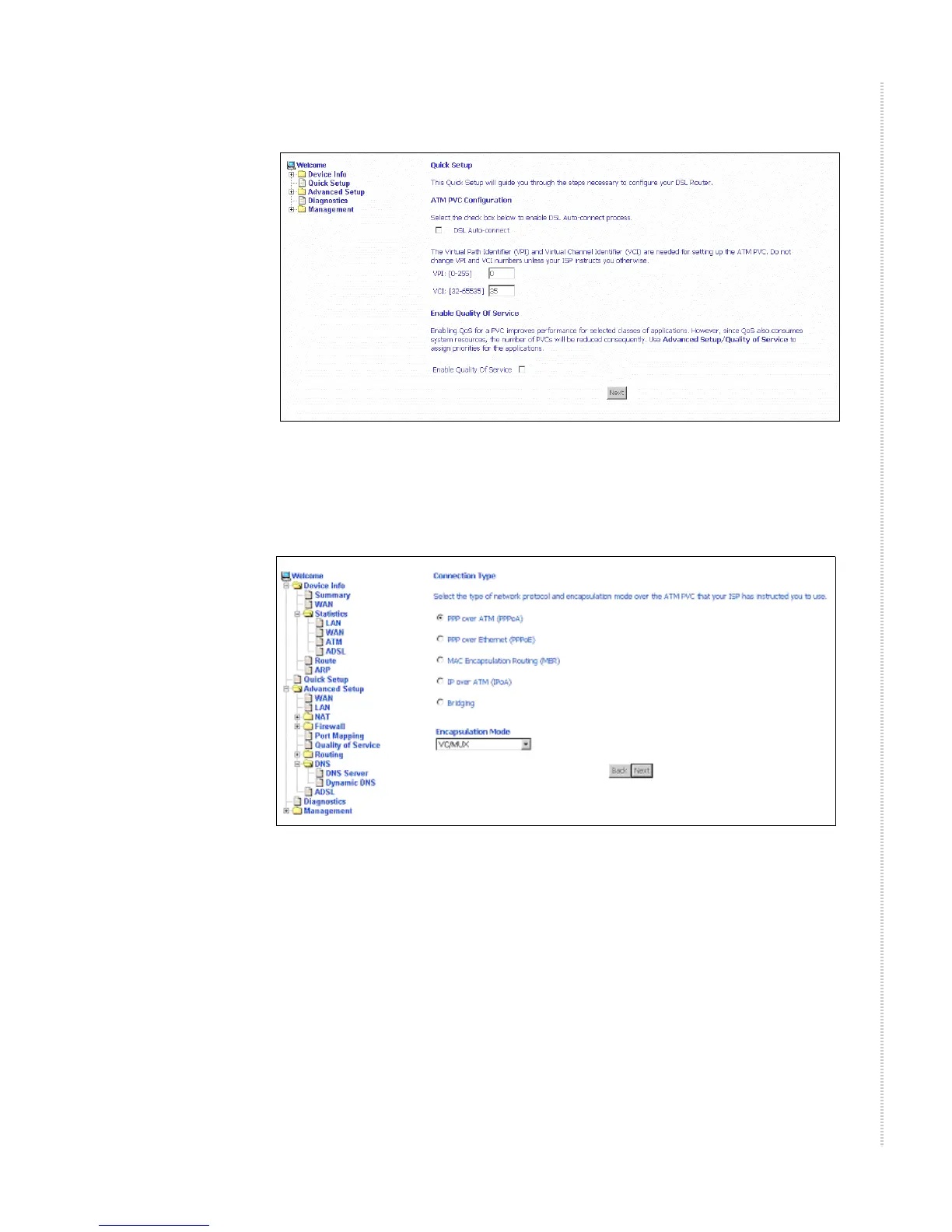
Quick Setup with Auto-Connect Disabled
6212-A2-ZB83-20 6212-I3 4-Port Router User’s Guide
37
Figure 25: Specifying VPI and VCI
4 Click on Next. The Connection Type screen appears.
Figure 26: Connection Type
5 Select the protocol and encapsulation type required by your ISP.
6 Click on Next. Further parameters for the selected protocol are presented.
For example, if you selected PPPoA, the PPP Username and Password
screen appears.



 To Next Page