Port Mapping
6212-A2-ZB83-20 6212-I3 4-Port Router User’s Guide
55
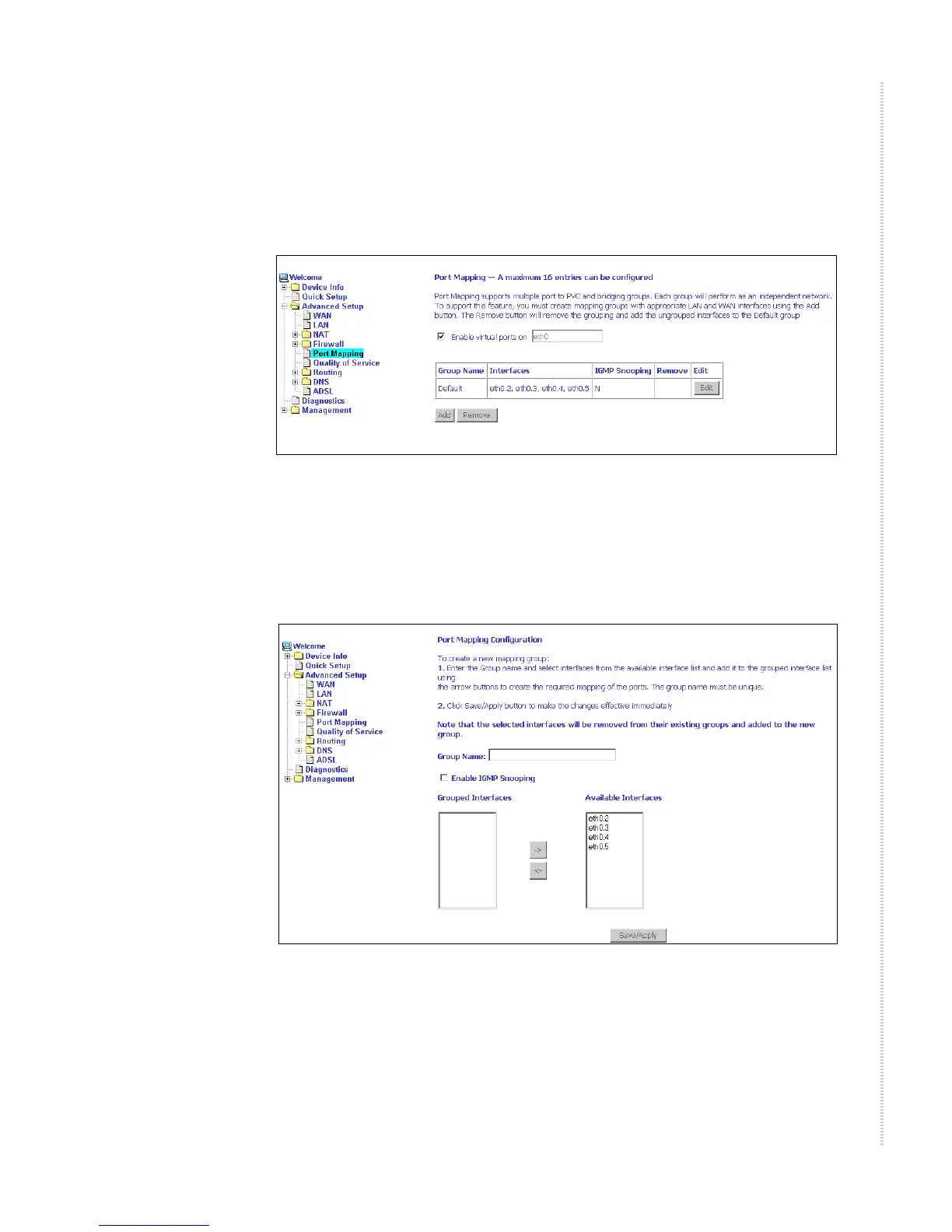
Port Mapping
Use the Port Mapping screen to map multiple ports to a PVC and create
bridging groups. Each group will perform as an independent network.
Figure 57: Port Mapping
To create a new mapping group:
1 Click on Add. The Port Mapping Configuration screen appears.
Figure 58: Creating a Port Mapping Entry
2 Enter a unique Group name.
3 Select interfaces from the available interface list and add them to the
grouped interface list using the arrow buttons to create the required
mapping of the ports.
4 Click on Save/Apply.



 To Next Page