Device Information
30 6212-I3 4-Port Router User’s Guide 6212-A2-ZB83-20
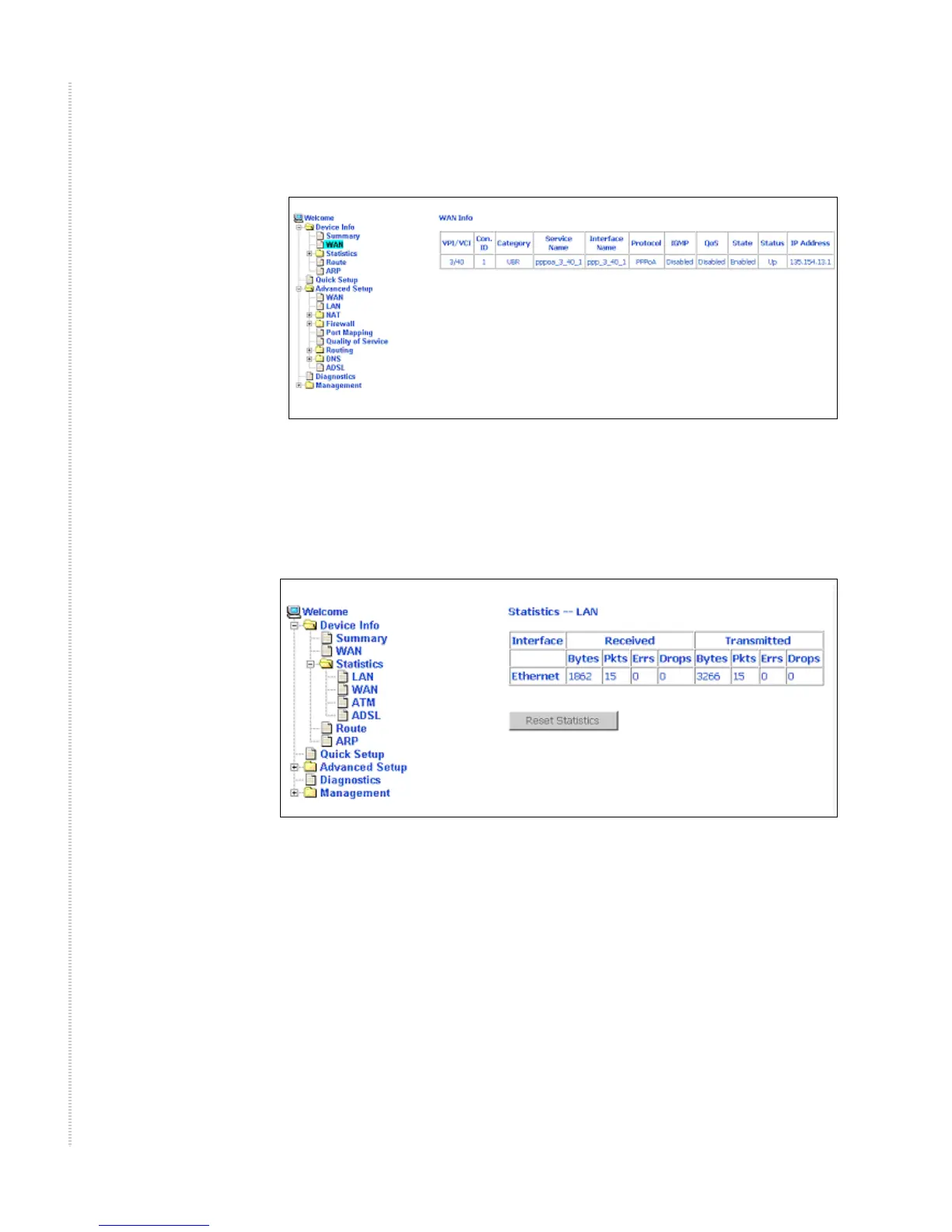
When a WAN connection is configured, the screen looks like Figure 13.
Figure 13: WAN Status with WAN Connection
LAN Statistics
Display LAN statistics by clicking on LAN under Statistics (Figure 14).
Figure 14: LAN Statistics
WAN Statistics
Display WAN statistics by clicking on WAN under Statistics (Figure 15).



 To Next Page