Firewall
6212-A2-ZB83-20 6212-I3 4-Port Router User’s Guide
53
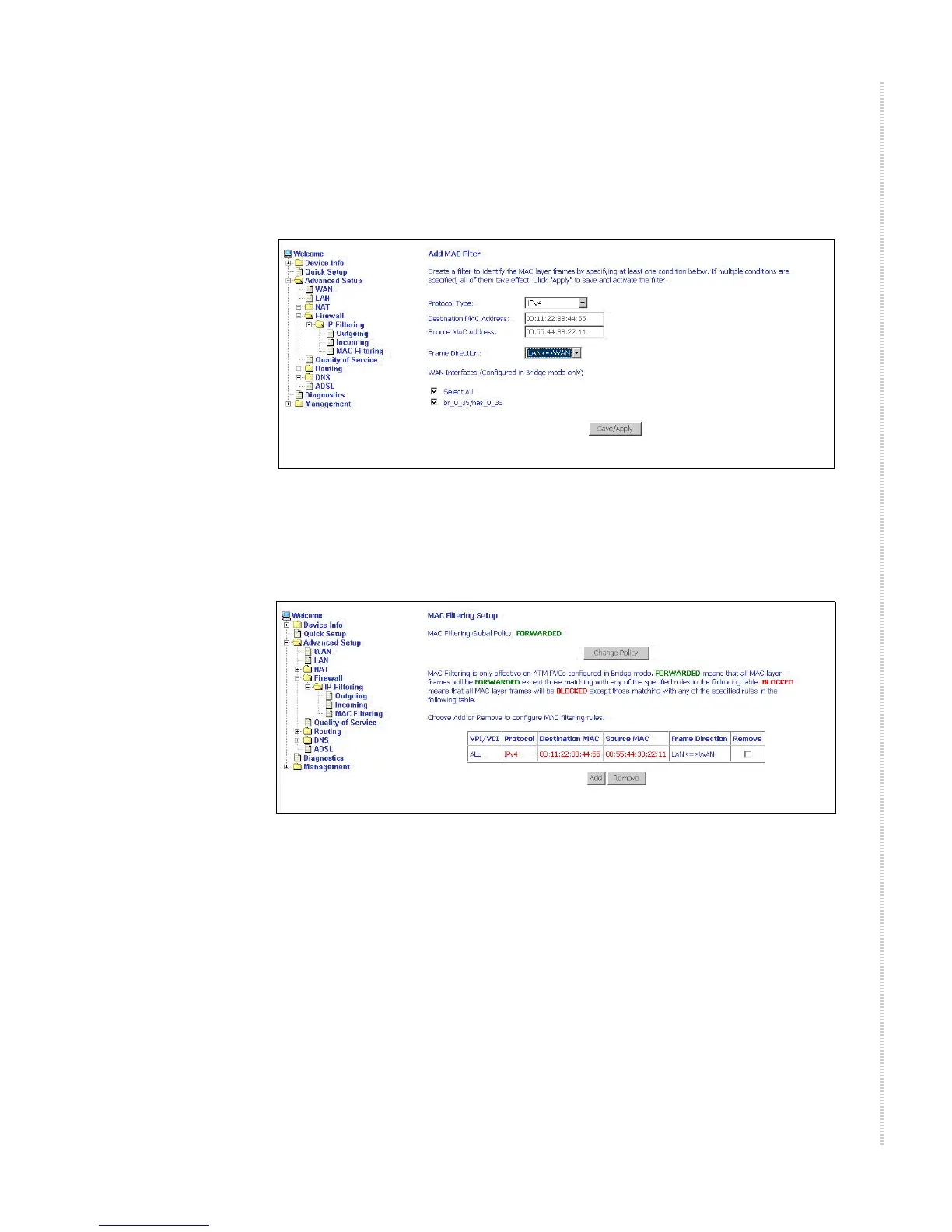
If you want to add a setting to the MAC filtering table, enter the Source and
Destination MAC address, and select protocol type, frame direction, and
WAN interface. Then click on Save/Apply to save it.
Figure 53: IP Filtering - MAC Filtering Add Page
On this screen you can view and delete MAC filtering rules.
Figure 54: IP Filtering - MAC Filtering List
Parental Control
Use the Parental Control feature to restrict the days and times a particular
device is allowed to access the Internet.



 To Next Page