Management
76 6212-I3 4-Port Router User’s Guide 6212-A2-ZB83-20
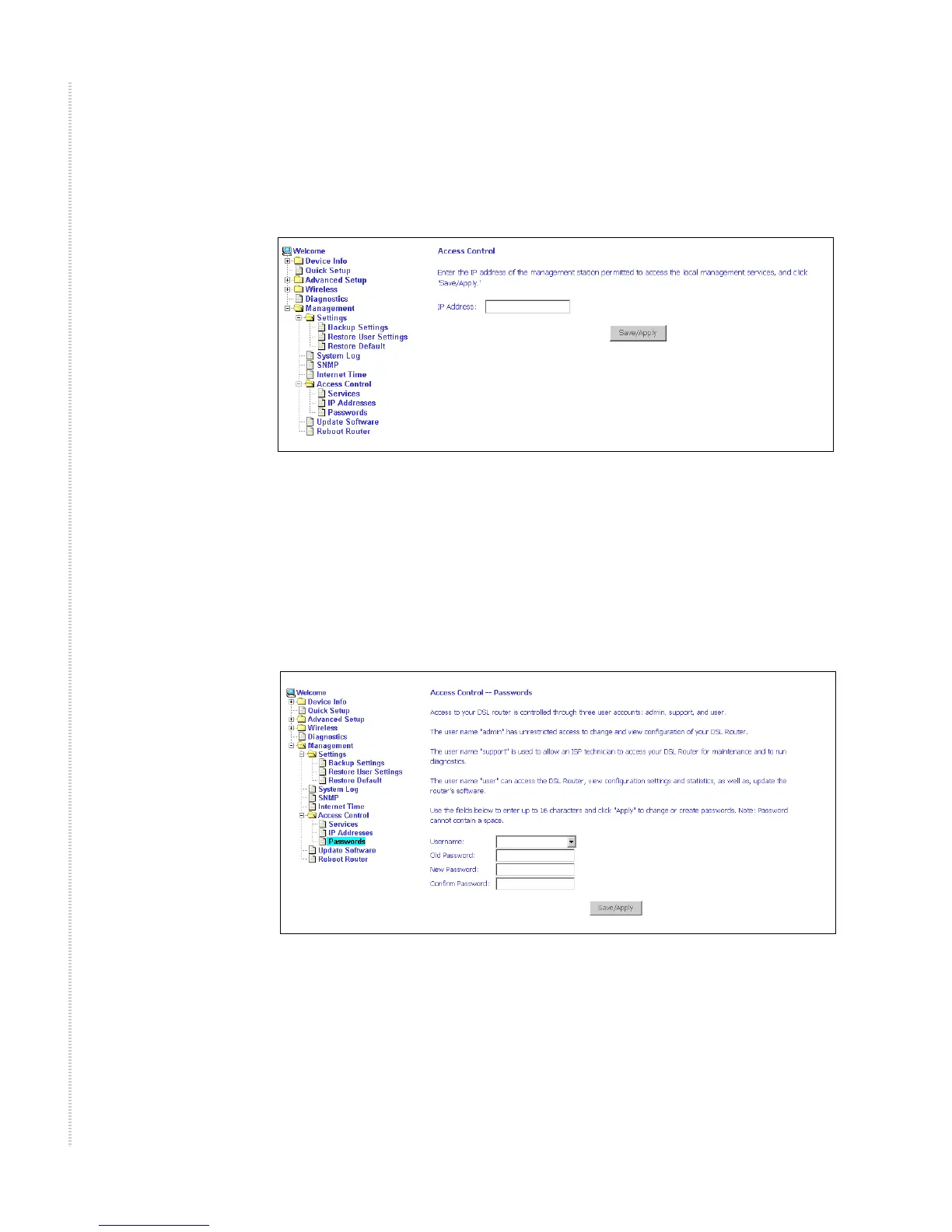
To assign the IP address of the management station that is permitted to access
the local management services, enter the IP address in the box and click on the
Save/Apply button.
Figure 89: Access Control – IP Address Add Screen
Access Control – Passwords
Use Access Control -> Passwords to change a password. Select an account
and enter the current password and the new password. Then click on Save/
Apply.
Figure 90: Access Control – Passwords Screen



 To Next Page