Advanced Setup
46 6212-I3 4-Port Router User’s Guide 6212-A2-ZB83-20
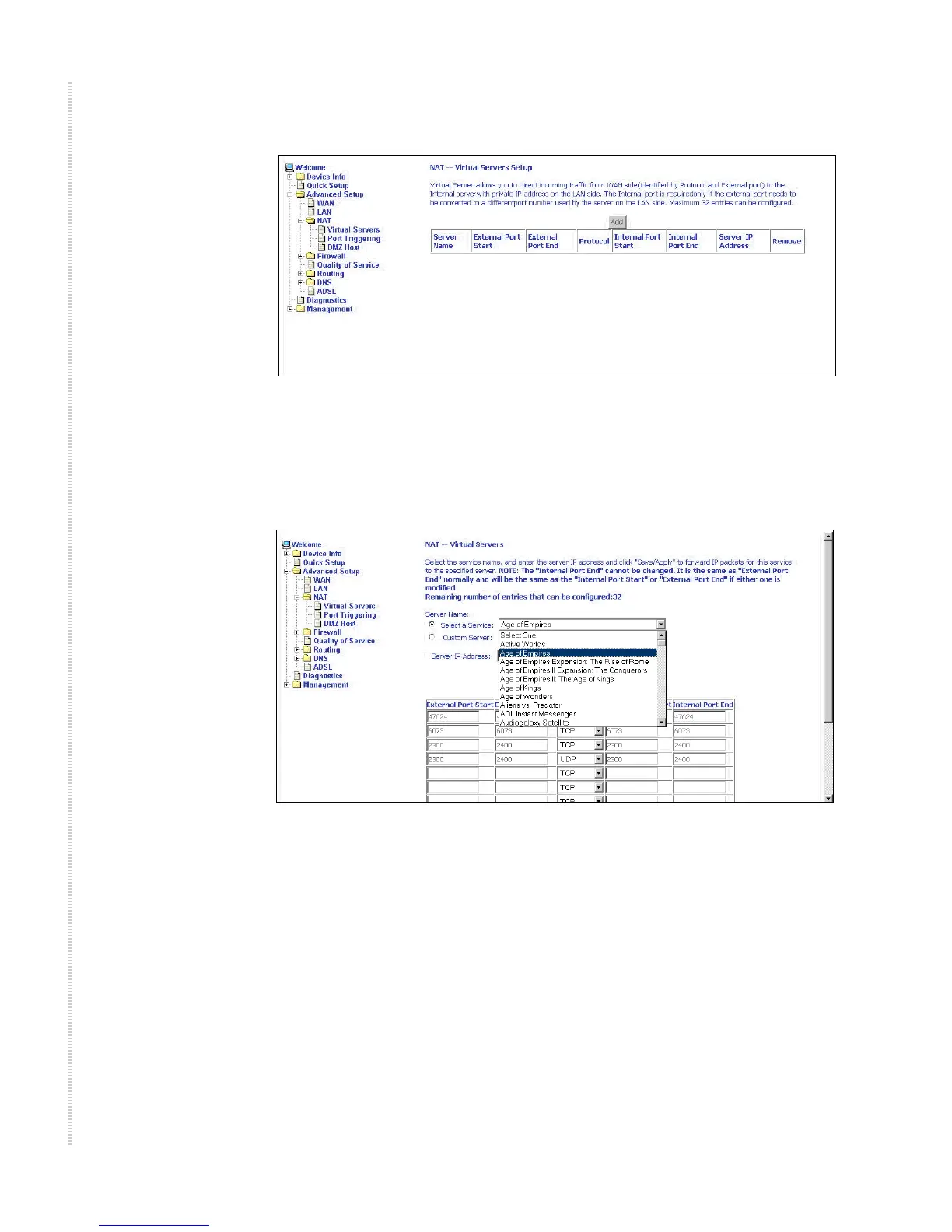
Figure 38: NAT Virtual Server Setup
You can select a Service or make new one. Enter the Server IP Address, then
click on Save/Apply to submit your configuration.
Figure 39: Virtual Server Add Screen
On this screen you can view and delete servers. Click in the check box under
Remove and click on the Remove button to delete selected virtual servers.



 To Next Page