Motherboard Technical Specification
Page 21
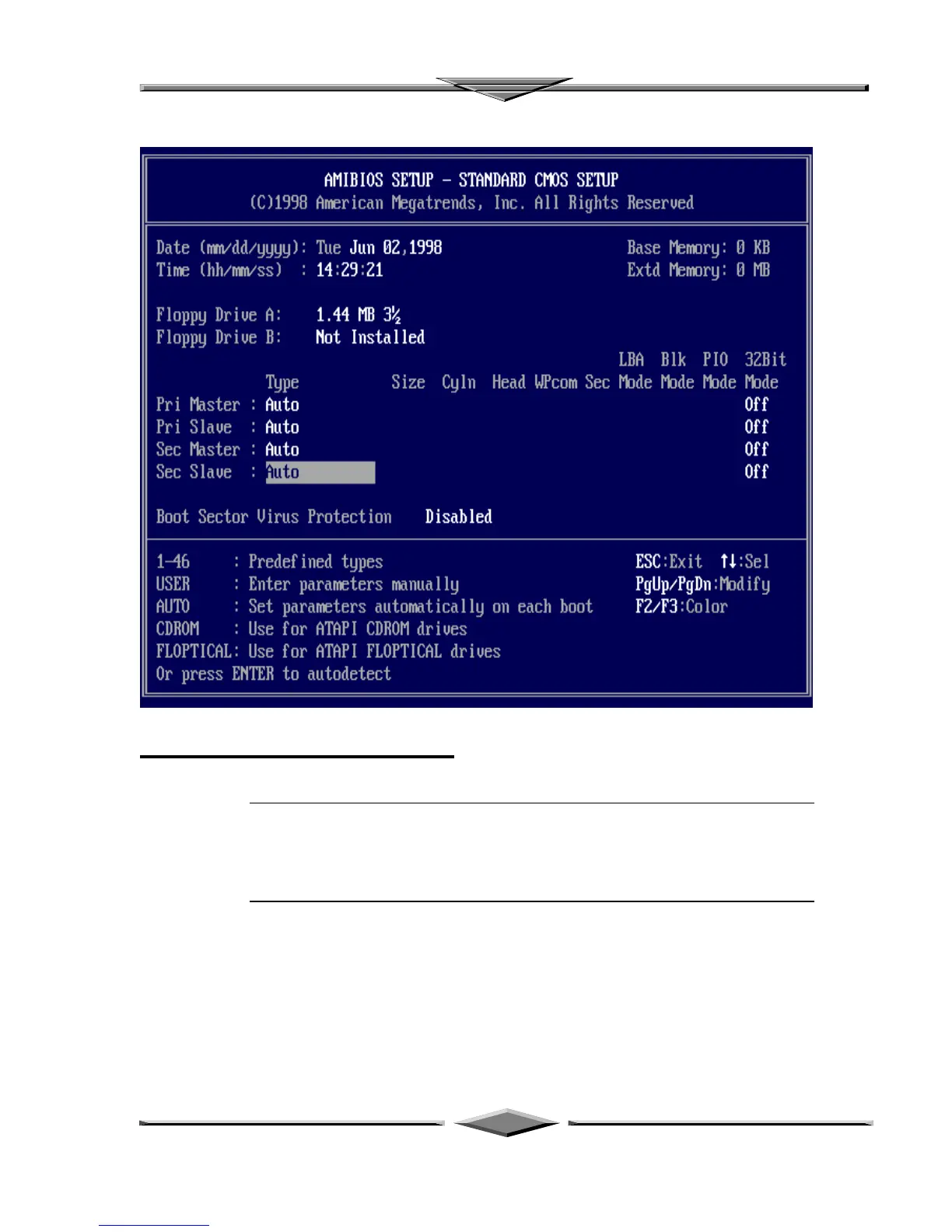
Standard CMOS Setup
Select the AMIBIOS Setup options by choosing Standard Setup from the AMIBIOS
Setup main menu. Standard Setup options are described below.
Floppy Drive A: and B:
Move the cursor to these fields via ↑ and ↓ and select the floppy type. The settings are
360 KB 5¼ inch, 1.2 MB 5¼ inch, 720 KB 3½ inch, 1.44 MB 3½ inch, or 2.88 MB 3½
inch.
Primary Master
Primary Slave
Secondary Master
Secondary Slave
Select these options to configure the drive named in the option. Select Auto Detect IDE
to let AMIBIOS automatically configure the drive. A screen with a list of drive
parameters appears. Click on OK to configure the drive.



 To Next Page