Motherboard Technical Specification
Page 29
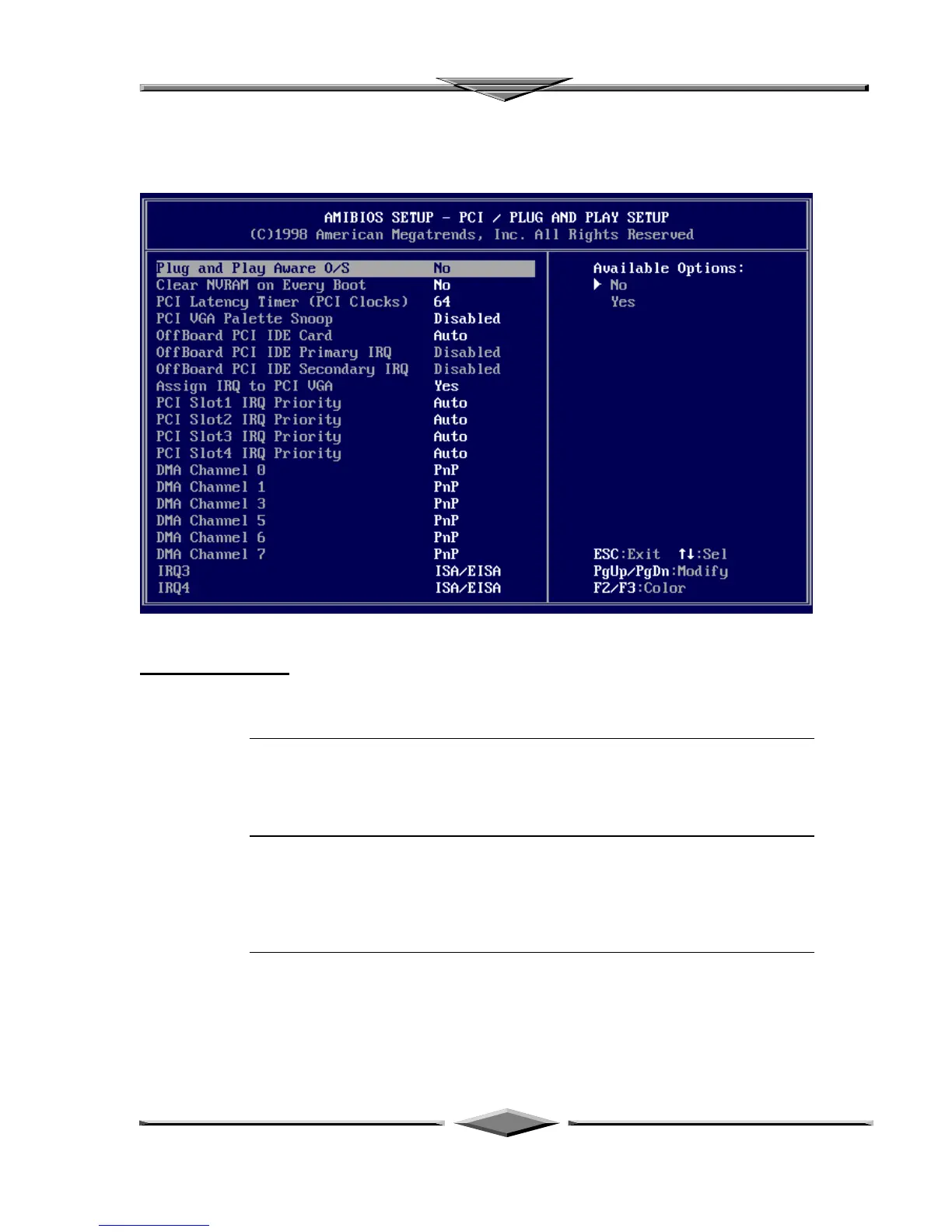
PCI/PnP Setup
Choose PCI/Plug and Play Setup from the AMIBIOS Setup screen to display the PCI
and Plug and Play Setup options, described below.
Plug and Play Aware O/S
Set this option to Yes to inform AMIBIOS that the operating system can handle plug and
Play (PnP) devices. The settings are No or Yes. The Optimal and Fail-Safe default
settings are No.
PCI Latency Timer (PCI Clocks)
This option specifies the latency timings (in PCI clocks) for PCI devices installed in the
PCI expansion slots. The settings are 32, 64, 96, 128, 160, 192, 224, or 248. The
Optimal and Fail-Safe default settings are 64.
PCI VGA Palette Snoop When this option is set to Enabled, multiple VGA devices operating on
different buses can handle data from the CPU on each set of palette registers
on every video device. Bit 5 of the command register in the PCI device



 To Next Page