Summary
The fi ngerprint terminal provides 4 types of enrolment methods:
• Fingerprint enrolment
User enrolls his fi ngerprint template into a terminal and the template will
be used for future verifi cations.
• Password enrolment
For user who has diffi culty to enrol fi ngerprint due to poor fi ngerprint
quality, enrolment of password is recommended. Password enrolment is also
suitable for visitors and temporary workers.
• Fingerprint and password enrolment
Under this option, a user can enrol both fi ngerprint and password at
the same time. The user can either use fi ngerprint or password to report atten
dance or to gain access.
• RFID card enrolment
Please refer to Chapter 2.7 for RFID Card Function.
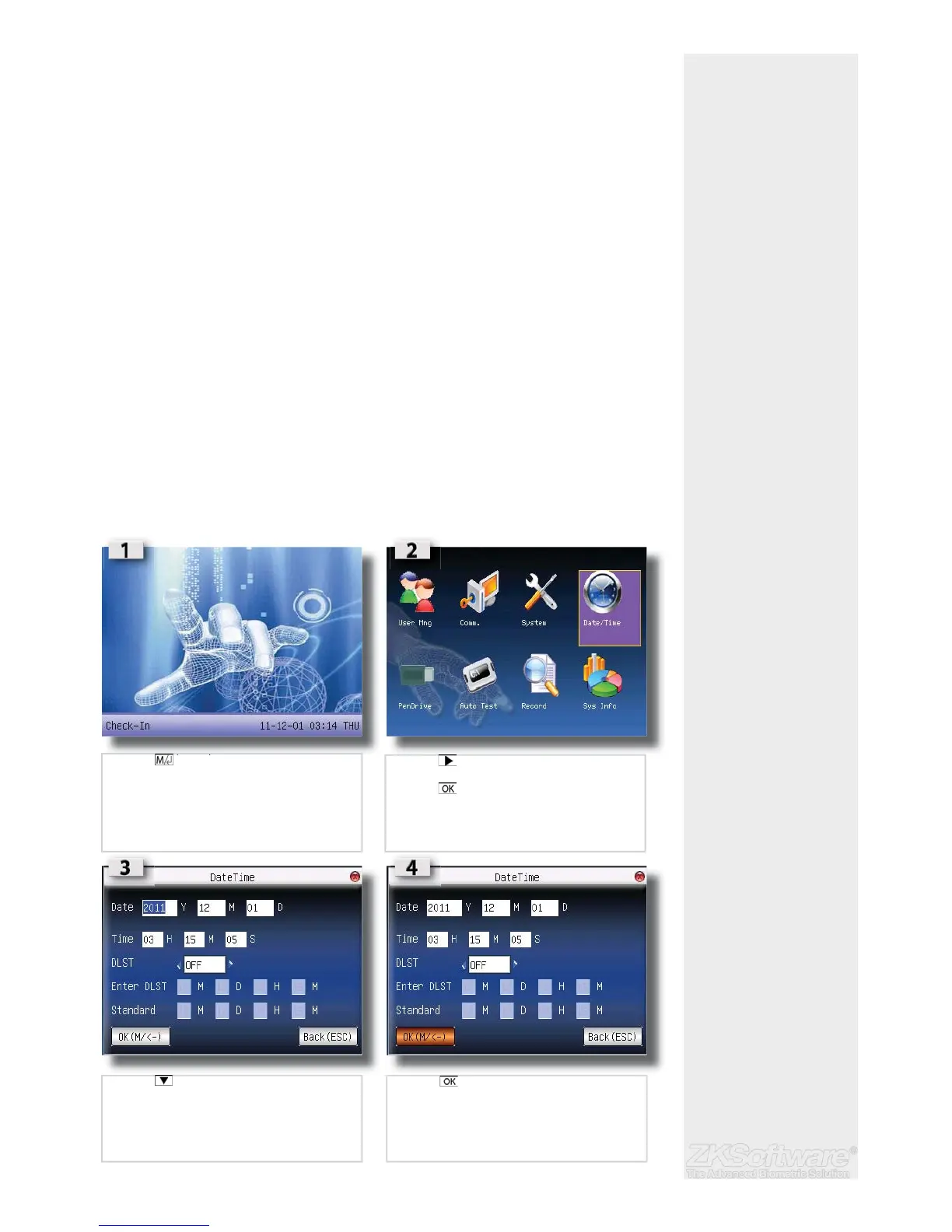
2.4 Date / Time Adjustment
When fi rst installing a fi ngerprint terminal, it is important to set the correct date and time.
Follow the steps shown to access the Date/Time adjustment menu:
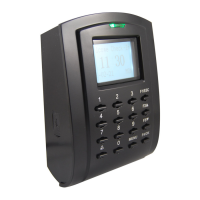
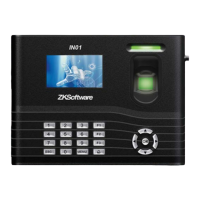
• You can insert inputs into the terminals through the keypad. It contains numbers
from 0-9, an OK button, an ESC/Cancel button, a Scroll up/down button, a doorbell
button and a Menu button.
* Enter the correct date &
time in the required fi elds
* Ensure the correct date &
time on the unit.
5
• Press (menu) once
• Press 3 times to go to Date/Time
• Press once
• Press to go to the desired fi eld.
• Enter the value using keypads.
• Press once to confi rm settings.


 To Next Page