Summary
* Ensure to enrol an admin-
istrator on the unit.
2.5 Enrol Administrator / User
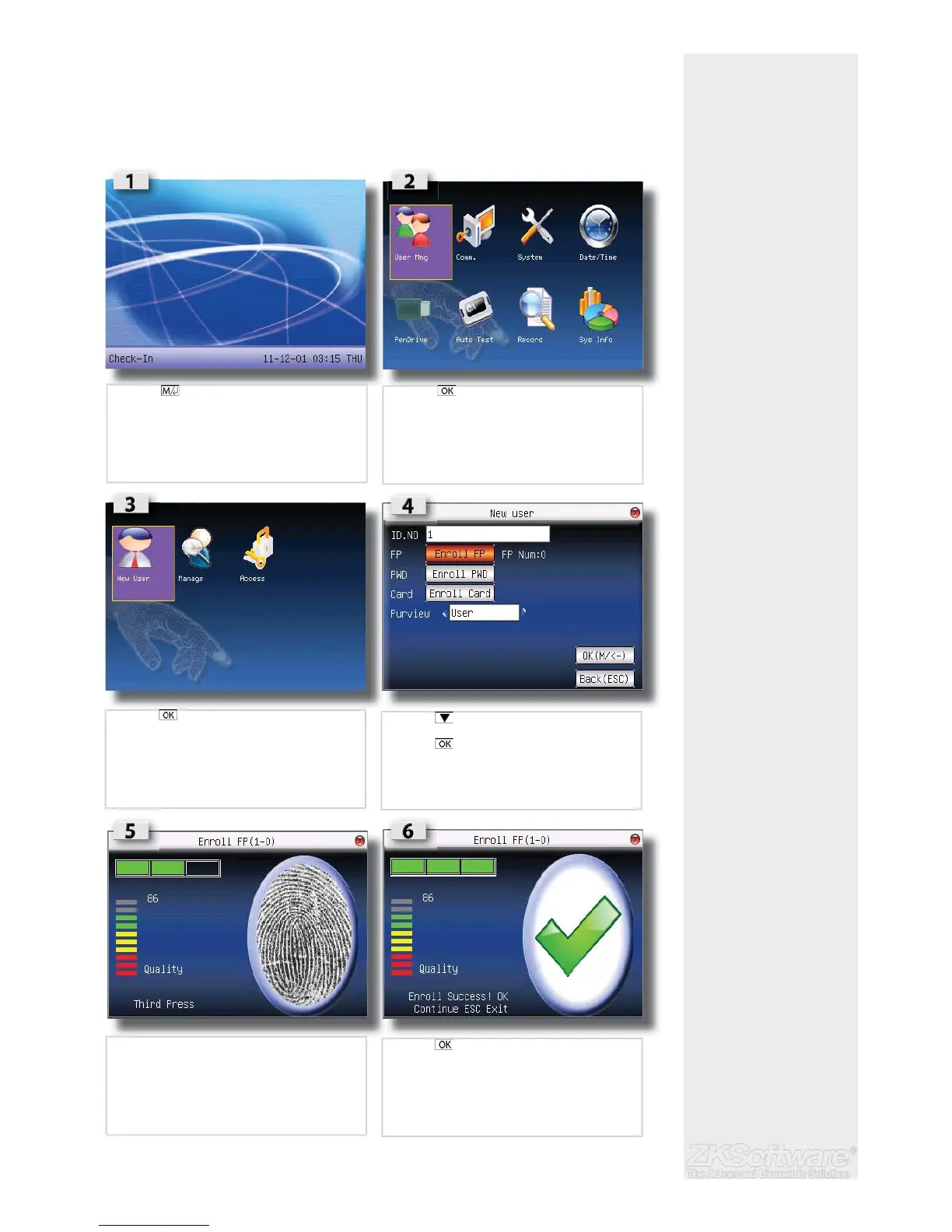
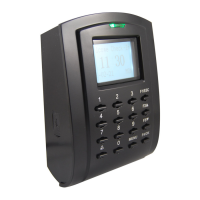
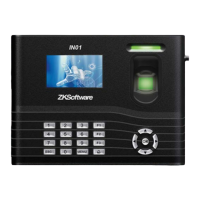
Once the fi ngerprint terminal is switched on, a display on the screen will appear. Enrol a
supervisor or an administrator, who is the in-charge person to administer the fi ngerprint
templates and the transaction data in the terminal. Choose trustworthy people for this
particular role.
* Ensure a good quality
fi ngerprint
* FP = Fingerprint
* PWD = Password / pin
* User = No administrative
rights on the unit
* Admin = Full control of
unit
6
• Press (menu) once
• Press (menu) once
• Press (menu) once
• Press 2 times to enrol fi ngerprint
• Press
• Press desired fi nger 3x times on sensor to enrol
• Press once to enrol more
• Press ESC to exit


 To Next Page