Menu ↓
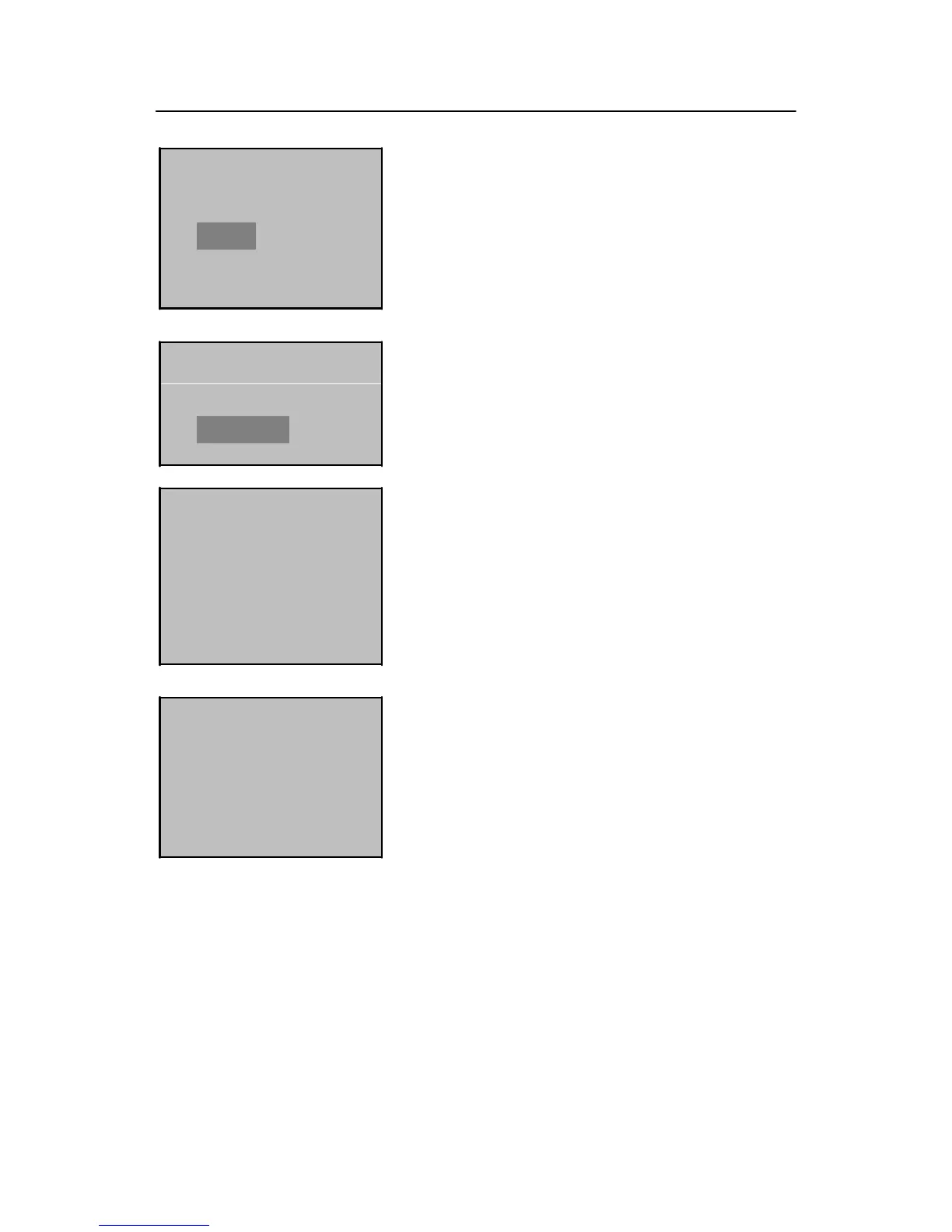
User Manage
►Options
PenDrive Mng
Options
Set Opt.
►System Opt.
System Opt. ↓
►Date Time
Language English
FPCard Key
YYYY-MM-DD 24H
2009-01-01
9:34:29
ESC OK
2) Press and hold the Menu key for three seconds to
access the menu interface. Press ▼ to select
“Options” and press OK to display the setting
interface.
3) Press ▼ to select “System Opt.” and then press
OK.
4) Press OK to select "Date Time".
5) To modify date or time, press ▲/▼ to move the
cursor to the desired option, and then press ▲/▼
again to enter correct date or time. Press OK to save
your settings.
Note: You can set the date between January 1
st
2003 and December 31
st
2032.
To set the date beyond this range, you need to consult our commercial
representatives or pre-sales technical support engineers.


 To Next Page