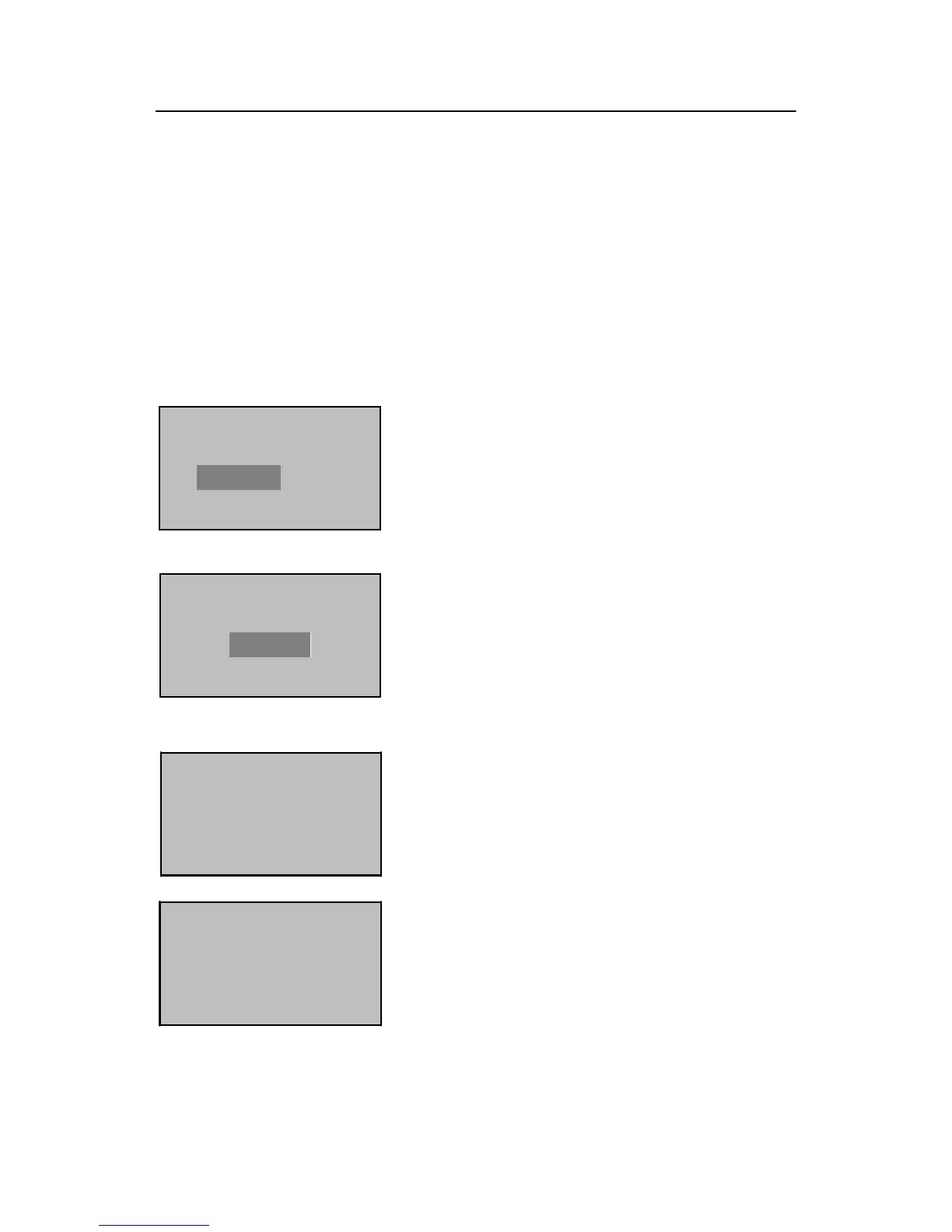
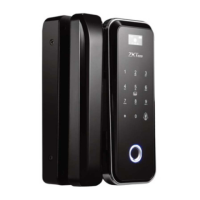
The system returns to the “New Enroll” interface upon successful enrollment. You
can continue or exit the fingerprint enrollment.
Note: The last digit in “00001–0” refers to the fingerprint count. “0” refers to
the first fingerprint, “1” refers to the second fingerprint and so on and so forth.
2.1.2 Enroll a Password
4) Press ▼ to select “Enroll Pwd” and then press
OK.
5) Press ▲/▼ to select “Admin Accredit”, and then
select “Supervisor” (Super administrator) or
“Admin” (Administrator). Press OK to confirm
your selection.
Enroll FP
New Enroll?
6) Press OK to continue.
ESC OK
New Enroll
UserID 00001
ESC OK
7) The system by default assigns unused user IDs
from 00001 and you may also manually enter an
unused user ID.


 To Next Page