2009-11-16
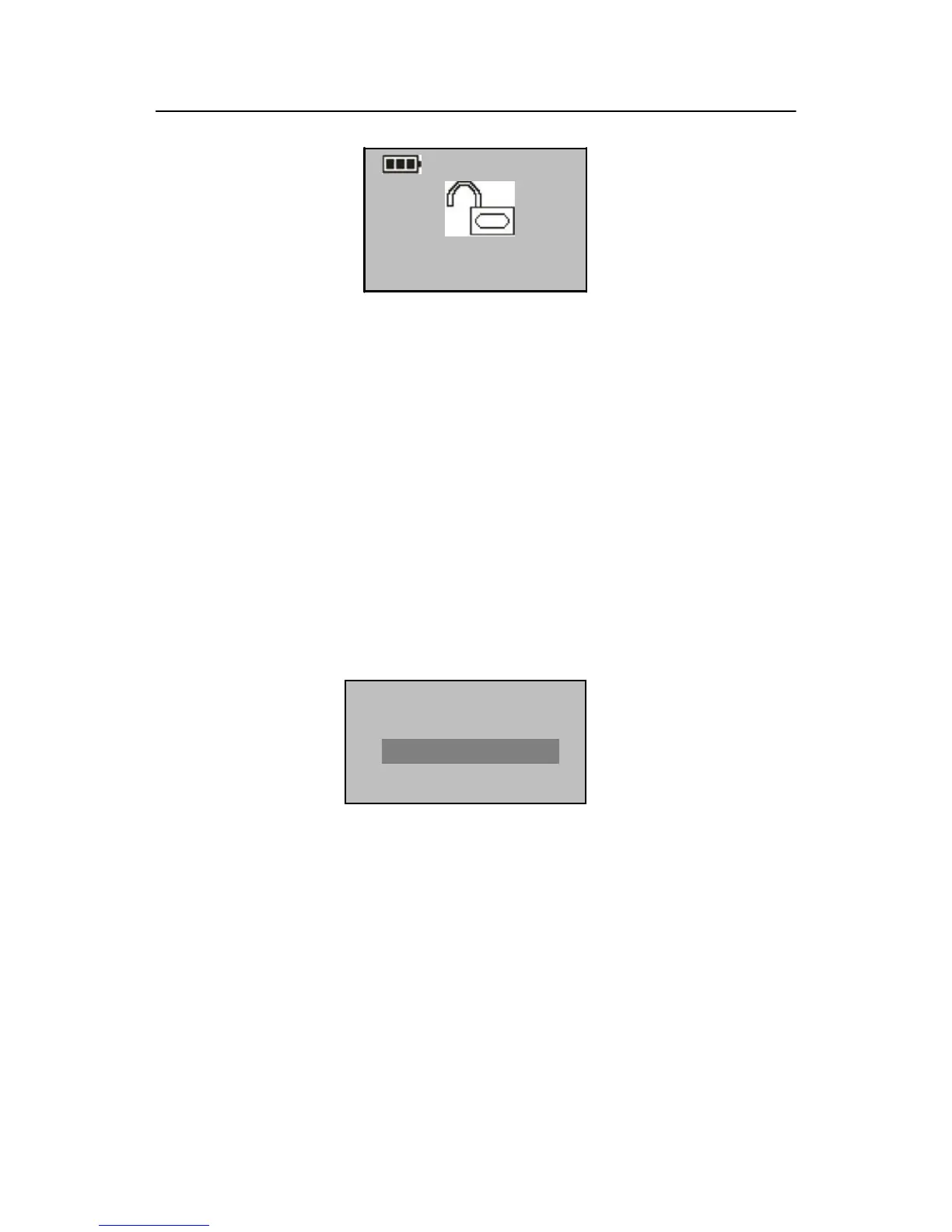
ESC OK(Lock Up)
To disable the NO function, power on the system and press OK in
the Normal Open interface. Then the system closes the lock and
automatically powers off.
Card Only: Press OK to display the Card Only interface, and press ▲/▼ to
select Yes or No. If you select Yes, you only need to verify your ID
card. +If you select No, you need to verify both your ID card and
fingerprint.
3.2 Language Settings
Select "Options" "System Opt." "Language" from the main menu to display
the following information:
Press OK to display the Language interface, and press ▲/▼ to select a desired
language. Press OK to confirm your settings and then press ESC to exit System Opt.
When the system prompts whether to save your settings, press OK and your settings
will take effect after system restart.


 To Next Page