12
3.2.6 "Internal se ngs" menu
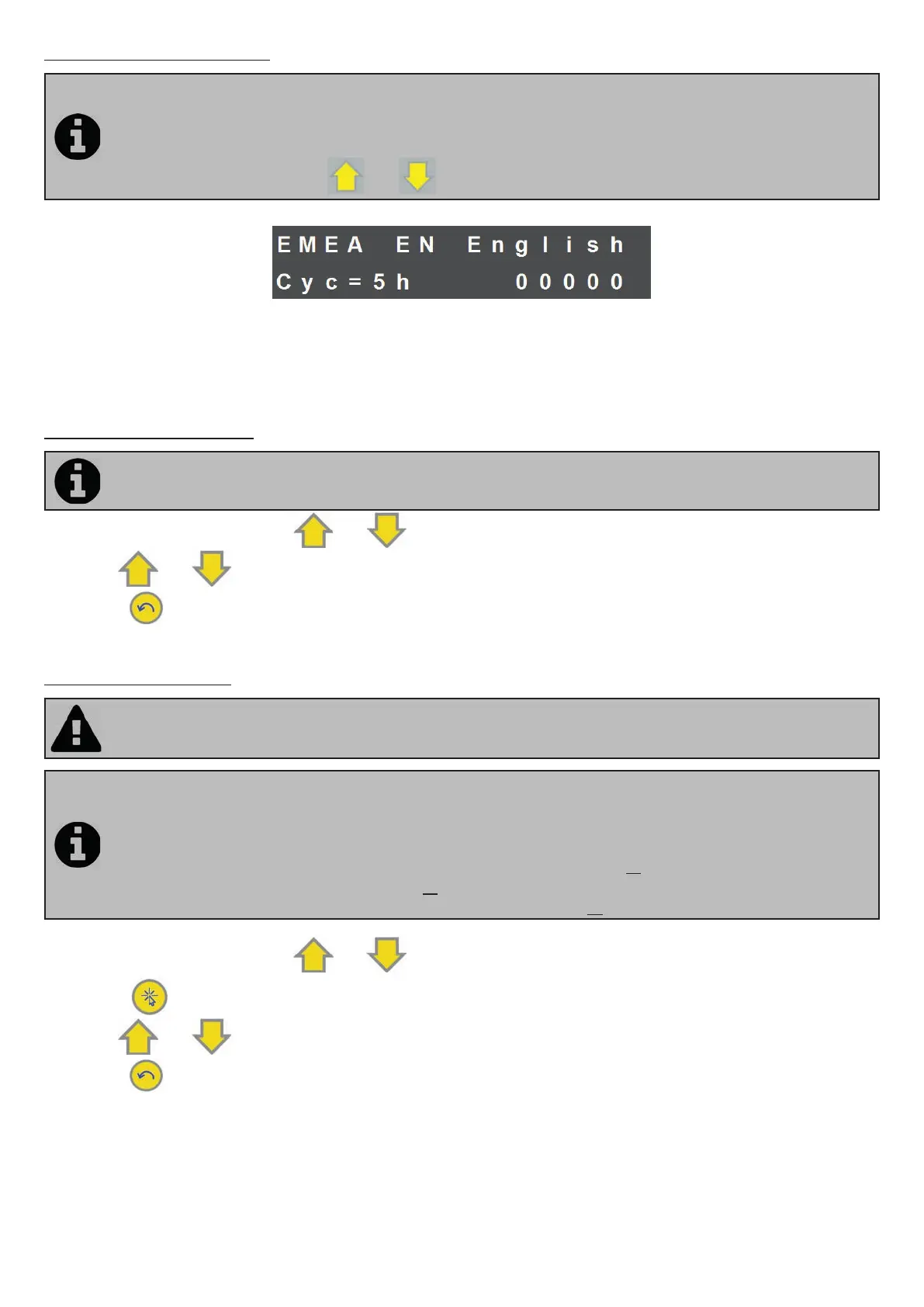
Ei² Expert has an "Internal se ngs" menu to change and/or view the following opera ng parameters:
• Language
• Polarity inversion cycles
• Opera ng hours counter
To access this menu, press the
and bu ons simultaneously for 5 seconds.
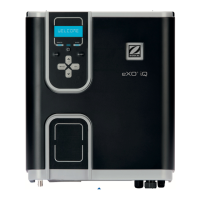
EMEA: Region in which the appliance was sold and is used (not modi able)
FR French: Language used (modi able, default se ng = French)
Cyc=5h: Polarity inversion cycle (modi able, default se ng = 5 hours)
00000: Opera ng hours counter (not modi able)
3.2.6.a Se ng the language
By default, the Ei² Expert chlorinator is set to display in French. 13 languages are available: French, English,
Spanish, Italian, Swedish, German, Portuguese, Dutch, Afrikaans, Czech, Hungarian, Slovakian and Turkish.
• From the home screen, press the
and bu ons for 5 seconds. The current language starts to fl ash.
• Use the
and bu ons to select the required language.
• Press the
bu on to return to the home screen.
3.2.6.b Polarity inversion
The choice of polarity inversion cycles may a ect the cell life me (+/- 15 %). Ask your professional retailer
for advice in case of doubt.
The chlorinator is equipped with a smart polarity reversal system designed to prevent scaling of the
electrode plates. However, cleaning may be required in regions where the water is very
hard (default se ng = 5 hours).
Ei² Expert o ers a choice of 3 inversion cycles:
• 3 hours: for water with very high calcium carbonate content (TH > 40 °f or 400 ppm)
• 5 hours: for normal water (20 < TH < 40 °f or 200 ppm < TH < 400 ppm)
• 7 hours: for water with low calcium carbonate content (TH < 20 °f or 200 ppm).
• From the home screen, press the
and bu ons for 5 seconds.
• Press the
bu on once. The polarity inversion cycle hours start to fl ash.
• Use the
and bu ons to select the required cycle.
• Press the
bu on to return to the home screen.



 To Next Page