11
EN
3.2.5 "SUMMER" and "WINTER" modes and se ng the "Timers"
"Timer" programming is used to de ne the appliance opera ng mes within the opera ng mes of the
ltering system. The daily opera ng mes must be suffi cient to correctly treat the water. Ei² Expert proposes
default se ngs for Timers 1 and 2. They can be customised (see “3.2.5.b Programming the mers according
to the modes”).
A reminder of the calcula on rule: the ideal daily ltering me is obtained by dividing the required pool
water temperature (measured in °C) by 2.
Example: for water at 28 °C, me = 28/2 = 14 hours per day
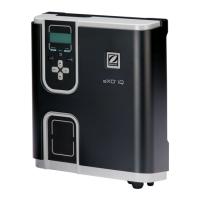
The Ei² Expert chlorinator can store 2 seasonal opera ng modes called by default "SUM" and "WIN". The
following se ngs can be customised for each mode:
- the appliance opera ng mes, i.e. the " mers": T1 (Timer 1) and T2 (Timer 2)
- the required chlorine produc on rate: 10%, 20%, 30%,... up to 100%.
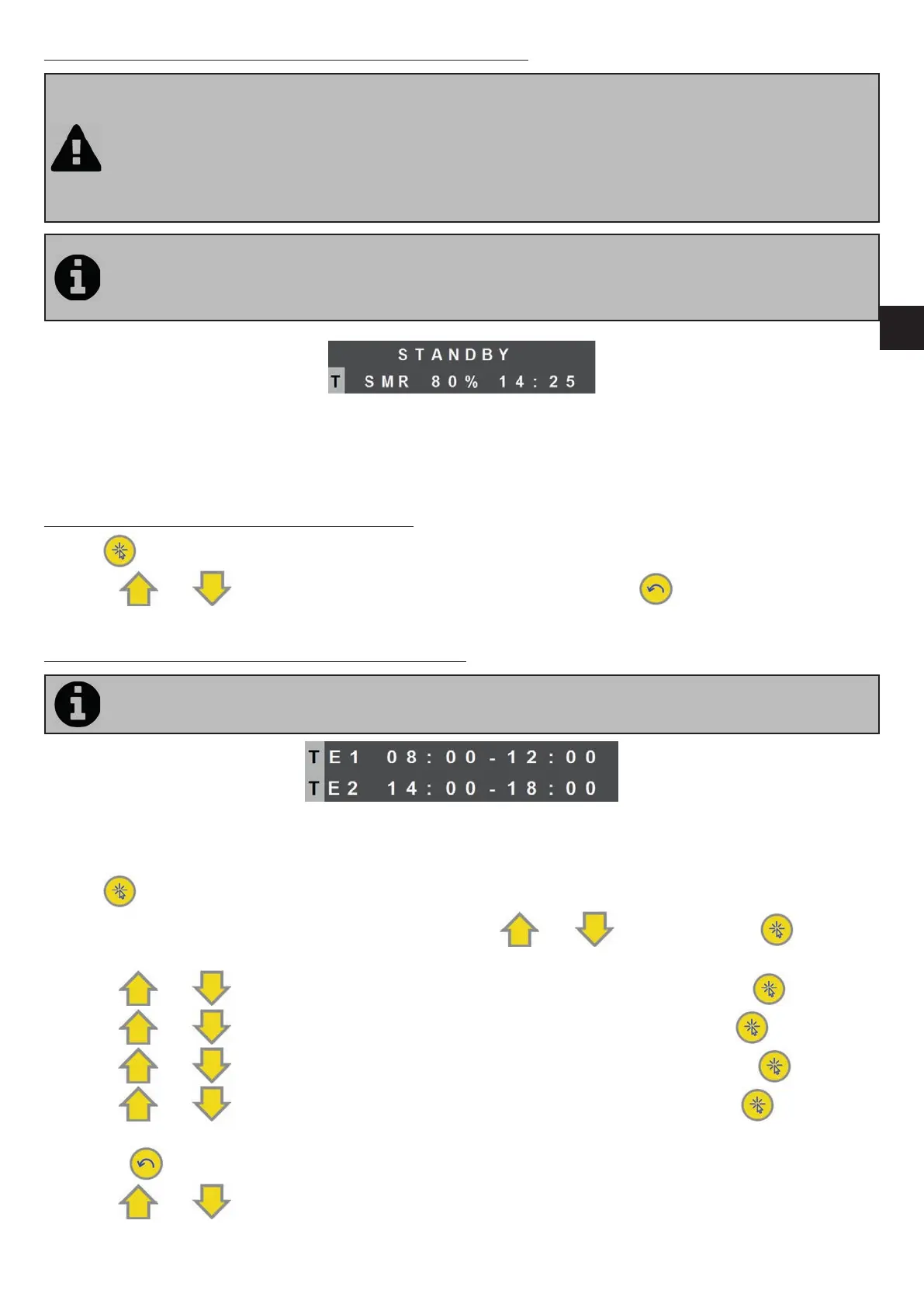
STANDBY = Appliance opera ng status
T = "Timer" mode (always ac ve)
SUM = "Summer" opera ng mode
80 % = chlorine produc on rate
14:25 = me in the 24-hour format
3.2.5.a Mode selec on: "SUMMER" or "WINTER"
•
Press 4 mes to set the clock. "SUM" starts to fl ash.
• Use the and bu ons to choose "SUM" or "WIN" mode, then press the bu on to return to the home
screen.
3.2.5.b Programming the mers according to the modes
The mes of Timers 1 and 2 cannot overlap. In addi on, the me range of Timer 1 must precede that of Timer
2.
TE1 / TE2 = Timer in "summer" mode No. 1 / Timer in "summer" mode No. 2
08:00-12:00 = Opera ng me range of Timer No. 1
14:00-18:00 = Opera ng me range of Timer No. 2
• Press
4 mes to set the clock. "SUM" starts to fl ash.
• Select the mode to be customised "SUM" or "WIN" using the
and bu ons, then press to save and
move to the mer se ngs screen.
• Use the
and bu ons to set the minutes of the me when Timer 1 must end, then press to save.
• Use the
and bu ons to set the hours of the me when Timer 1 must end, then press to save.
• Use the
and bu ons to set the minutes of the me when Timer 1 must start, then press to save.
• Use the
and bu ons to set the hours of the me when Timer 1 must start, then press to save.
• Repeat these steps for Timer 2.
• Press the
bu on to save the mers and move to con guring the chlorine produc on rate.
• Use the and bu ons to choose the required chlorine produc on rate (from 10 % to 100 %).



 To Next Page