EasyManua.ls Logo

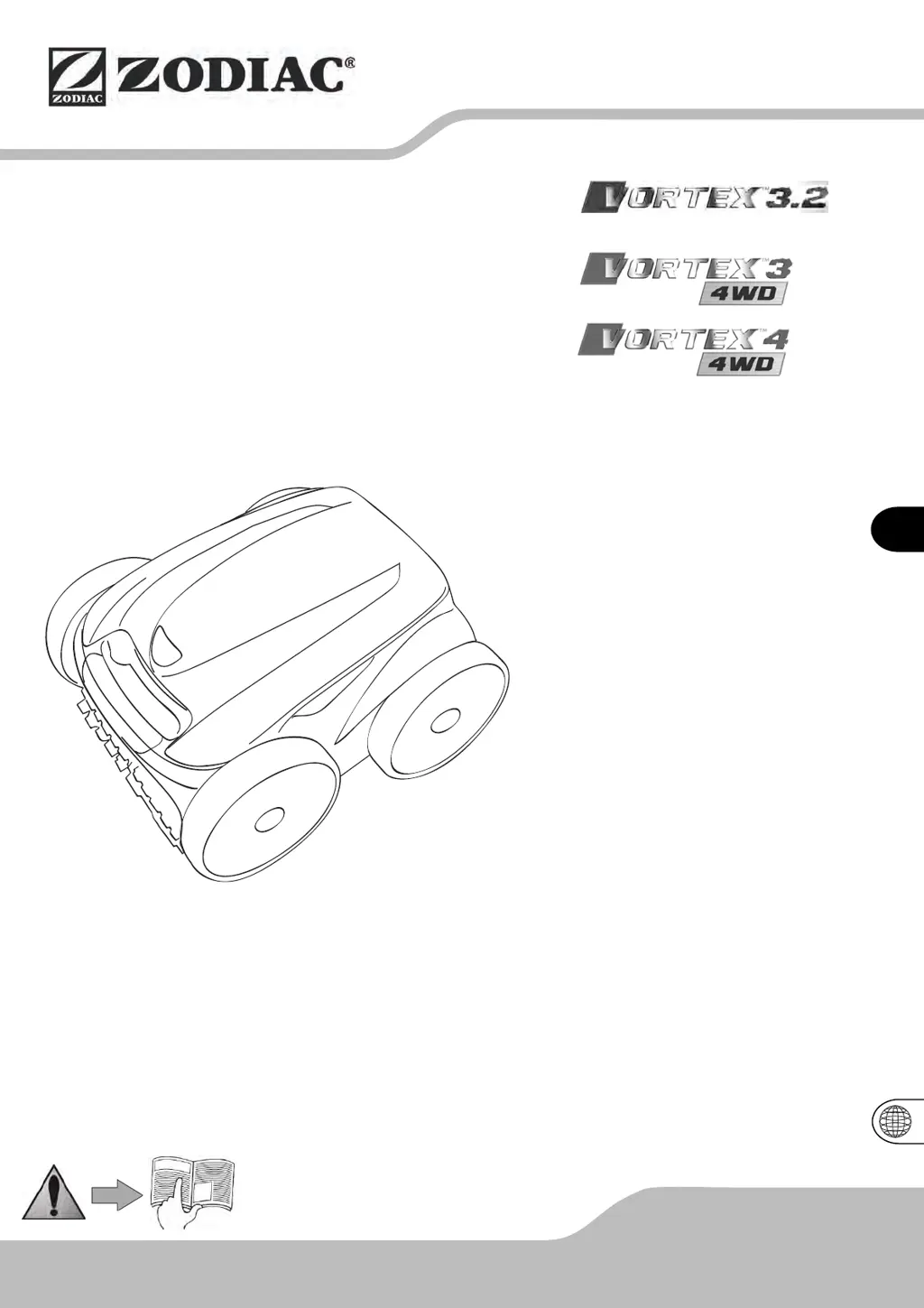
Zodiac Vortex 3.2 - User Manual

Zodiac Vortex 3.2
16 pages
Print Icon
To Next Page IconTo Next Page
Loading...
EN
F
H03839-00.B - W2365B - 2013/09
FR
Notice d'installation et d'utilisation
Français
Instructions for installation and use
English
Montage- und Gebrauchsanleitung
Deutsch
Installatie en gebruikshanleiding
Nederlands
Manual de instalación y de uso
Espanõl
Manual de instalação e utilização
Português
Manuale di installazione e di uso
Italiano
More languages on:
www.zodiac-poolcare.com

Questions and Answers

  • S
    steveliuAug 16, 2025
    What to do if my Zodiac Vortex 3.2 Swimming Pool Vacuum cleaner does not move on start-up?
    • S
      Steven MayoAug 17, 2025
      If your Zodiac Swimming Pool Vacuum cleaner does not move on start-up, first, ensure that the outlet to which the control box is connected is receiving power. Next, verify that you have initiated a cleaning cycle and that the indicator lights are illuminated.
  • D
    David MartinezAug 19, 2025
    What to do if my Zodiac Vortex 3.2 Swimming Pool Vacuum does not stay firmly on the pool bottom?
    • S
      Sean CastanedaAug 19, 2025
      If your Zodiac Swimming Pool Vacuum cleaner isn't staying firmly on the pool bottom, it might be due to air trapped in the casing. Try repeating the immersion steps. Another reason might be a full or dirty filter; cleaning the filter should resolve this.
  • A
    Alison CurtisAug 22, 2025
    Why Zodiac Vortex 3.2 robot does not climb the pool sides?
    • D
      Deborah JonesAug 22, 2025
      If your Zodiac Swimming Pool Vacuum robot isn't climbing the pool sides, the filter might be full or dirty, so cleaning it is the first step. Microscopic algae, invisible to the eye, can also make the sides slippery. In this case, shock chlorination and slightly reducing the pH might help. Avoid leaving the cleaner in the pool during shock treatments.
  • M
    Matthew SantosAug 25, 2025
    What does it mean when the screen displays a message in remote control mode on Zodiac Swimming Pool Vacuum?
    • B
      Bonnie SmithAug 26, 2025
      If the screen displays a message when the remote control mode is active on your Vortex™ 4 4WD Zodiac Swimming Pool Vacuum, it indicates that the remote control batteries are running low.
  • J
    jmillerAug 27, 2025
    How to improve remote control range of Zodiac Vortex 3.2?
    • P
      Paul MartinezAug 27, 2025
      To improve the remote control range of your Vortex™ 4 4WD Zodiac Swimming Pool Vacuum, place the control box on the caddy at least 3.5 meters from the pool and orient it towards the pool. Ensure there are no large objects obstructing the path between the control box and the pool.
  • R
    Ricardo GriffinAug 30, 2025
    How to prevent the cable of Zodiac Vortex 3.2 from tangling?
    • R
      Robin BaileyAug 30, 2025
      If the cable of your Zodiac Swimming Pool Vacuum gets tangled, avoid unrolling the entire length of the cable into the pool. Place only the necessary length in the pool and leave the remainder on the pool side.
  • R
    Reginald LaneSep 2, 2025
    What to do if the control unit of Zodiac Vortex 3.2 Swimming Pool Vacuum does not respond?
    • C
      christophergreenSep 2, 2025
      If the control unit of your Zodiac Swimming Pool Vacuum does not respond when you press the buttons, unplug the cable from the mains socket, wait 10 seconds, and then plug it back in.
  • B
    Brenda RamirezSep 4, 2025
    Why is the control indicator LED blinking on my Zodiac Vortex 3.2 Swimming Pool Vacuum?
    • J
      Joshua MartinSep 4, 2025
      If the control indicator LED on your Zodiac Swimming Pool Vacuum is blinking, check that the cleaner is properly connected to the control box. If needed, unplug it and reconnect it following the correct procedure.
  • R
    Robert WilkinsonSep 7, 2025
    What to do for error codes 2, 3, 5 and 6 on Zodiac Swimming Pool Vacuum?
    • K
      Katie MillerSep 7, 2025
      If your Zodiac Swimming Pool Vacuum displays error codes 2, 3, 5, or 6, check that nothing is preventing the brushes from turning properly, such as sand or the cable. Turn the wheel to the left and then to the right by a quarter turn in both directions to resolve this.
  • S
    sharonlewisSep 10, 2025
    What do error codes 7 and 8 mean on Zodiac Vortex 3.2 Swimming Pool Vacuum?
    • L
      laurenhoSep 10, 2025
      If your Zodiac Swimming Pool Vacuum displays error codes 7 and 8, ensure the robot is operating inside the pool. Always start the cleaner when it is in the water.

Summary

General Safety and Warnings

Important Safety Information

Key information for safe operation, avoiding harm to persons or appliance damage.

Exclusive Use

Specifies the cleaner's intended purpose for pool water cleaning only.

Warning on Vinyl Surfaces

Details potential wear and tear on vinyl pool surfaces from the cleaner.

Product Information

Important Checks Before Use

Instructions for checking appliance for transport damage before initial use.

Technical Specifications

Lists key technical data such as power, dimensions, weight, and flow rate.

Usage Recommendations

Provides guidelines for optimal cleaner performance and pool water conditions.

Package Contents and Assembly

Details items included in the package and instructions for assembling the transport caddy.

Immersing the Cleaner

Step-by-step guide on how to safely place the cleaner into the pool water.

Electrical Connection

Instructions for connecting the control box to the power supply safely and correctly.

Control Box Description

Vortex 3.2 Control Box

Overview of the control box features and indicators for the Vortex™ 3.2 model.

Vortex 3 4 WD Control Box

Details the control box features and indicators specific to the Vortex™ 3 4WD model.

Vortex 4 4 WD Control Box

Explains the control box features and indicators for the Vortex™ 4 4WD model.

Using the Cleaner

Starting the Cleaner Operation

Guide on how to initiate a cleaning cycle using the control box.

Selecting Cleaning Cycles

How to choose and customize different cleaning modes and patterns.

Removing Cleaner from Pool

Procedures for safely retrieving the cleaner from the pool using its modes.

Stopping the Cleaner

Instructions on how to properly stop the cleaner and put the control box in standby.

Programming Cleaning Cycles

Setting the Time

Step-by-step guide to set the current time and day on the control box.

Displaying Current Time and Day

How to quickly view the current time and day setting.

Programming Cleaning Cycles

Detailed instructions on scheduling multiple cleaning cycles for future use.

Displaying Programmed Cycles

How to check the days and times of pre-programmed cleaning cycles.

Remote Control Operation

Using the Remote Control

Guide on operating the cleaner using the remote control unit.

Synchronizing Remote Control

Steps to pair the remote control with the control box if they are changed or not communicating.

Maintenance

Cleaning the Filter

Instructions on how to clean the filter for optimal cleaner performance.

Replacing Brushes

Guide on how to replace worn brushes on the cleaner.

Changing Bands

Instructions for changing the bands on the cleaner.

General Cleaner Maintenance

Advice on regular cleaning and storage of the cleaner.

Recycling Information

Guidance on the proper disposal and recycling of the appliance.

Troubleshooting

Error Codes and Causes (Vortex 3.2)

Explains control box error codes and their potential causes for the Vortex™ 3.2 model.

Error Codes and Causes (Vortex 3;4 4 WD)

Explains control box error codes and their potential causes for Vortex™ 3 4WD and 4 4WD models.

Other Situations & Solutions

Addresses common operational problems and their solutions not covered by error codes.

Pre-diagnosis of Malfunctions

Accessing a diagnostic menu to get information for troubleshooting malfunctions.

Product Compliance

Compliance Standards

Lists the directives and standards the appliance complies with.

Zodiac Vortex 3.2 Specifications

General IconGeneral
TypeRobotic
Pool TypeIn-ground
Drive System4-wheel drive
CompatibilityAll pool surfaces
Warranty2 years
Cleaning Cycle Time2.5 hours

Related product manuals