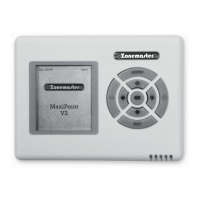
ZONEMASTER MAXIPOINT V2 DAMPER CONTROL SYSTEM - Installation Manual
8
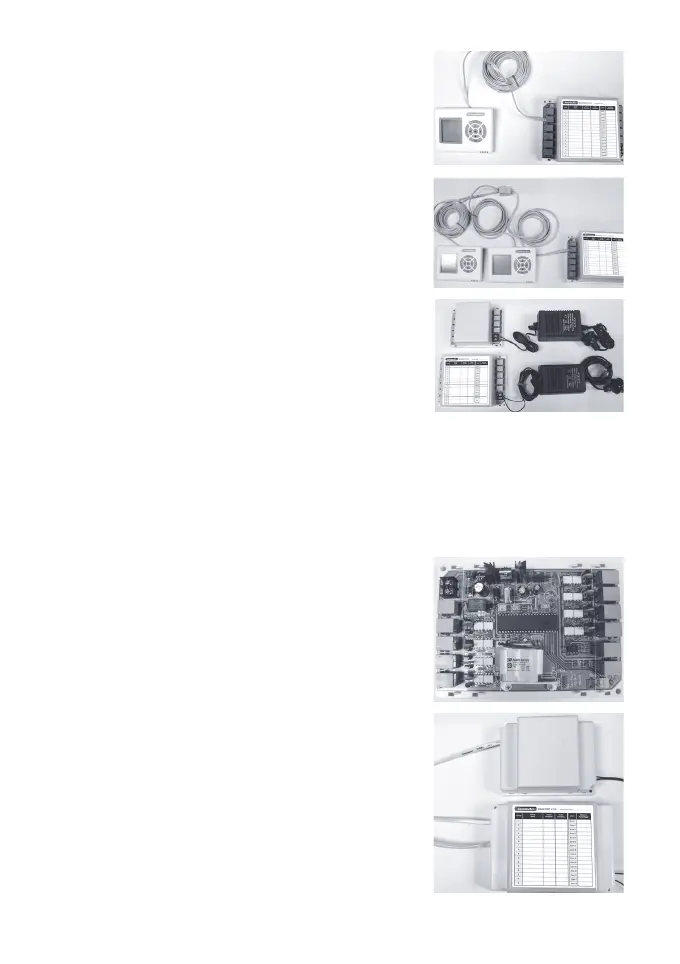
6.7 Connect Touchpad(s) to the main
moduleat‘T’portonthemain
module. If multi touchpads used,
use the provided left latched cables
and‘1in2out’femaletofemale
adaptor to join all touchpads.
(Seeinstructionsbelowontmentof
touchpad to wall)
6.8 Connect the 24VAC transformer to
screw terminals on the main control
module. If extension module is used,
connect another 24 VAC transformer
to the screw terminals of the extension
module.
6.9 If both transformers (main module
and extension module) share the same
power switch, switch the power on.
(IMPORTANT NOTE) If NOT, switch
on the power to extension module
rst.Thenturnonthepowertomain
module.Otherwise, the extension
module will NOT be initialised properly.
Circular Red LED on the main module
(and extension module) should be on and
thesystemwillstartinitialising&nish
in about 30 seconds after power on.
6.10 Install the battery as shown in the picture
on the main control module.
6.11 Replace the side covers back on the
main control and extension module
oncenishedsettingandcommissioning.
NOTE: Record the grouped zones and
balancing details on the sticker off the
Main Control Module after commissioning
the system.


 To Next Page