11
Chapter 4 Wireless AP Mode (Default)
4.1 Log in
This section is showing you how to configure your new ZSR4174WE through the
Web-based Configuration Utility.
1. Open an Internet Explorer, type 192.168.2.1 in the address bar, and then press
Enter.
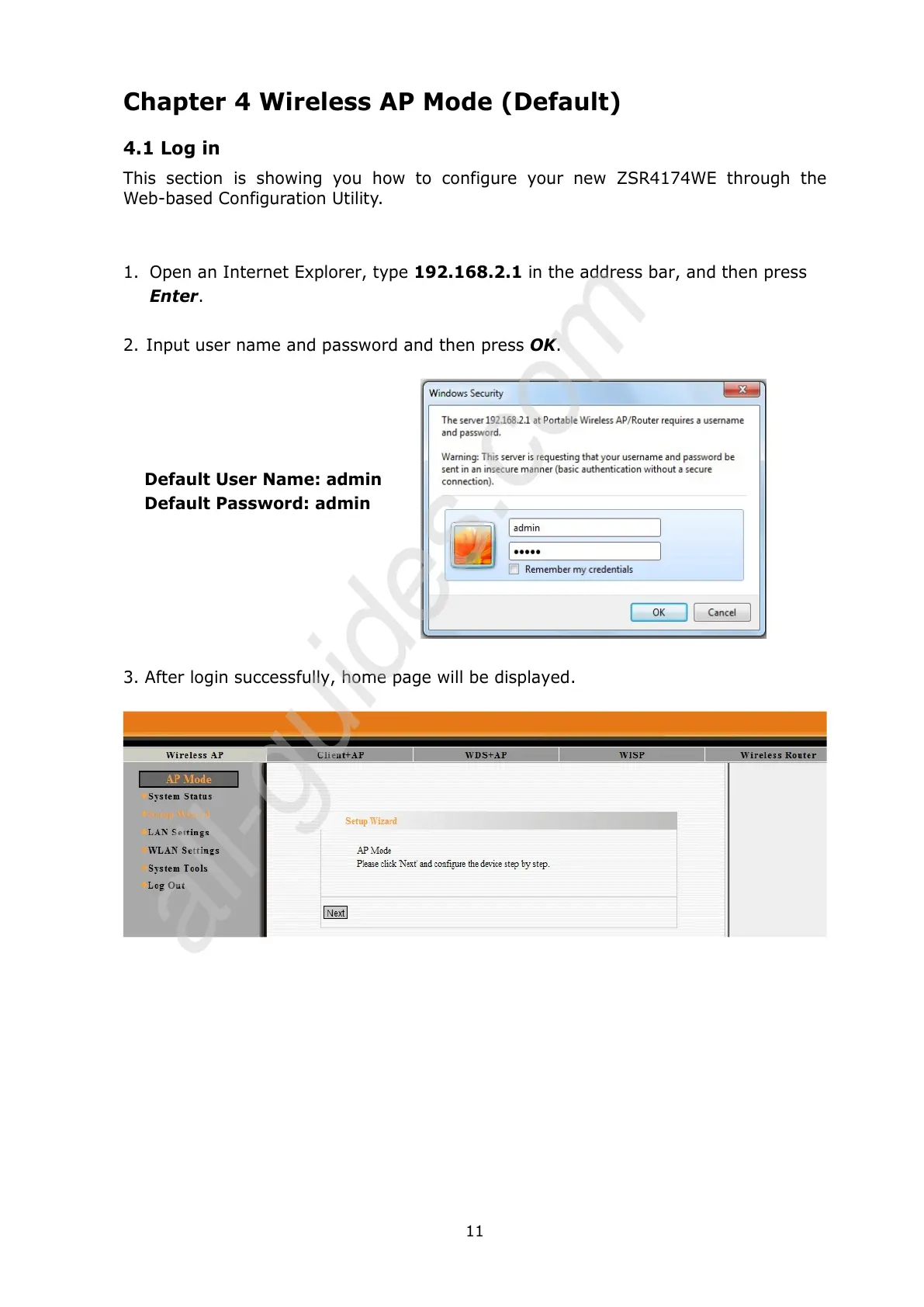
2. Input user name and password and then press OK.
Default User Name: admin
Default Password: admin
3. After login successfully, home page will be displayed.



 To Next Page