2
Chapter 2 Hardware Installation
2.1 Panel Layout
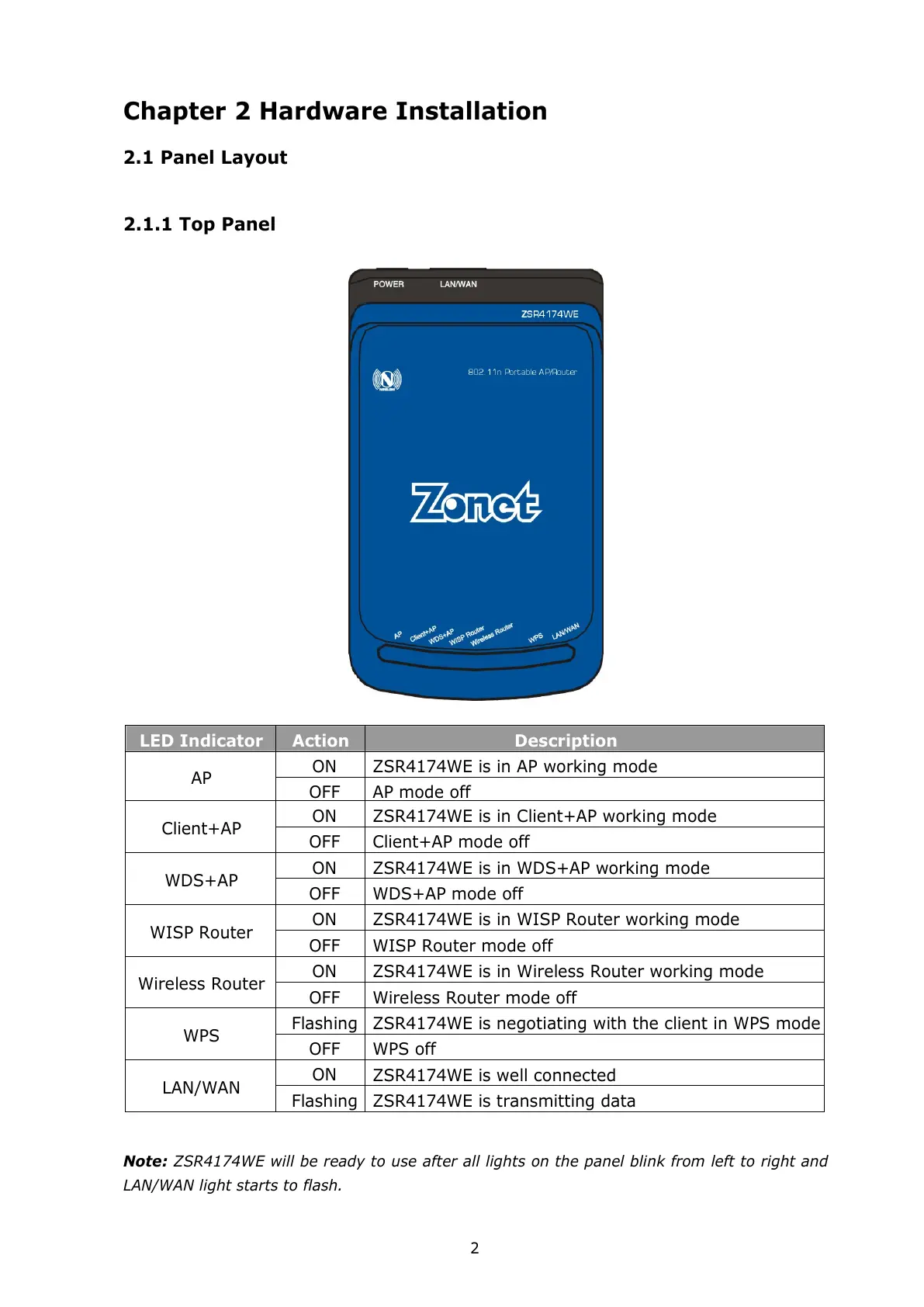
2.1.1 Top Panel
LED Indicator
Action Description
ON ZSR4174WE is in AP working mode
AP
ON ZSR4174WE is in Client+AP working mode
Client+AP
OFF Client+AP mode off
ON ZSR4174WE is in WDS+AP working mode
WDS+AP
OFF WDS+AP mode off
ON ZSR4174WE is in WISP Router working mode
WISP Router
OFF WISP Router mode off
ON ZSR4174WE is in Wireless Router working mode
Wireless Router
OFF Wireless Router mode off
Flashing
ZSR4174WE is negotiating with the client in WPS mode
WPS
OFF WPS off
ON
ZSR4174WE is well connected
LAN/WAN
Flashing
ZSR4174WE is transmitting data
Note: ZSR4174WE will be ready to use after all lights on the panel blink from left to right and
LAN/WAN light starts to flash.
All manuals and user guides at all-guides.com



 To Next Page