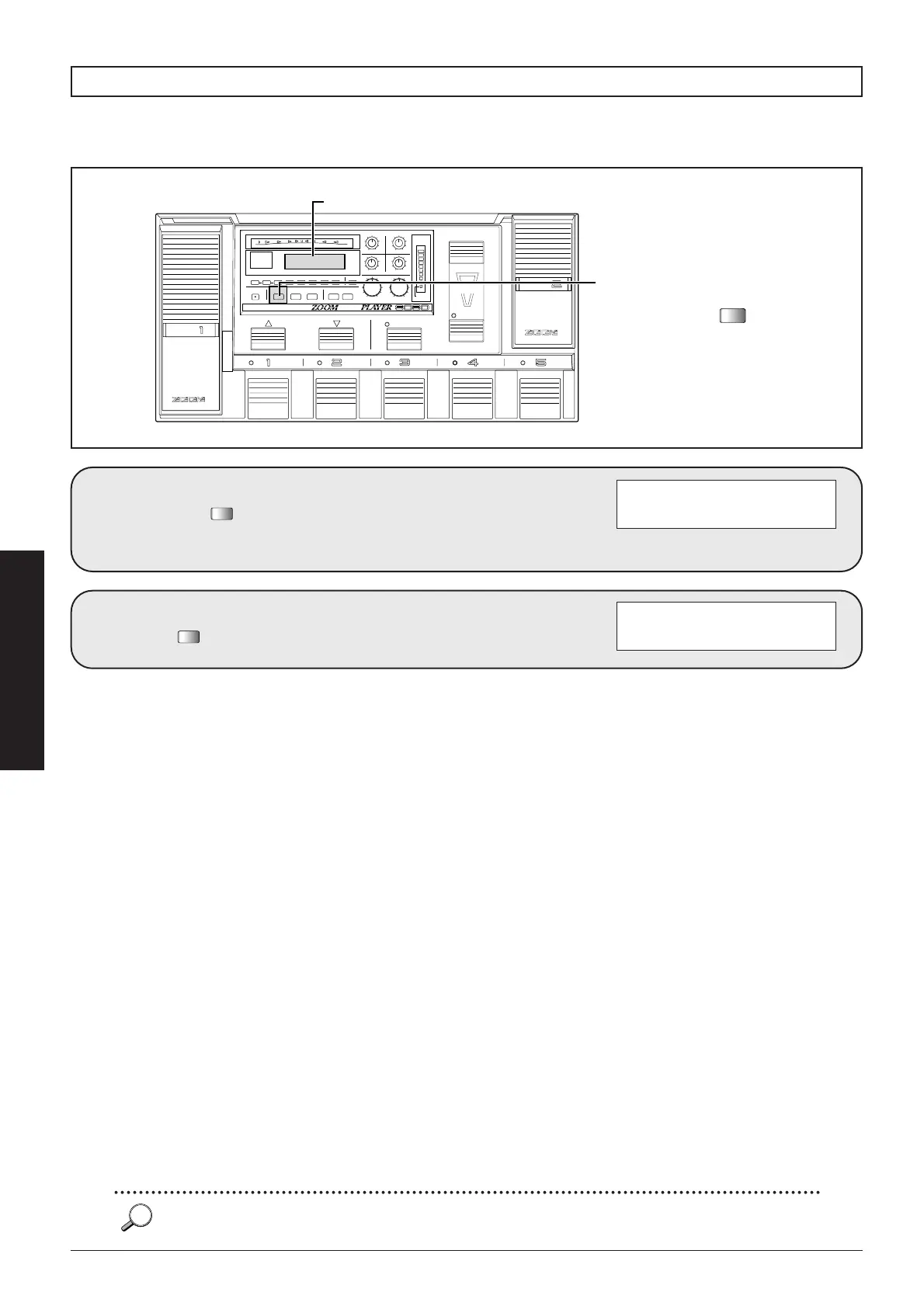
During editing, you can temporarily revert to the original condition of the patch, to quickly evaluate the changes
you have made. This is called the Compare function.
■
22
Advanced Operation
Comparing an edited patch with its original condition
In Edit mode, press
the .
The indication "CMPR" appears on
the display and the edited
parameters revert to their original
settings.
VDSP DST=15
é LVL=15 ZNR=off
VDSP DST=16
CMPR LVL=15 ZNR=off
When an effect module is switched off or on, the indication "é" appears on the display. This indicates that the currently
selected patch has been changed (edited).



 To Next Page