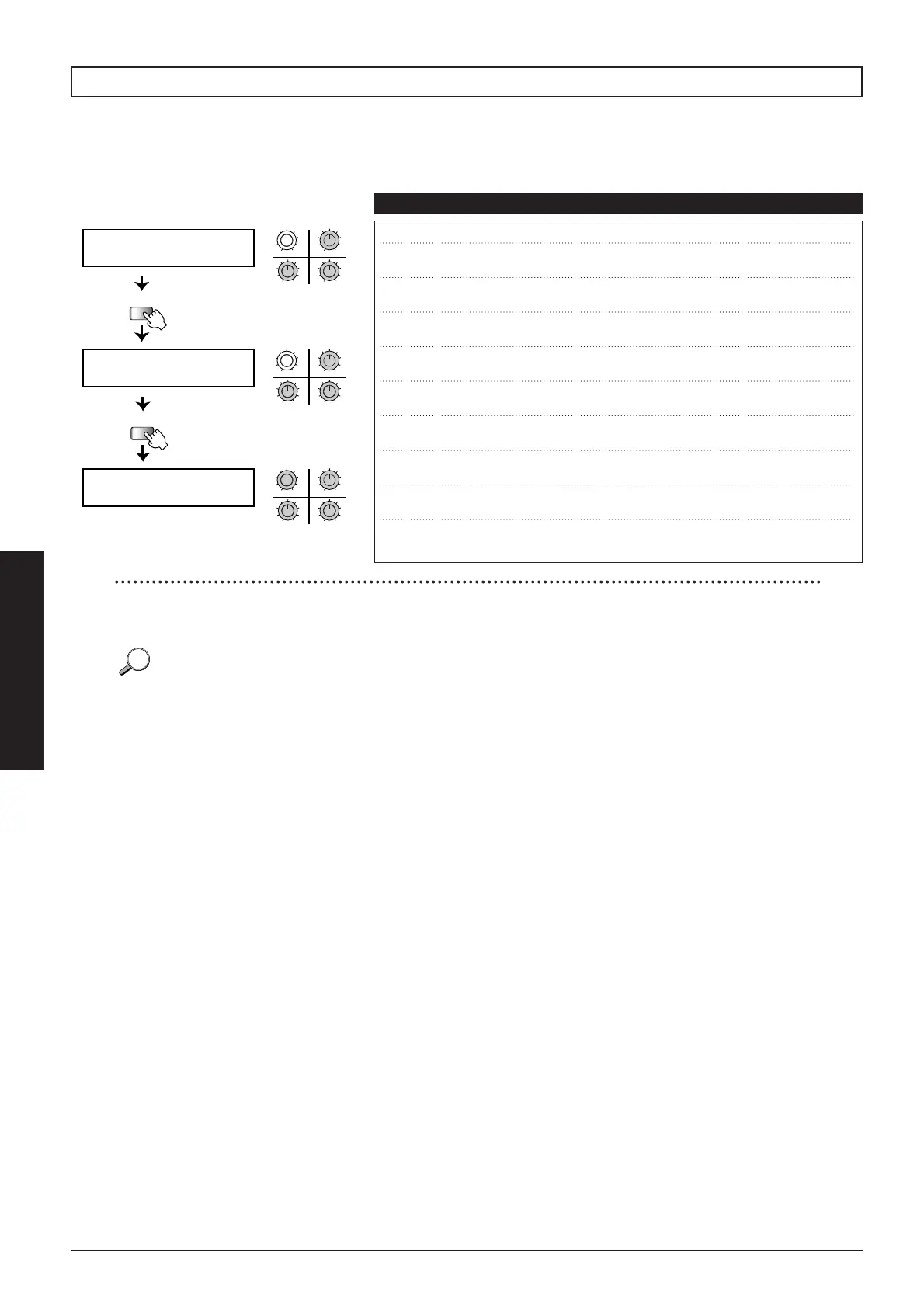
The pedals and foot switches of the 8080 can be used to send MIDI control change messages from the MIDI
OUT jack. Pages 4 through 6 of the Utility mode serve to make MIDI settings, such as selecting the MIDI
channel and control change numbers.
■
34
Advanced Operation
MIDI settings: pages 4 - 6
q CH (Channel) Selects the MIDI OUT channel of the 8080.
1 – 16
w CP1 (Control Pedal 1) Sets the control change number for
CONTROL pedal 1.
1 – 31 (Default: 7)
e CP2 (Control Pedal 2) Sets the control change number for
CONTROL pedal 2.
1 – 31 (Default: 1)
r SW1 (Switch 1) Sets the control change number for
foot switch 1.
64 – 95 (Default: 70)
t SW2 (Switch 2) Sets the control change number for
foot switch 2.
64 – 95 (Default: 71)
y SW3 (Switch 3) Sets the control change number for
foot switch 3
64 – 95 (Default: 72)
u SW4 (Switch 4) Sets the control change number for
foot switch 4.
64 – 95 (Default: 73)
i SW5 (Switch 5) Sets the control change number for
foot switch 5.
64 – 95 (Default: 74)
o MUT (Mute) Sets the control change number
for mute on/off.
64 – 95 (Default: 80)
!0 BYP (Bypass) Sets the control change number
for bypass on/off.
64 – 95 (Default: 91)
Parameters Comment Values
Items w and e produce continuous output corresponding to the pedal action. Items r through !0 cause the output to be
either 127 or 0, depending on the foot switch on or off condition.
When switching patches in Play mode, a program change message ranging from 0 (U01) to 99 (P95) is always output from
the MIDI OUT jack.
The control change messages set by items r – i for the foot switches are output only in manual mode and edit mode.
In play mode, operating the foot switches causes program change messages to be output.



 To Next Page