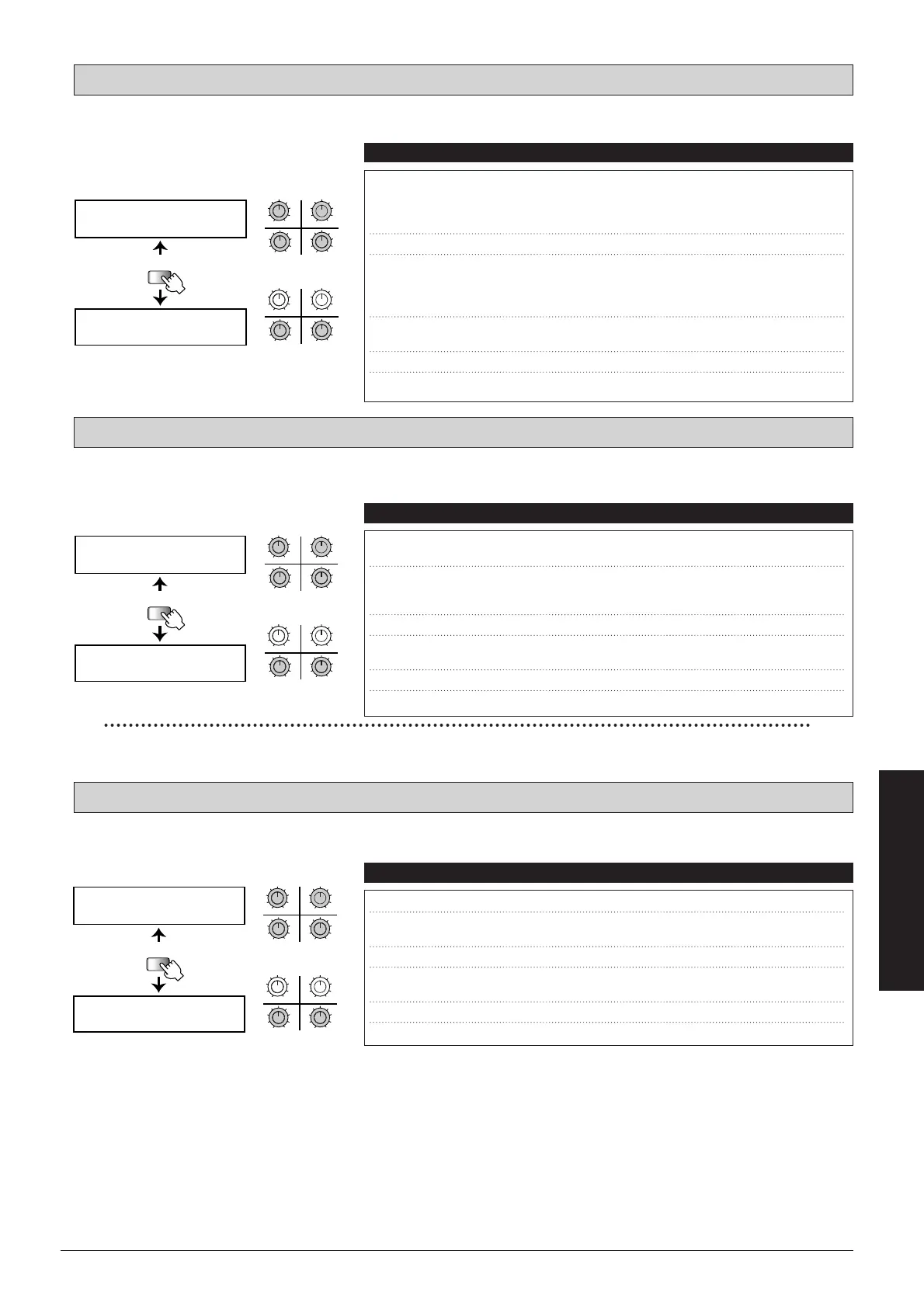
This effect detects the picking intensity and accordingly bends the pitch up or down.
This effect has two selectable types: slow attack for automatically creating a "violin" playing style, and dynamic filter which
opens up according to picking intensity and emphasizes the low or high frequencies.
This a ring modulator effect which produces a metallic sound. The modulation frequency changes with time.
MET: Metallic
SLOW: Slow Attack
PBND: Pitch Bender
57
■
Effect Types and Parameters
UTILITY
PAGE
SLOW SNS= SPD=
CUV= SEL=
SLOW
RTMå DIR=
34
12
MAXMIN
MAXMINMAXMIN
MAXMIN
qw
r
e
34
12
MAXMIN
MAXMINMAXMIN
MAXMIN
ty
PAGE 1
PAGE 2
qw
r
e
ty
q SNS (Sensitivity) Sets the volume attenuation depth and filter
alteration width.
0
–
50
w SPD (Speed) Sets the time until the volume level rises or the
filter effect becomes audible. Lower values result
in slower action.
1
–
100
e CUV (Curve) Sets the curve for volume change and filter action.
0
–
3
r SEL(Type Select) "SLO" selects the slow attack affect and "DYN"
the dynamic filter.
SLO, DYN
t
RTM (RTM Destination)
Shows which RTM parameter is being controlled.
SPD
y
DIR (RTM Direction)
Sets the RTM direction.
NML, INV
Parameters Comment Values
UTILITY
PAGE
MET DPT= SPD=
FRQ= BAL=
MET
RTMå DIR=
34
12
MAXMIN
MAXMINMAXMIN
MAXMIN
qw
er
34
12
MAXMIN
MAXMINMAXMIN
MAXMIN
ty
PAGE 1
PAGE 2
qw
er
ty
q DPT (Depth) Sets the modulation frequency for picking.
0
–
10
w SPD (Speed) Sets the rate at which the modulation frequency
changes.
1
–
100
e FRQ (Frequency) Sets the end frequency for the modulation.
0
–
10
r BAL (Balance) Sets the balance between original sound and
effect sound.
0
–
100
t
RTM (RTM Destination)
Shows which RTM parameter is being controlled.
BAL
y
DIR (RTM Direction)
Sets the RTM direction.
NML, INV
Parameters Comment Values
UTILITY
PAGE
PBND BFR= SPD=
AFT= BAL=
PBND
RTMå DIR=
34
12
MAXMIN
MAXMINMAXMIN
MAXMIN
qw
er
34
12
MAXMIN
MAXMINMAXMIN
MAXMIN
ty
PAGE 1
PAGE 2
qw
er
ty
q BFR (Before Pitch) Sets the pitch at the start of the effect. Setting range
is ±1 or ± 2 octaves, in 1-semitone steps.
-24, -12, -11,
...
0,
...
, +11,
+12, +24
w SPD (Speed) Sets the pitch bend rate.
1
–
100
e AFT (After Pitch) Sets the pitch at the end of the effect. Setting range
is ±1 or ± 2 octaves, in 1-semitone steps.
-24, -12, -11,
...
0,
...
, +11,
+12, +24
r BAL (Balance) Sets the balance between original sound and
effect sound.
0
–
100
t
RTM (RTM Destination)
Shows which RTM parameter is being controlled.
SPD
y
DIR (RTM Direction)
Sets the RTM direction.
NML, INV
Parameters Comment Values
In this effect, the action of parameters 1-3 depends on parameter 4.



 To Next Page