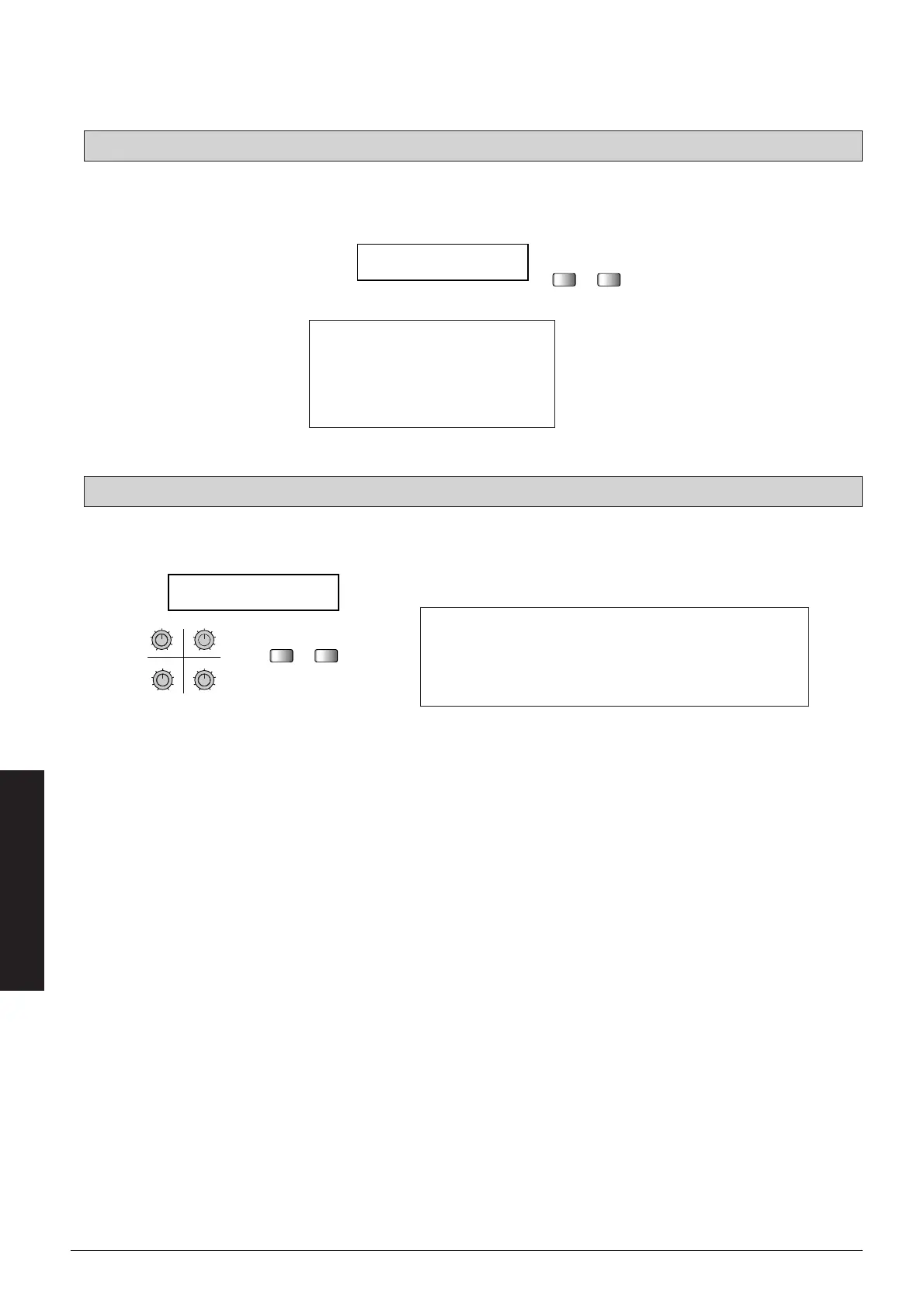
The control output can be used to switch channels at a guitar amplifier.
Use the TYPE -/+ keys to switch the settings, as shown below.
Display Ring Tip
Short Short
Open Open
Open Short
Short Open
Use the data entry knobs and the TYPE -/+ keys to add or edit a patch name of up to 8 characters.
Page 4: External control output settings
Page 4: External control output settings
■
64
Effect Types and Parameters
q Selects numerals from 0-9.
w Selects alphabet characters from A-Z and a-z.
e Selects special characters and symbols.
r Moves the cursor to the point to be edited.
t The TYPE -/+ keys can be used to select the character before or
after the current one.



 To Next Page