Using a connected expression pedal
The application of a pedal effect selected in the patch memory can be changed by operating a connected
expression pedal (ZOOM FP02M).
Setting pedal effects
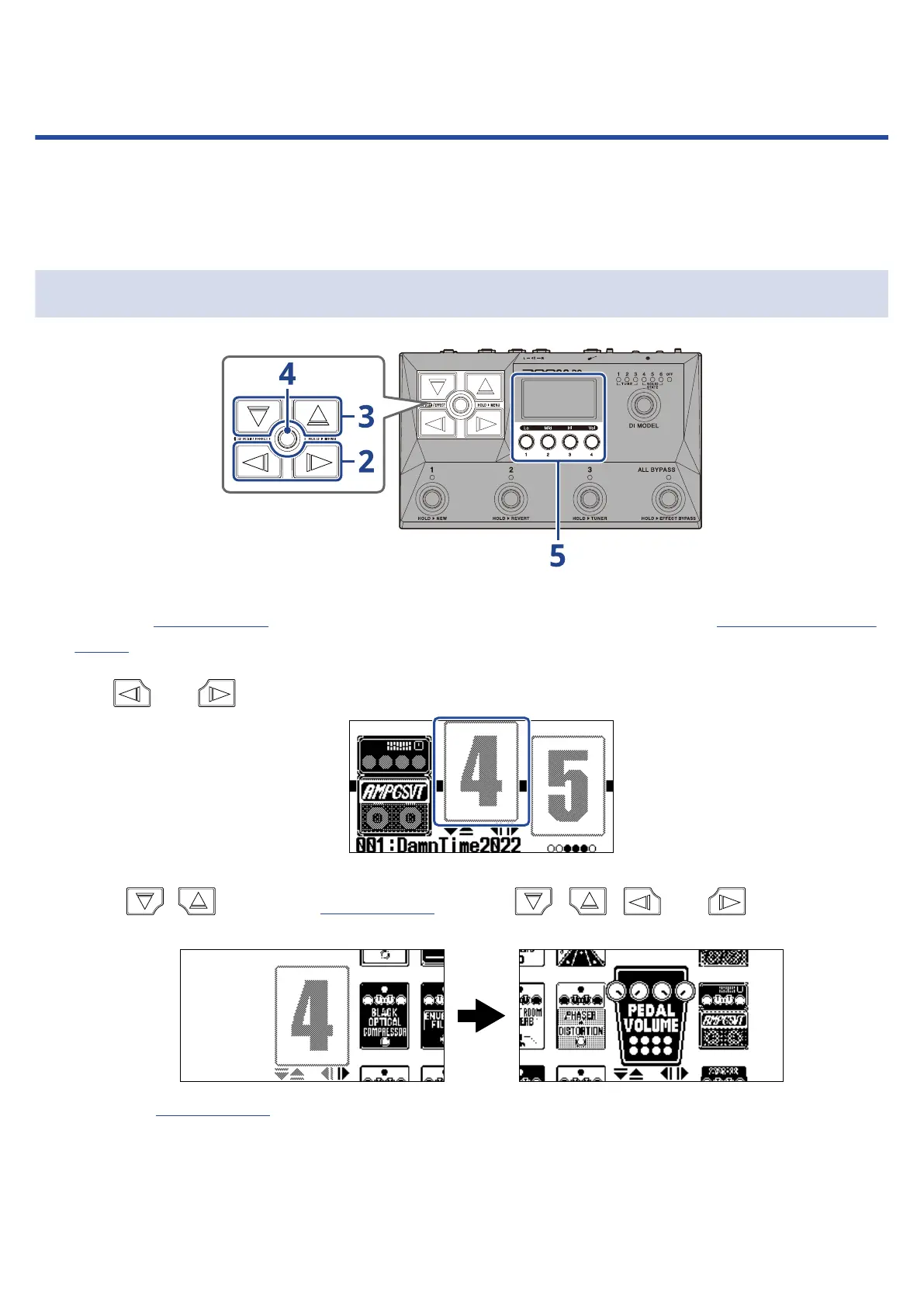
1. Open the EFFECT Screen for the patch memory with the pedal effect to be set (→Opening the EFFECT
Screen).
2. Use and to select the effect to use for the pedal effect.
3. Press / to open the Library Screen, and use , , and to select a pedal
effect.
When the Library Screen is open, the sound of the selected effect can be checked by itself.
56



 To Next Page