Using as a USB mic
Signals input to the H1essential can be sent to a computer, smartphone or tablet, and playback signals
from that device can be output from the H1essential.
Moreover, the H1essential can record even when it is being used as a USB mic.
Connecting to computers, smartphones and tablets
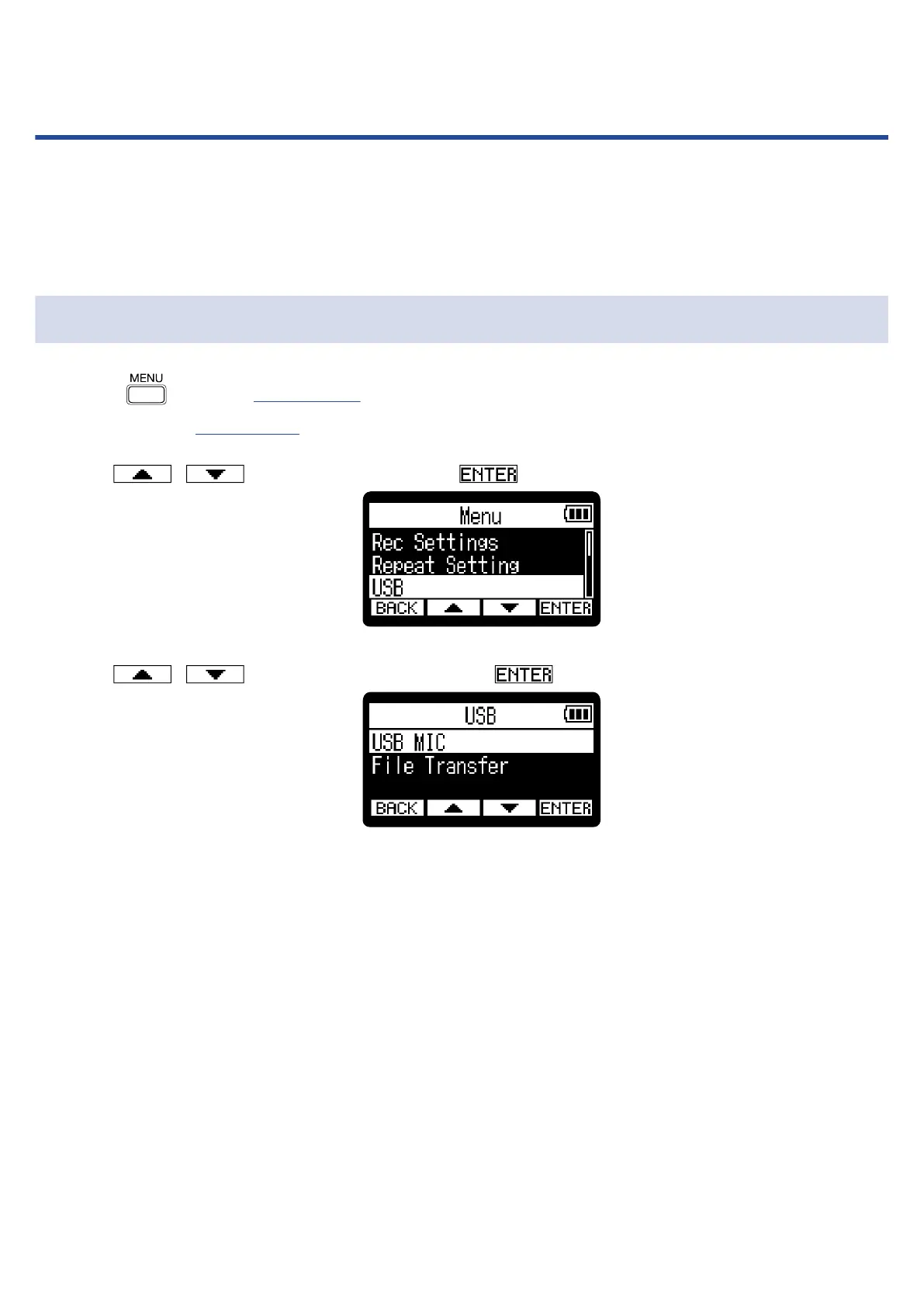
1. Press when the Home Screen is open.
This opens the Menu Screen.
2. Use / to select “USB” and press to confirm.
3. Use / to select “USB MIC” and press to confirm.
73



 To Next Page