Making USB mic settings
Settings can be made when using the H1essential as a USB mic for the monitoring sound and signals sent
to the computer, smartphone or tablet.
Switching between stereo and mono
The sound captured by the H1essential can be mixed to mono for monitoring and the audio sent to the
computer, smartphone or tablet. This function is convenient for web streaming and other situations when
you do not want to send stereo to the computer, smartphone or tablet.
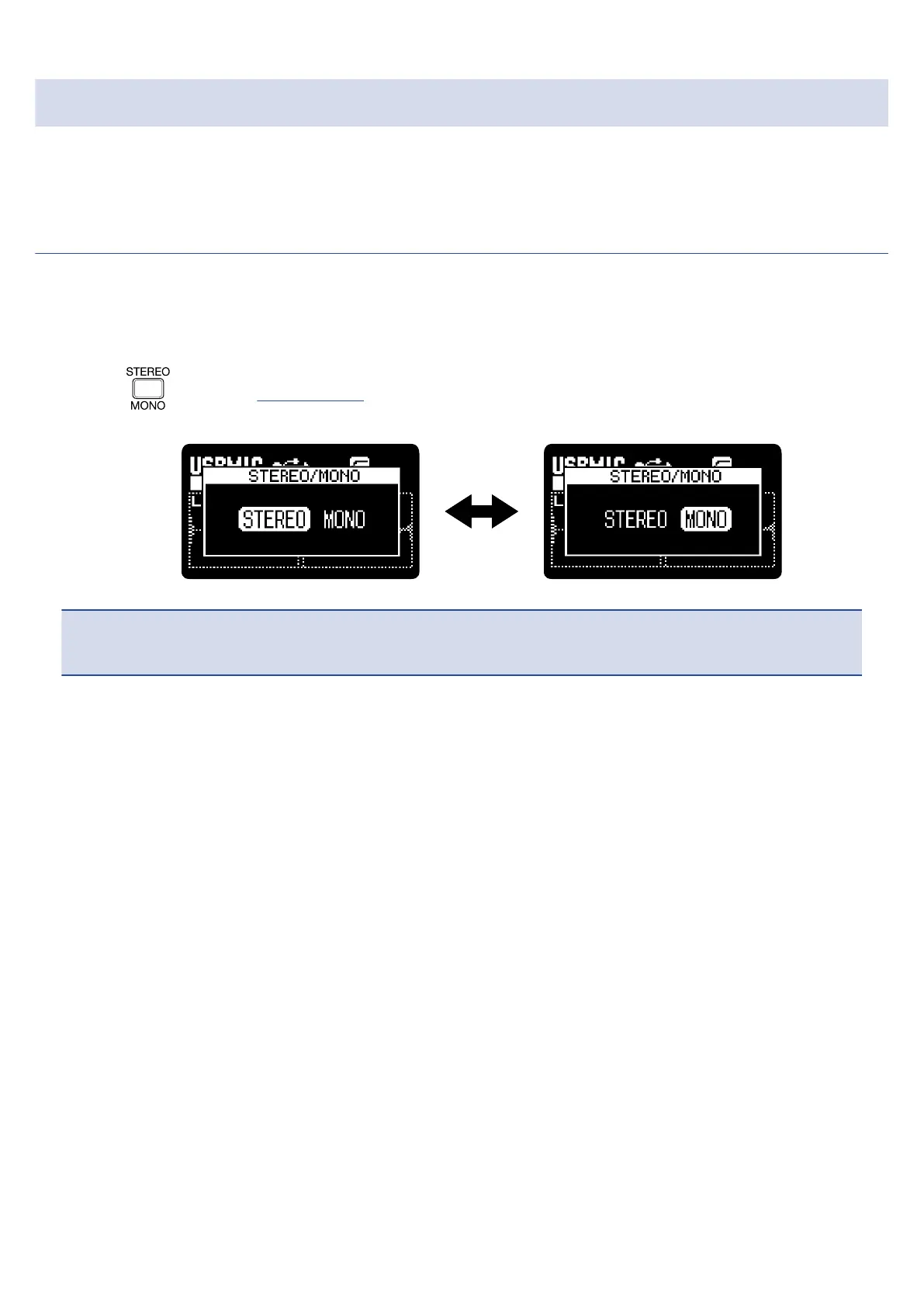
1. Press when the Home Screen is open and connected with the USB mic function.
Pressing this switches between STEREO and MONO.
NOTE
The recorded audio and the sound output from the PHONE/LINE OUT jack is also switched.
78



 To Next Page