Adjusting volume received by USB
If the playback sound from the computer is too loud, for example, the received volume setting can be
changed to adjust the volume.
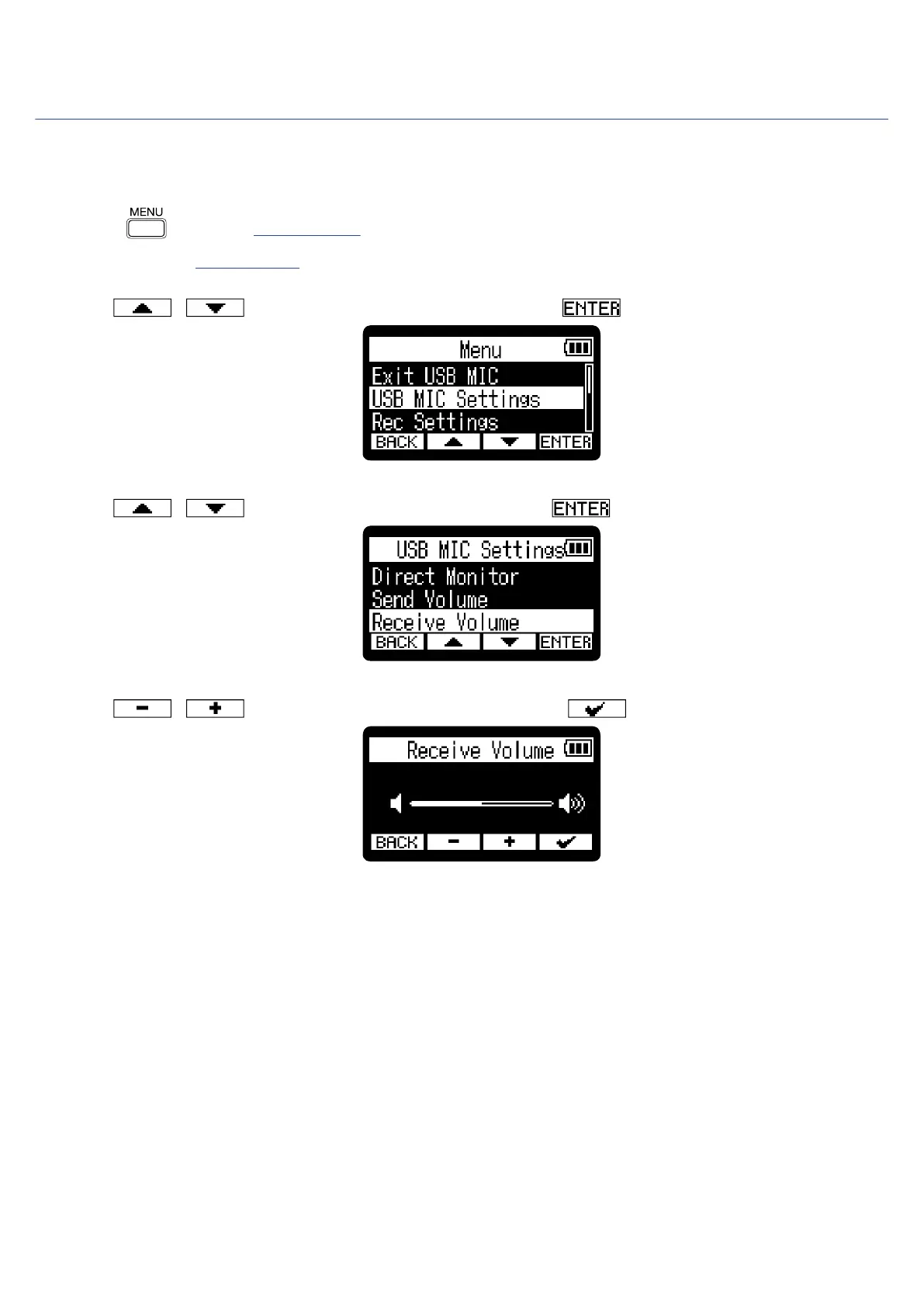
1. Press when the Home Screen is open and the USB mic function is in use.
This opens the Menu Screen.
2. Use / to select “USB MIC Settings” and press to confirm.
3. Use / to select “Receive Volume” and press to confirm.
4. Use / to adjust the USB input level and press to confirm.
82



 To Next Page