Network operation with GiS BasePac software
3 - 12 Network T8 Control Unit – Version 2.0 02060420.fm 11.12.07/Ch,Kx
3.2.2 Saving monogram in ZSK ring buffer
Create a monogram with the desired parameters on the network PC with the
BasePac software.
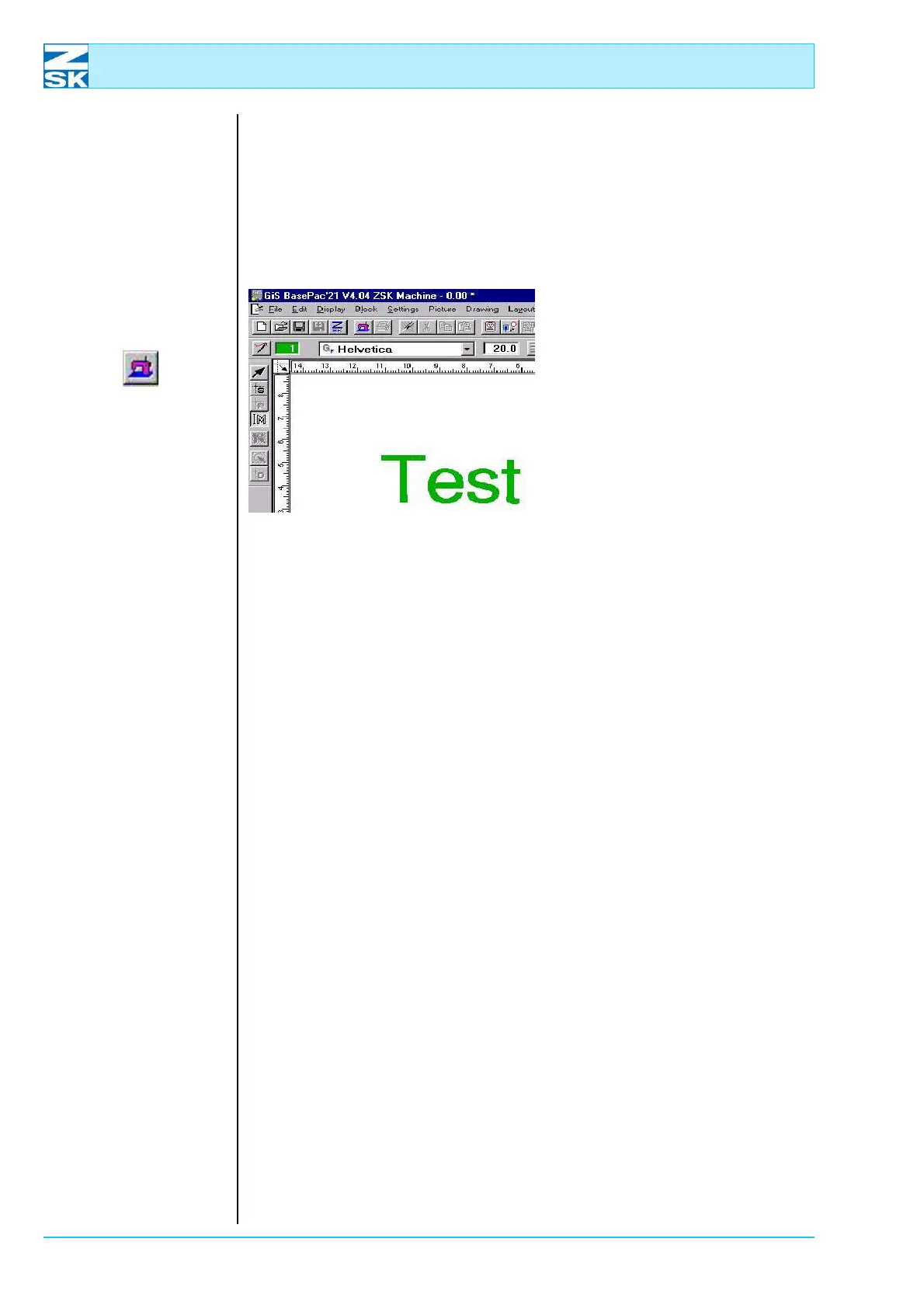
Figure 3.21:
GiS BasePac
basic screen
To transfer the monogram to the
machine:
• either click on the
[Embroider]
button
or
•In the File menu, select the
Save in ZSK-Memory option.
Select Save in MSCI ring buffer
or
• Use the
[CTRL]+[2] shortcut.
• In the following Saving options dialog, define the start and end points of the
monogram, and confirm with
[OK].
If the machine is not currently processing a design, the design is immediately
transferred to the machine ready for execution by way of the operating lever.
If the machine is busy processing another design, the design remains in the ring
buffer until the machine reaches the end of the current design. The first design in
the ring buffer is then automatically assigned to the machine.
While the machine is embroidering, up to 99 further designs can be committed to
the ring buffer. These designs are executed by the machine in the sequence in
which they were created.
The GiS BasePac software contains a dialog that lists all of the designs transferred
to the machine for execution.
00490115
00491101



 To Next Page