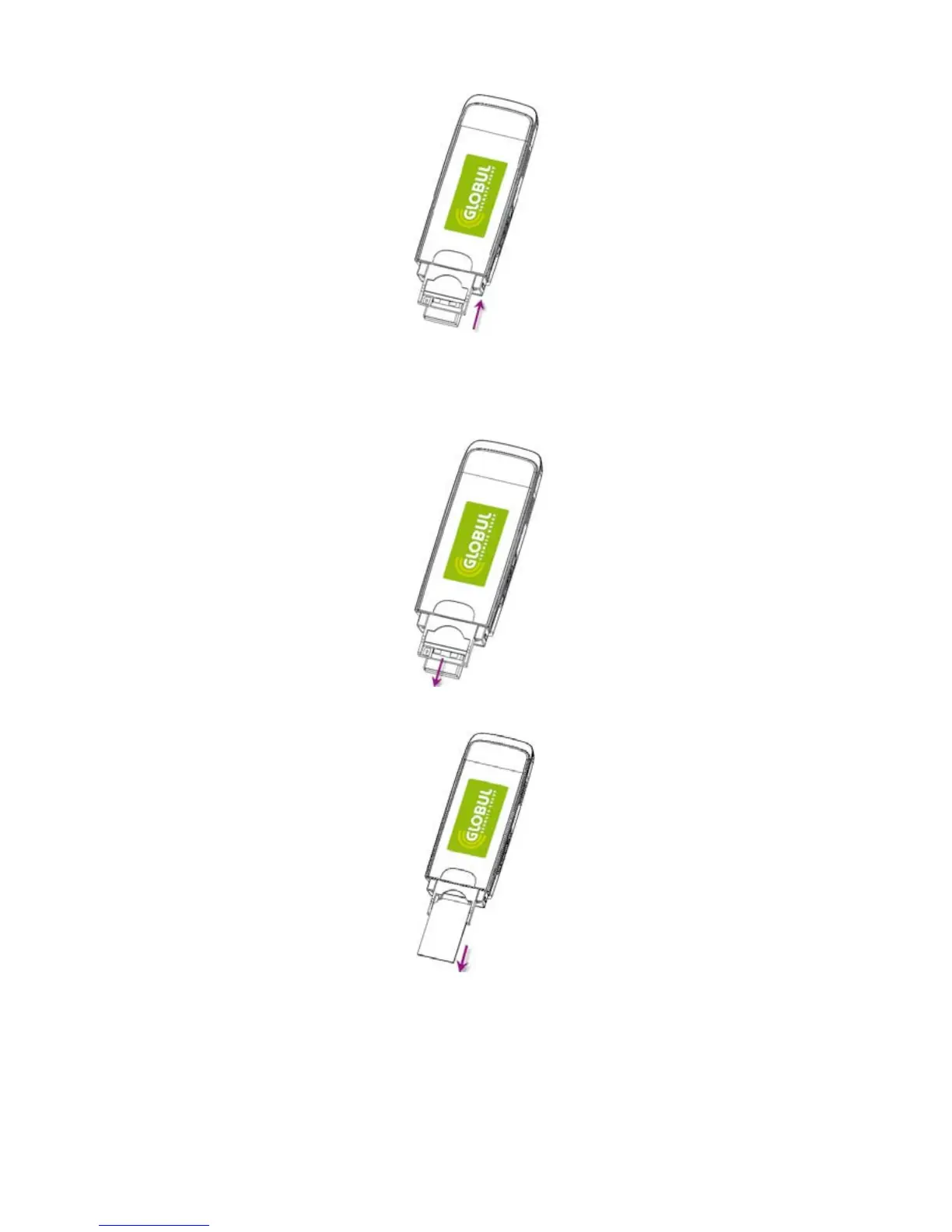
• Insert the plastic socket into the modem. You can hear a click when the SIM card locks into place.
To Remove the SIM card from the USB modem,
• First take down the USB cap.
• Pull the plastic socket slightly, and you can hear a click when the SIM card gets unlocked.
• Take off the SIM card.
• Insert the socket into the modem.



 To Next Page