– Then remove your USB Modem safely.
When you use a MicroSD card in the modem:
– Please left click the icon in the Windows system tray bar. Then a menu will popup and
indicates the USB devices list as below:
– Select “Safely remove the USB disk” which is relevant to the MicroSD card.
– Pull out the USB modem directly, if you want to disconnect the modem from the laptop or
desktop PC.
2.5 Software Uninstall
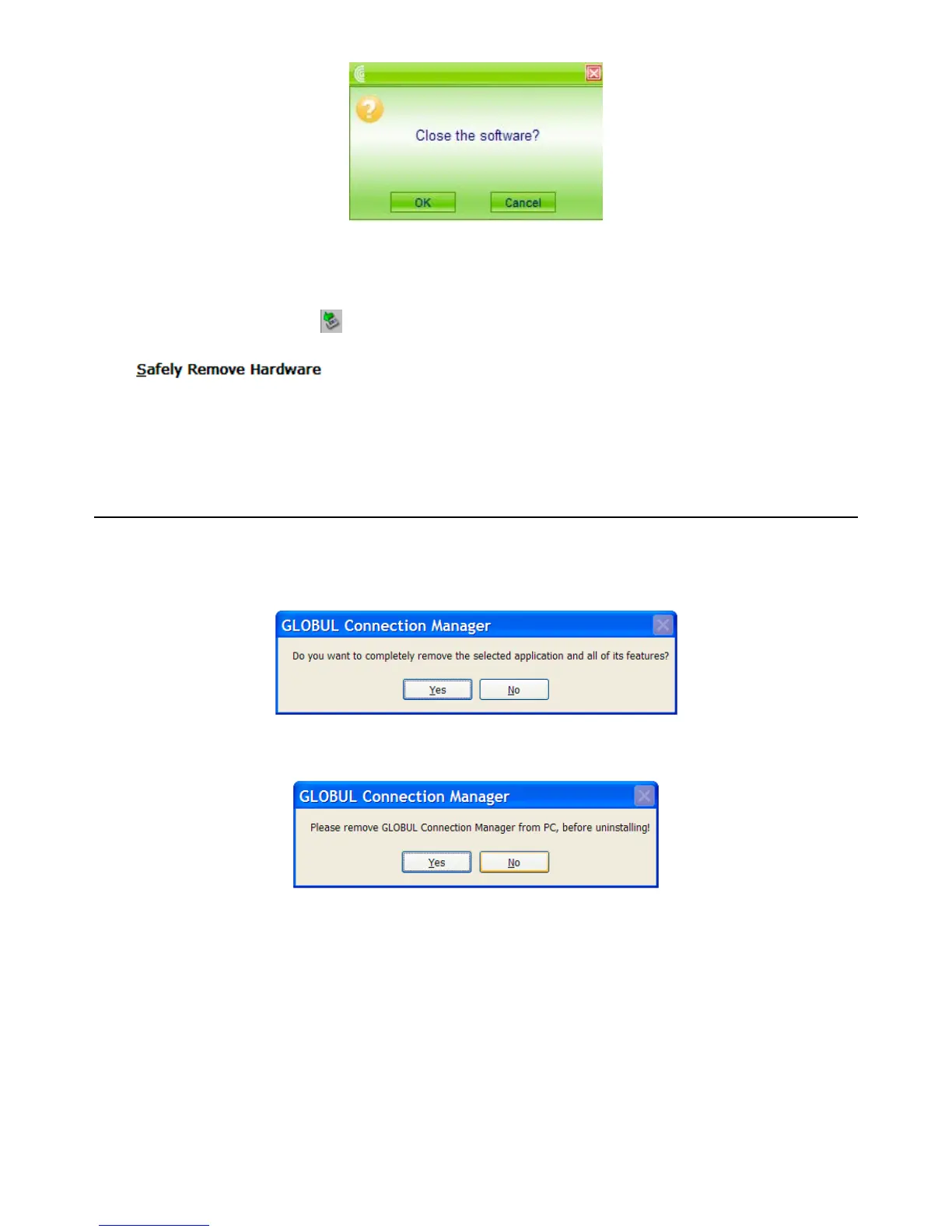
Close the application program before the software uninstalls.
Click “Start -> Programs -> GLOBUL Connection Manager -> Uninstall” menu on the
laptop or desktop PC.
Click “Yes” to confirm uninstall of the software.
Click “Yes” according to the indication, then the system begins to uninstall programs,



 To Next Page