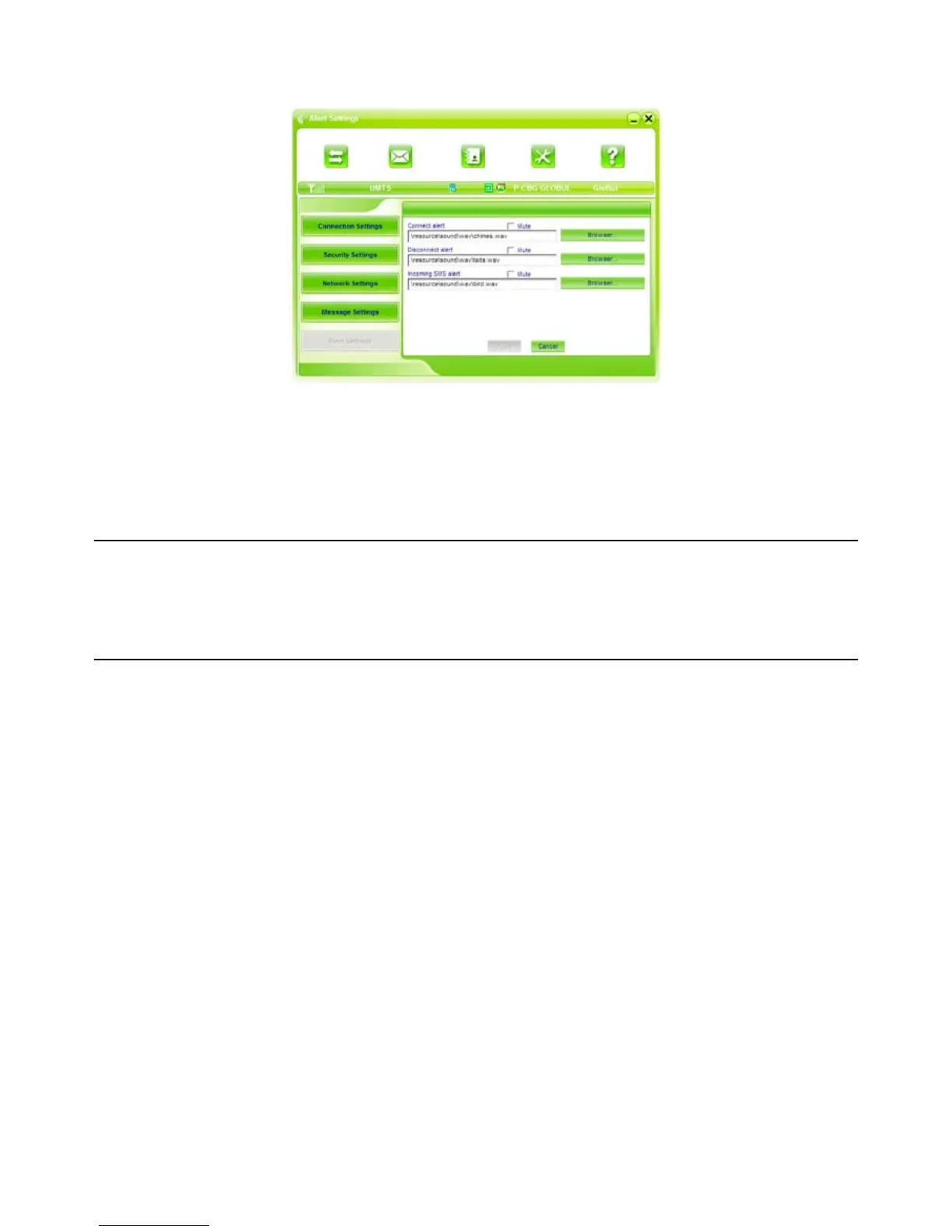
3.5.5 Alert settings
You can set “Connection alert, Disconnect alert and Incoming SMS alert” by yourself. These alerts
will sound on the PC side. The audio file supports MP3, WAV, WMA and MIDI format. If you select
“Mute”, you cannot hear corresponding alert.
3.6 MicroSD card
When you use microSD card in the modem, the system will display the MicroSD card as a removable
disk. You can use it freely. It is convenient for you to check the contents in your MicroSD card.
3.7 Help
Click “Help” icon, and switch to the help interface. Under the help topic, you can get the USB
Modem information about function introductions, installation and usage guide, etc.



 To Next Page