2 Installation
2.1 Software Installation
The system will automatically detect and recognize the new hardware and display the new icon
in the desktop status bar, indicating that the computer and the USB Modem have been connected
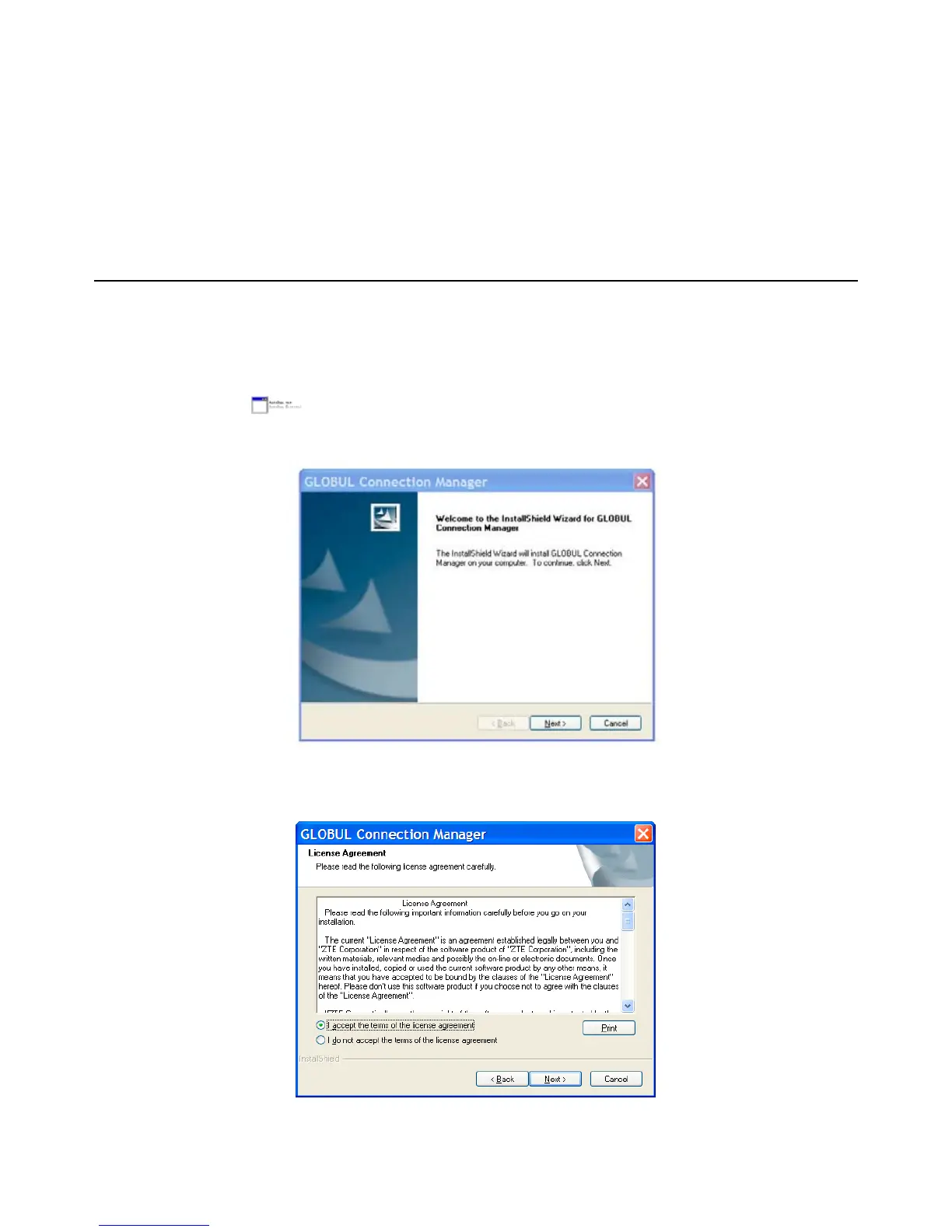
properly. After a few seconds, there will show the following installation interface if the laptop and
desktop PC supports automatic installation.
If the laptop and desktop PC doesn’t support automatic installation, start the installation program by
run the AutoRun.exe
from the CD-ROM drive. The following installation interface will show
how to start installation.
Strongly recommend you to exit other programs, and click “Next”..
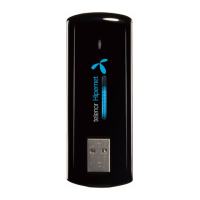
Read the agreement carefully. If you agree, choose “I accept the terms of the license agreement”,
and then click “Next”.



 To Next Page