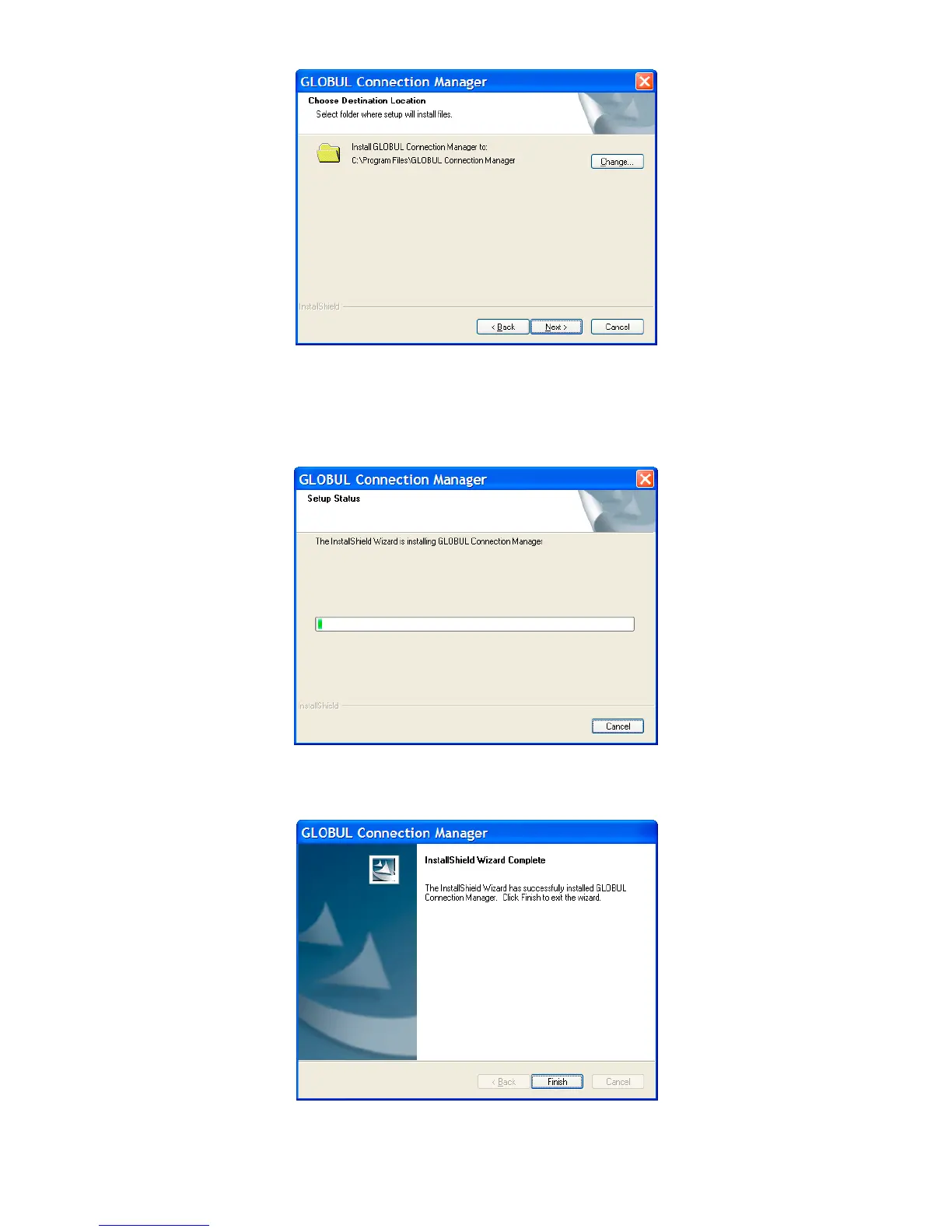
Select the folder that you want to install the software, and you can select a different location by
pressing “Change”, then click “Next”.
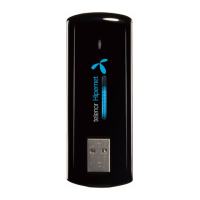
The modem software “GLOBUL Connection Manager” begins to install.
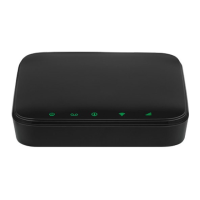
The system show the installation progress, wait a minute and the following screen will show up:
Click “Finish” to complete the installation.



 To Next Page