Note: If you have problems with installation after the upper operation, please contact the shop or
ZTE.
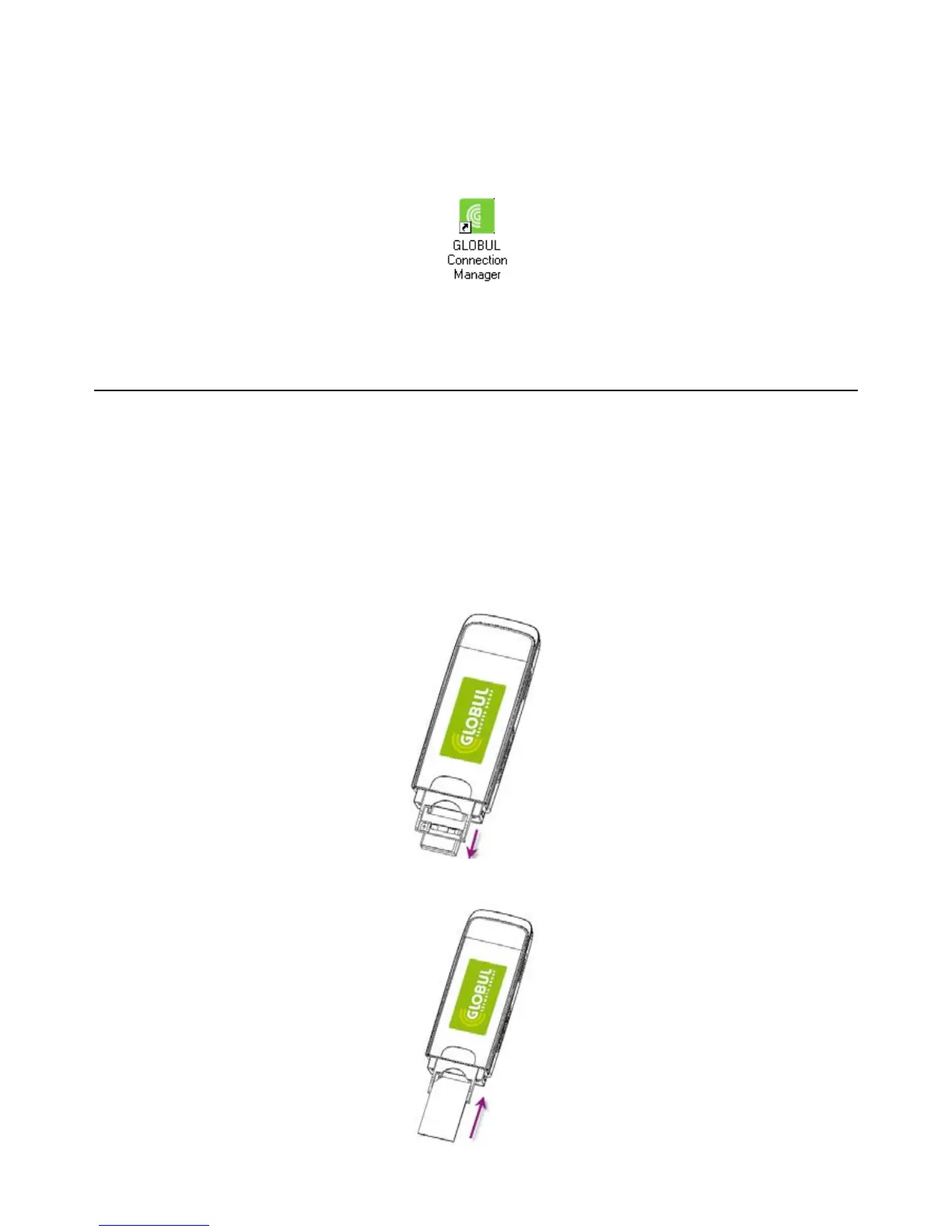
After the installation, select the “Start -> Programs” and there will be a “GLOBUL
Connection Manager” program group, which includes “GLOBUL Connection Manager” and
“Uninstall”. There will be a Shortcut icon like below on the desktop.
2.2 Hardware Installation
1. Insert the SIM card into the USB Modem:
First, you should insert your SIM card into the USB Modem, and confirm that your SIM card support
data service, GPRS, UMTS or HSDPA etc. If you have questions on this, please consult your service
supplier.
To install SIM card,
• First take down the modem cap, then the USB connector is visible.
• Pull the plastic socket above the USB connector out.
Note: Do not pull the socket rudely for the socket is fixed with the modem. Otherwise the socket will
get damaged.
• Then insert the SIM card into the socket, here make sure that metal contact area facing to the
modem.



 To Next Page