The configuration information includes: Config Filename, Dial Number, User name, Password, APN,
DNS, and PDP address. If network supports “Obtain server address automatically”, the modem can
obtain the assigned IP information automatically. If network does not support it, you should input the
proper address manually. Please consult the network supplier of SIM card for all above information.
The configuration information may be various according to the different network suppliers and
network types.
3.5.2 Security Settings
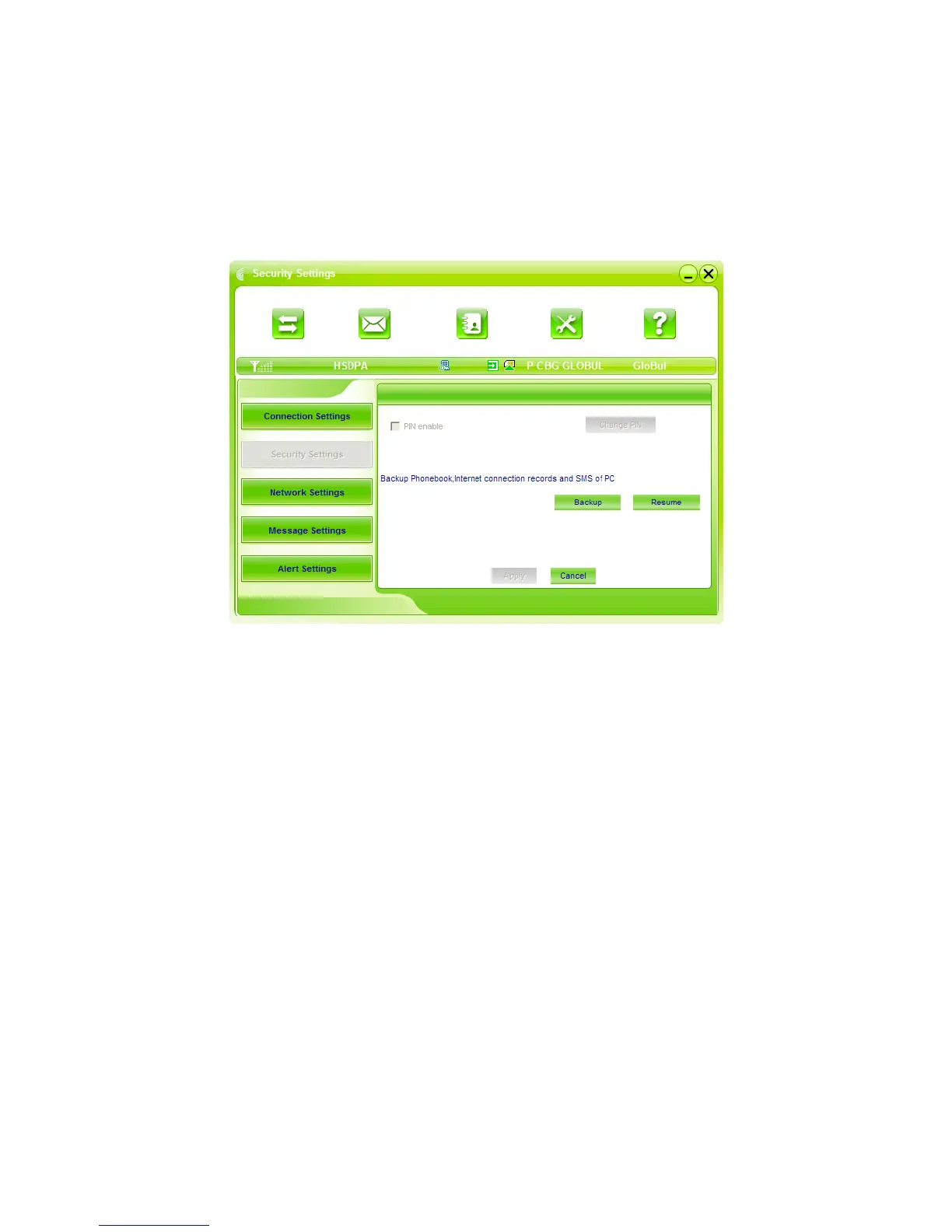
1. Enable the PIN Code:
When “PIN enable” item is selected, please enter PIN code to use the modem and you can click
“Revise PIN” to modify the number.
2. Backup Phonebook and SMS:
If the item is selected, it means that the Phonebook and SMS will backup manually in the computer
side. If you operate the data by mistake, you can click the “Resume” to restore to the previous
data.



 To Next Page