3.5.3 Network Settings
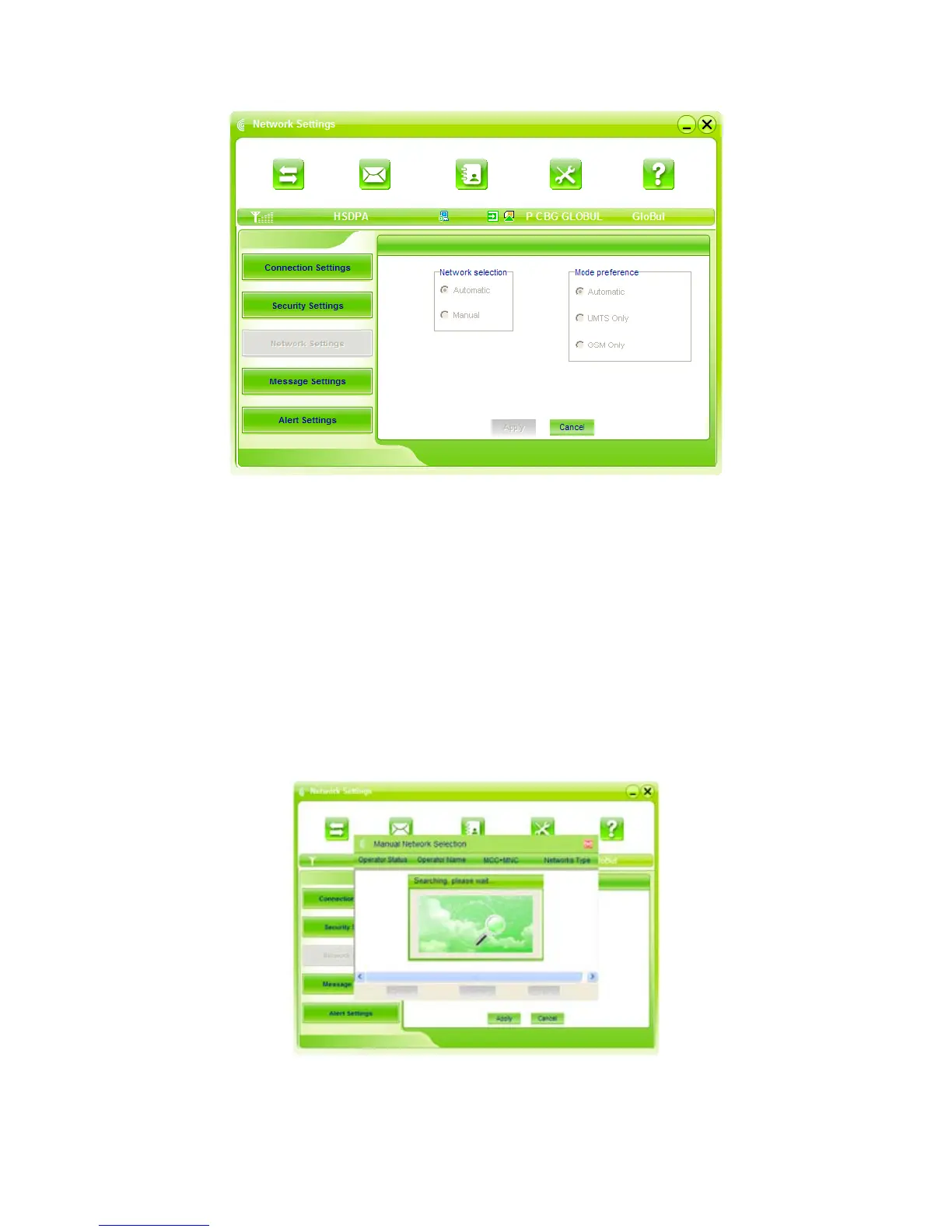
1. Select Network:
Automatic: The system selects the network automatically by the user’s selected rules and the
network status.
Manual: The network is selected by users themselves.
2. Network Mode Select
Automatic: The system selects the available network automatically.
UMTS Only: The system will only select the UMTS network.
GSM Only: The system will only select the GSM network.
3. Manual Select
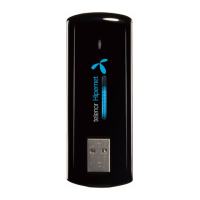
When the “Manual” is selected, click the “Apply” button, pop-up the following window:
Wait a minute, the supplier list will show in the windows and which with the blue and green icons
can be selected. Select a proper network to connect.



 To Next Page