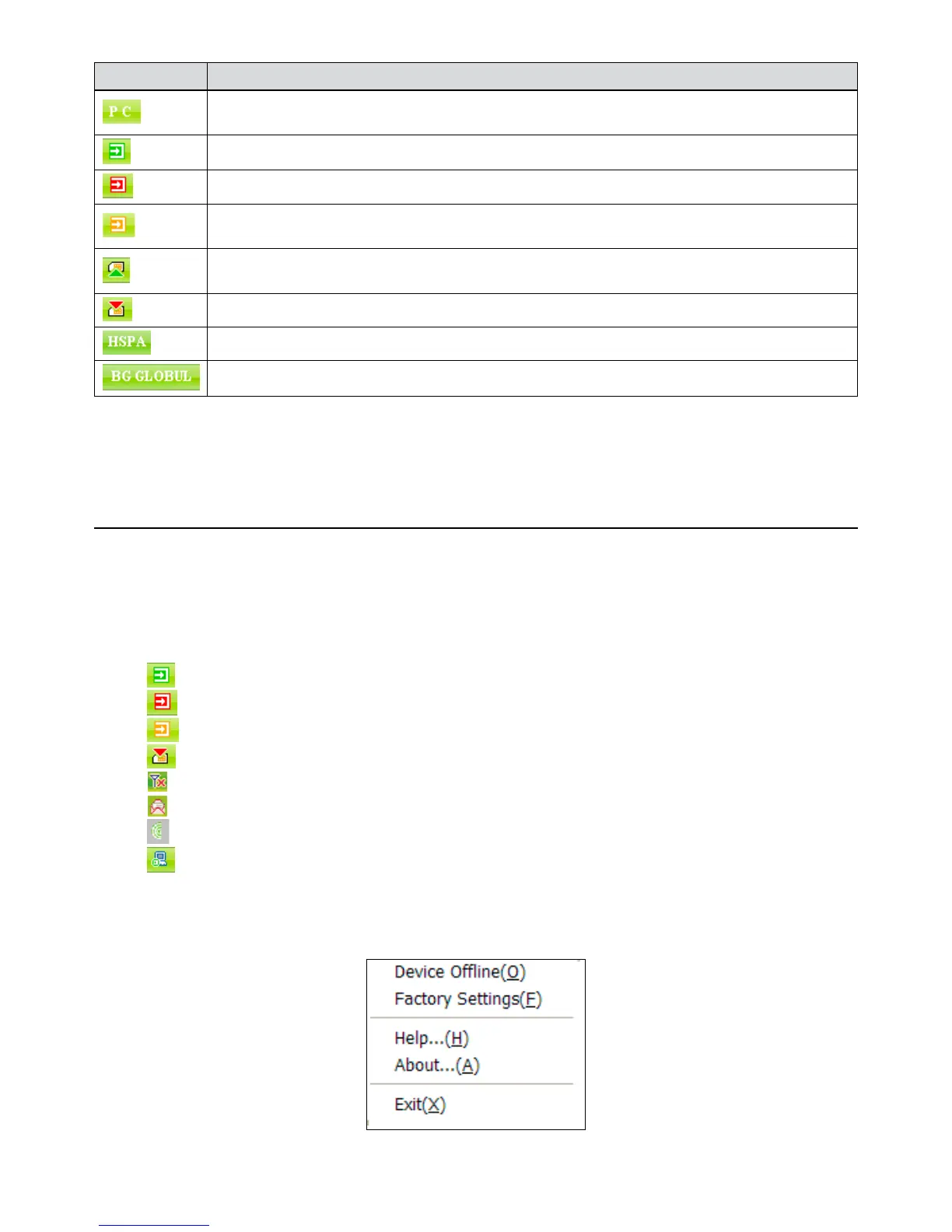
Icon Explanations
The letter “ P” means it supports packet-switch “P“ service, while letter “C” means it supports circuit
switch “C“ service. “P” is necessary for Internet connection.
The icon indicates insert status of the modem. Green means it has been inserted into the computer.
The icon indicates insert status of the modem. Red means it has not been inserted into the computer.
The icon indicates insert status of the modem. Yellow means it has been inserted into the computer
but in offline status.
The icon indicates insert status of the SIM card to the modem. Green means the card has been
inserted.
The icon indicates insert status of the SIM card to the modem. Red means it has not been inserted.
The icon indicates the current network type, i.e. GPRS or HSDPA service.
The icon indicates the current network type, i.e. GPRS or HSDPA service.
3. User Area:
Show the man-computer interaction information under various conditions.
3.1.2 Description of Mini Icons
When click the mini button, the software will minimize as an icon on the system taskbar. If
connected to the Internet, the minimized software won’t influence the download of data or receiving
SMS. When the application window is minimized, the system icons will display on the taskbar.
Double click the icon to resize the display.
1. 1. Taskbar Icons Description:
The USB Modem has been inserted into the computer.
The USB Modem is not inserted into the computer.
The USB Modem is offline.
SIM card is not inserted.
No network signal.
There is a new message.
The USB Modem is ready to connect to Internet.
The Internet is already connected.
2. The uses of Tray Icons:
Right Click the tray icons, the following menu will appear:



 To Next Page