2N® Indoor View User Manual
•
•
•
3.2.2. Directory
Here is what you can find in this section:
3.2.2.1 Devices
3.2.2.2 Time Profiles
3.2.2.3 Svátky
3.2.2.1 Devices
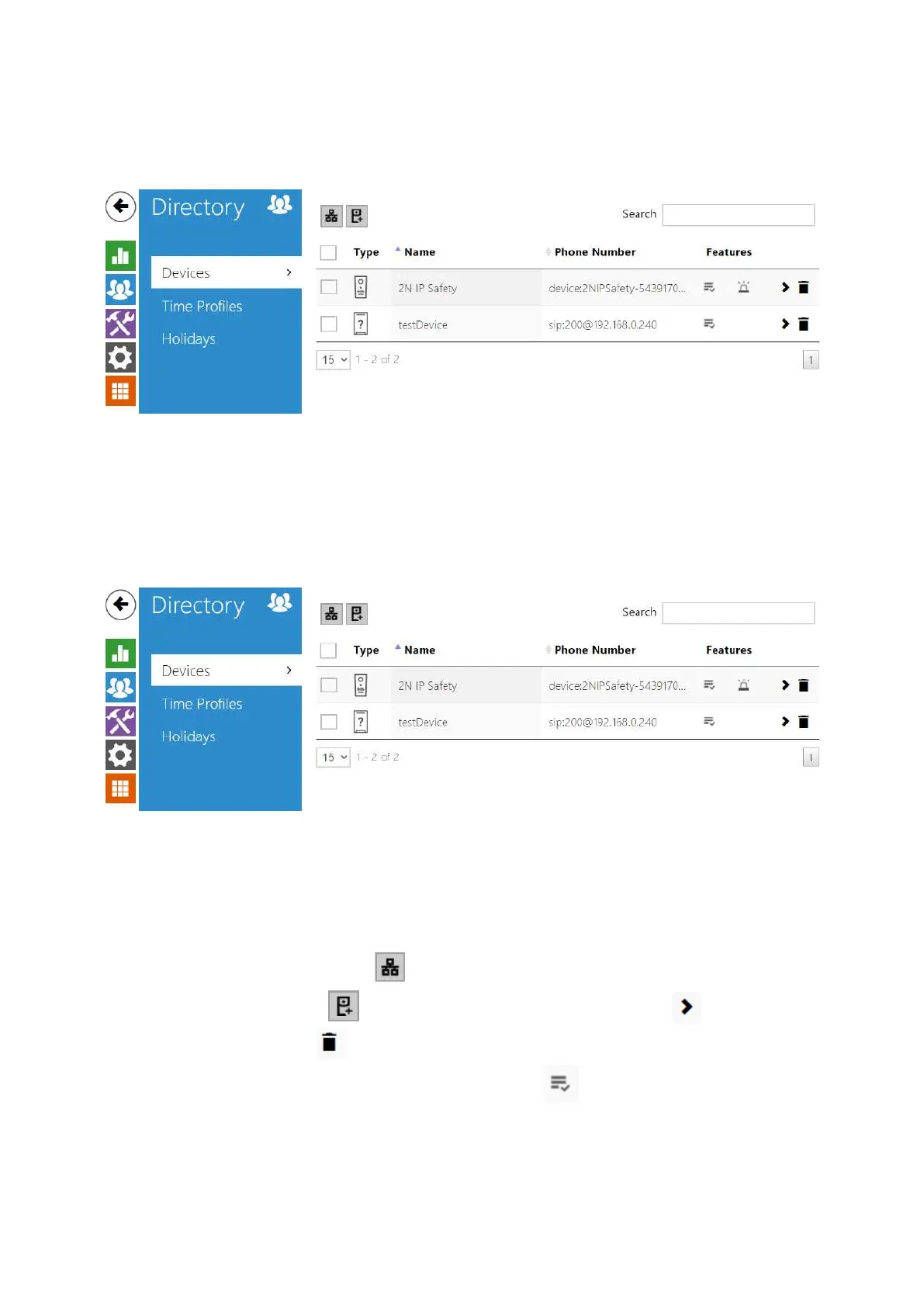
Directory is one of the crucial parts of the device configuration. It helps add new devices (2N IP
intercoms and other answering units) and provides essential information on them.Up to 200
devices can be added to the directory.
The Search function works as a fulltext search in names and phone numbers.It searches for all
matches in the whole directory. The icon helps find registered devices and add them to the
Directory list if necessary.The icon helps create a new device and the icon displays
the user settings details. The icon helps remove a device from the list deleting all its data.
You can arrange the list according to the name or feature ( indicates that the device may be



 To Next Page