Configuration manual for 2N IP intercoms
•
•
•
•
•
•
•
•
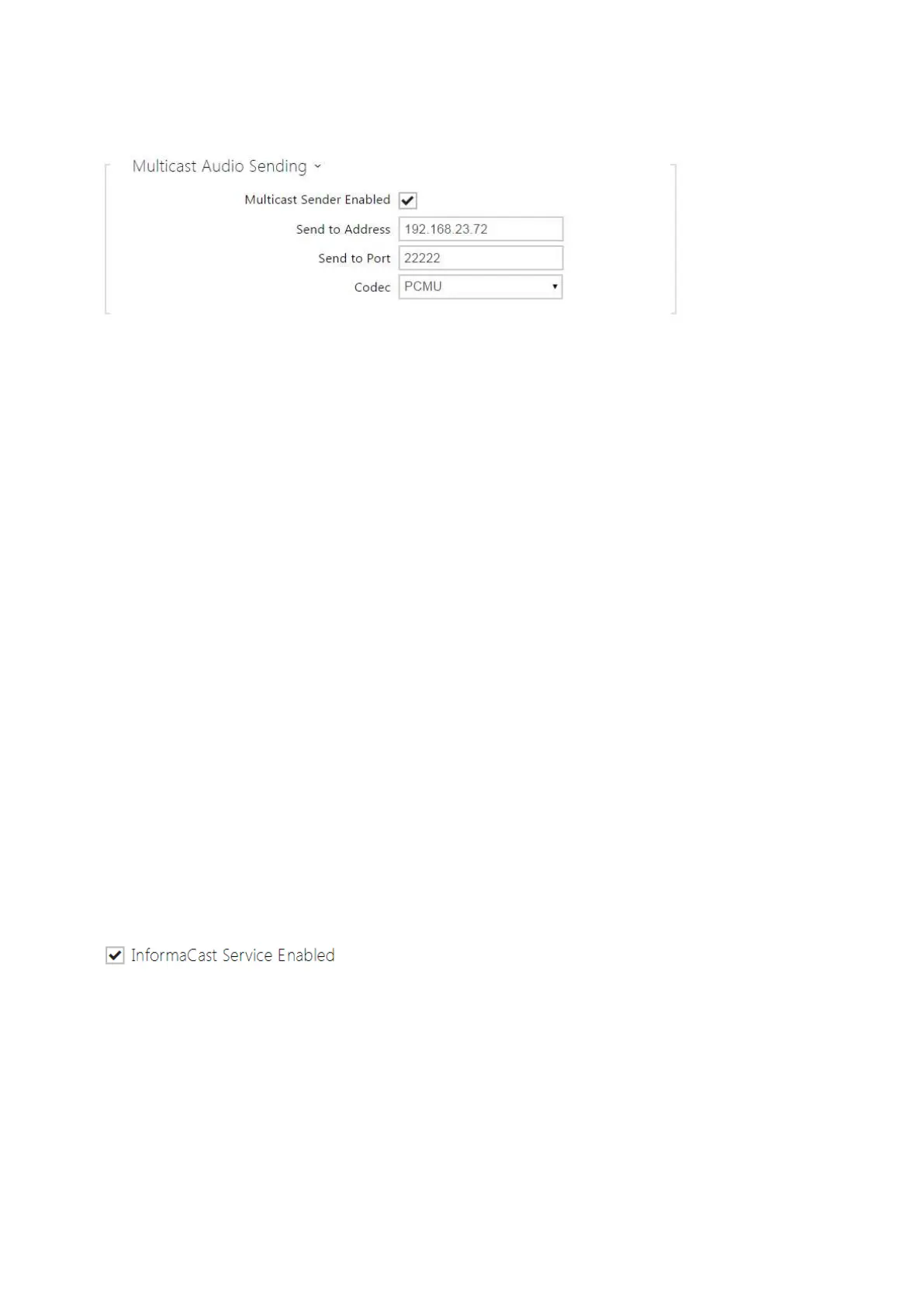
Multicast Sender Enabled– enable RTP packet sending to the selected multicast address
and port.
Send to Address– set the destination multicast IP address for the audio stream.
Send to Port– set the destination port for the audio stream.
Codec–set the audio codec for RTP packet decoding: PCMU, PCMA, G.722, L.16. The G.722
and L16 broadband codecs are available in selected intercom models only.
InformaCast
The2N IPintercoms support the audio streaming Informacast protocol, which helps you set up
an audio stream (unicast/multicast RTP/UDP encoded with G.711 U-law) between the intercom
and an Informacast server or any other Informacast client.
When you enable this service, the Informacast servers are found automatically in the LAN via the
SLP and the intercom gets registered with them automatically. The Informacast server with
which the intercom is registered can send the audio stream setting up commands to the
intercom.
Broadcast–the intercom receives audio from the Informacast server and plays it via an
integrated speaker.
Capture– the intercom records audio via an internal microphone and sends it to the
Informacast server.
Listen– the intercom receives audio from another Informacast client.
The intercom supports registration with up to 4 Informacast servers at the same time and setup
of up to 6 parallel audio streams.
InformaCast Service Enabled- enable the Informacast service on your intercom side.



 To Next Page