Configuration manual for 2N IP intercoms
•
•
•
•
•
•
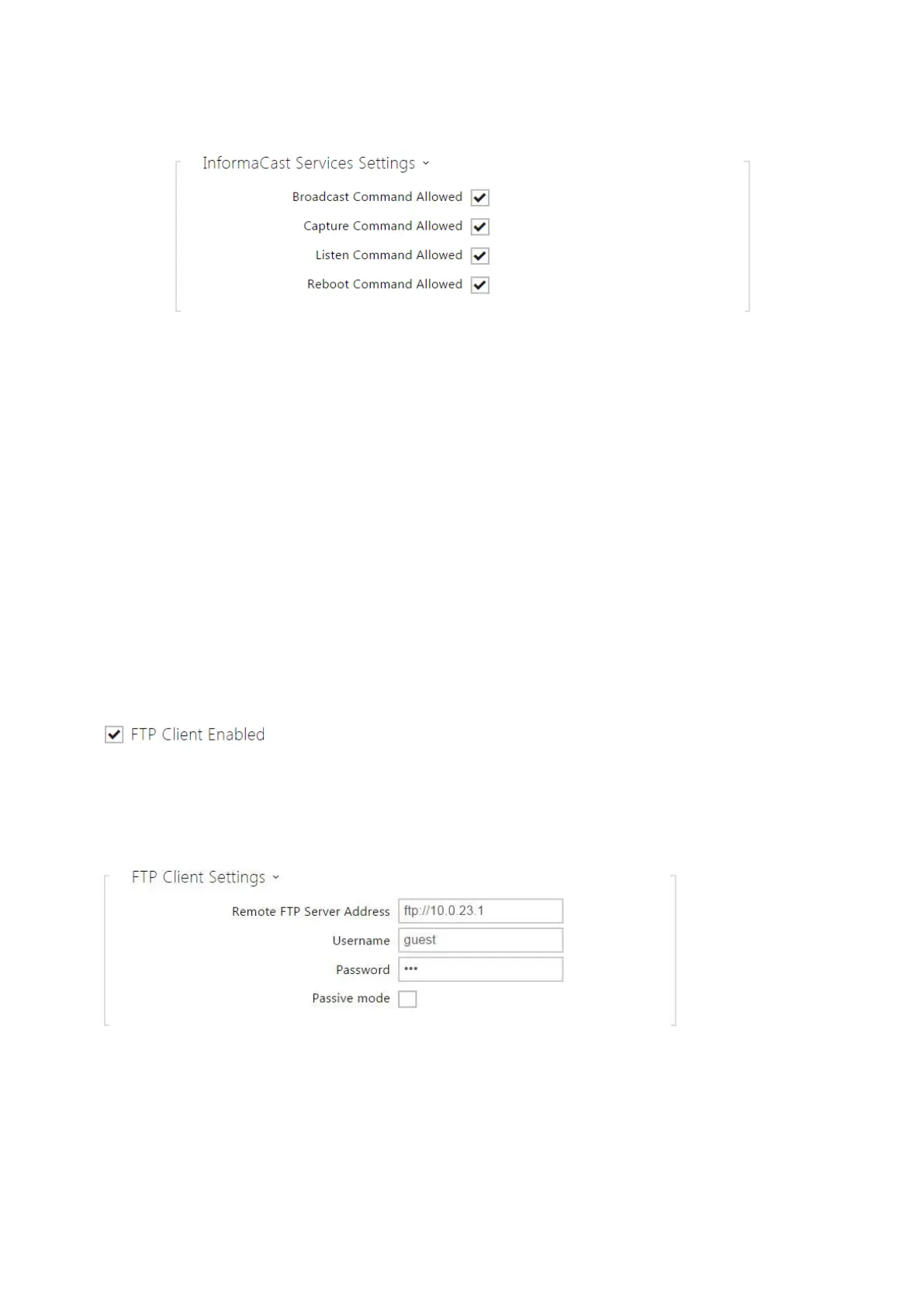
Broadcast Command Allowed–enable the Broadcast command to set up an audio
stream sent from the Informacast server to the intercom.
Capture Command Allowed– enable the Capture command to set up an audio stream
sent from the intercom to the Informacast server.
Listen Command Allowed– enable the Listen command to set up an audio stream sent
from another Informacast client to the intercom.
Reboot Command Allowed– enable the Reboot command to allow the Informacast
server to restart the intercom.
FTP
Here define access to the FTP(S) server where images from internal/external cameras can be
stored in the JPEG format and selected resolution. The image filename includes the image
taking date and time.Images are stored on the FTP server either automatically (periodically or
at the call start) or via automation usingAction.UploadSnapshotToFTP.
FTP Client Enabled-enable camera image saving to the FTP server.
Remote FTP Server Address– set the FTP server address in the ftp://ip_address orftps://
ip_address format.



 To Next Page