Configuration manual for 2N IP intercoms
•
•
•
•
•
•
<p>Hello <b>$User$</b>
</p>
<p>You had a call on: <b>$DateTime$</b>
<br>The number dialed was: <b>$DialNumber$</b>
</p>
<p>This e-mail message is generated automatically by device: <b>$DeviceName$</b>. Do
not reply to this message.
</p>
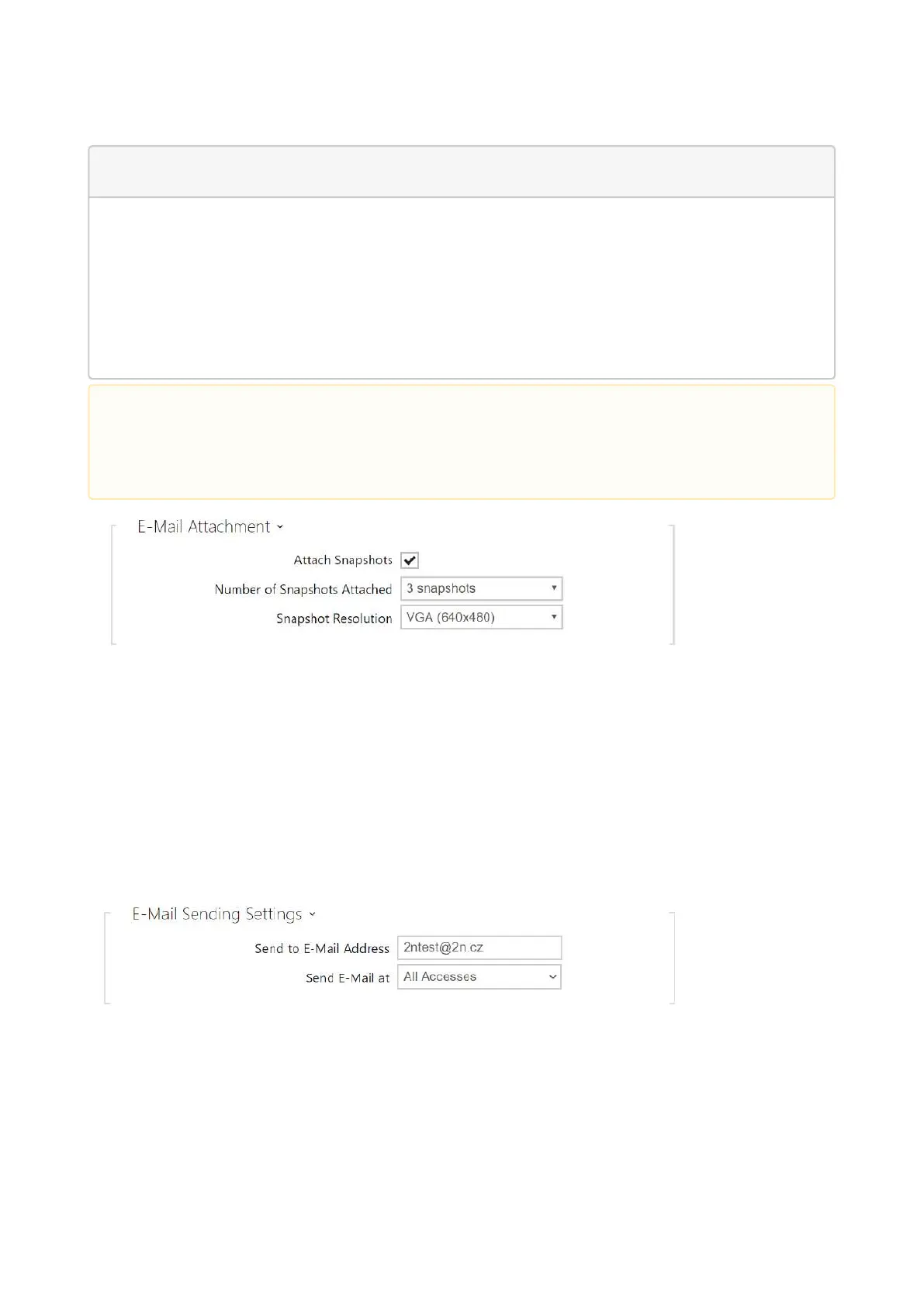
Attach Snapshots– enable sending of an attachment including one or more camera
snapshots taken during ringing or calling.
Number of Snapshots Attached– set the count of snapshots to be attached to the e-mail
message.
Snapshot Resolution– set the snapshot resolution for the images to be sent.
E-Mail on Access
Set that an e-mail shall be sent whenever an RFID card is tapped on the card reader and/or
Bluetooth/fingerprint reader identification is made.
Send to E-mail Address –administrator e-mail address.
Send E-Mail at– set e-mail sending. The following options are available:
Do Not Send E-Mail–no e-mail message will be sent.
•
Caution
If the call is made to multiple users, the placeholder symbol for the name of the
called user $User$ is empty.



 To Next Page